Digital business cards with contact tracking are online professional cards that let you share contact details via QR code, NFC, link, or wallet card while tracking views, clicks, saves, and follow-up signals. They are best for sales teams, founders, recruiters, consultants, event teams, and anyone who wants a smarter way to share contact details and manage leads after networking.
The main benefits of digital business cards are faster contact sharing, real-time engagement data, easier contact management, lower printing costs, and better follow-up timing. The best apps usually include QR sharing, NFC business card support, CRM integrations, team card management, analytics, and privacy controls.
- Best for: sales teams, event networking, recruiters, consultants, agencies, and customer-facing teams.
- Main benefits: share contact info instantly, track engagement, update your card anytime, and connect data to a contact management system.
- Privacy note: tracking should be disclosed clearly. Good platforms track card activity, not the recipient’s private phone data.
- Best apps: Wave Connect, HiHello, Popl, Blinq, Mobilo, and V1CE.
- Quick recommendation: choose Wave for ease of use and teams, Popl for events, HiHello for multiple cards, Blinq for personal cards, Mobilo for NFC options, and V1CE for a physical NFC card experience.
A digital business card is an online version of a professional card that lets people open your contact profile via QR code, NFC tap, direct link, Apple Wallet, Google Wallet, or email signature link. Unlike traditional business cards, a digital card can be updated anytime and can include clickable links, social profiles, calendar links, videos, lead forms, and analytics.
A digital business card with contact tracking goes one step further. It records how people interact with your card. For example, it can show when someone viewed your profile, clicked your LinkedIn link, saved your contact, tapped your phone number, or reopened your card later.
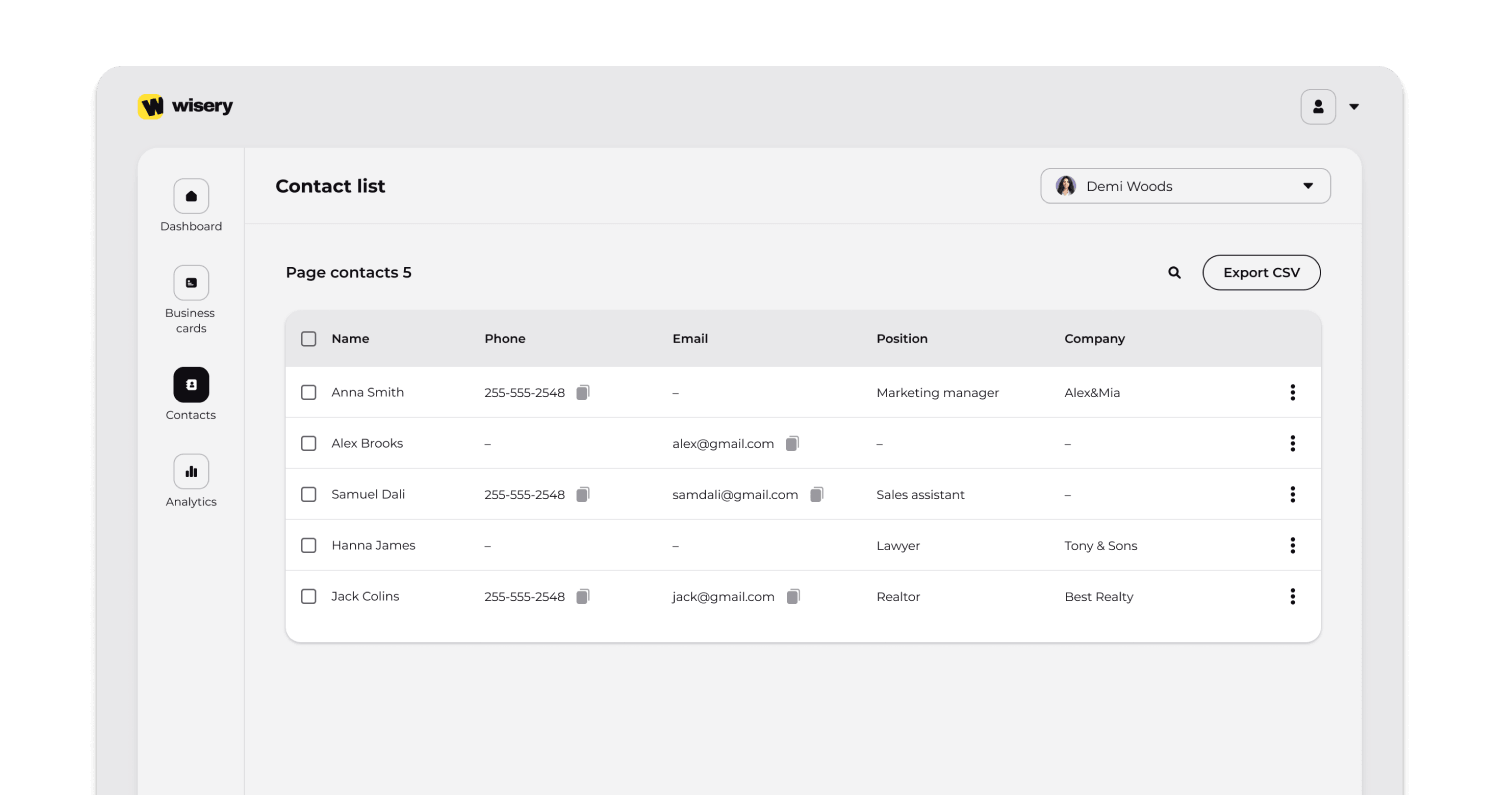
In simple terms, digital business card tracking works by connecting each card to an online profile page. When someone opens that page, the platform records basic engagement events in a dashboard.
Practical takeaway: a digital business card that works well is not just a replacement for paper. It is a contact sharing and contact management tool that helps you understand what happens after someone receives your details.
How Digital Business Cards Work
Digital business cards work through a profile page connected to your card, QR code, NFC chip, or link. When someone scans or taps the card, they are taken to your online profile.
Most platforms support several sharing methods:
- Share via QR: the recipient scans a QR code with their phone camera.
- Share your card via NFC: the recipient taps a physical NFC card with their phone.
- Share by link: you send your card in a message, email signature, LinkedIn bio, or website.
- Share through wallet: you add your digital card to Apple Wallet or Google Wallet.
- Share through a mobile app: some platforms include a mobile app for card creation, editing, and analytics.
In many cases, there is no app required for the recipient. They can open the card in a mobile browser, view your contact information, and save it to their phone.
Practical takeaway: the best digital sharing experience is simple. The recipient should be able to open, save, and use your contact info instantly without creating an account or downloading an app.
How Does Digital Business Card Contact Tracking Work?
Digital business card contact tracking works by recording interactions on your card’s profile page. When someone opens your card via QR, NFC, link, or wallet, the platform logs basic events in an analytics dashboard.
Common tracking data includes:
- card views;
- QR scans;
- NFC taps;
- link clicks;
- contact saves;
- repeat visits;
- form submissions;
- source of the interaction;
- approximate location;
- device type;
- timestamp.
Some tools also connect this data to a CRM or contact management system. For example, if someone fills out a form on your card, the platform may create a lead record in HubSpot, Salesforce, Zoho, or another CRM.
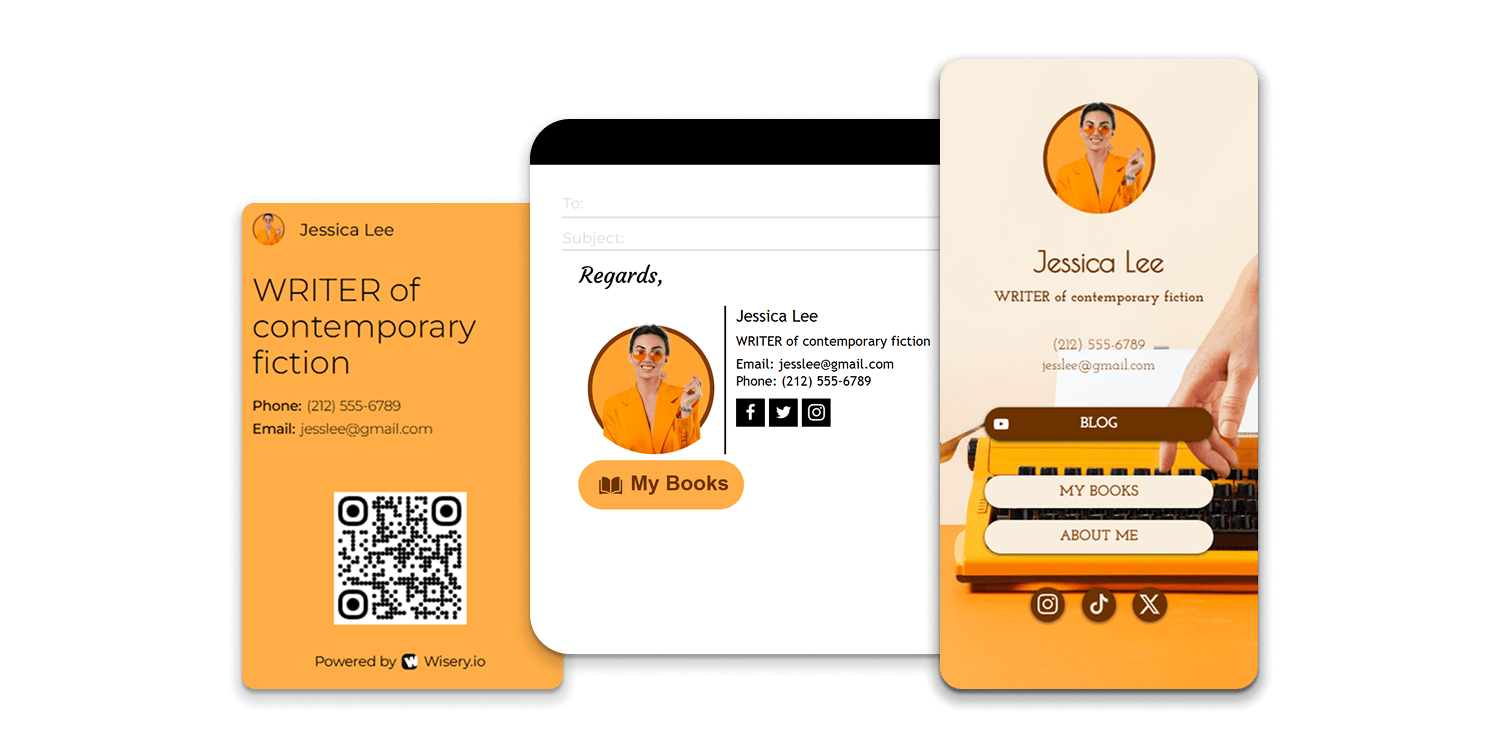
This makes using digital business cards more useful for sales and marketing teams. Instead of guessing who is interested, teams can see which contacts engaged with the card and follow up at the right time.
Digital business card tracking is most useful when it turns card sharing into clear next steps: who viewed, who clicked, who saved, and who should receive a follow-up.
Digital Business Card Tracking: Pros and Cons
Digital business card tracking is useful, but it should be used carefully. The value comes from better follow-up and contact management, while the risk comes from unclear privacy practices.
Pros | Cons |
Shows who interacted with your card | May feel intrusive if tracking is not disclosed |
Helps prioritize warm leads | Some analytics may be limited without form submission |
Improves event follow-up speed | Data quality depends on platform setup |
Reduces reliance on physical business cards | Some users still prefer a physical card |
Supports CRM and contact management workflows | Team setup may require onboarding |
Makes networking measurable | Advanced features often require a business plan |
The best platforms balance analytics with transparency. They explain what is tracked, avoid unnecessary data collection, and make it easy to delete or manage contact data.
Tracking should feel like better service, not surveillance. Tell people what your card tracks and choose tools with clear privacy settings.
Benefits of Digital Business Cards with Contact Tracking
The main benefits of digital business cards are speed, flexibility, analytics, and better contact management. This is especially important for teams that meet many prospects at conferences, sales meetings, real estate events, career fairs, or networking sessions.
1. You can share contact info instantly
A digital card makes it easy to instantly share your contact details through a QR code, NFC tap, link, or wallet card. This removes friction from the contact sharing process.
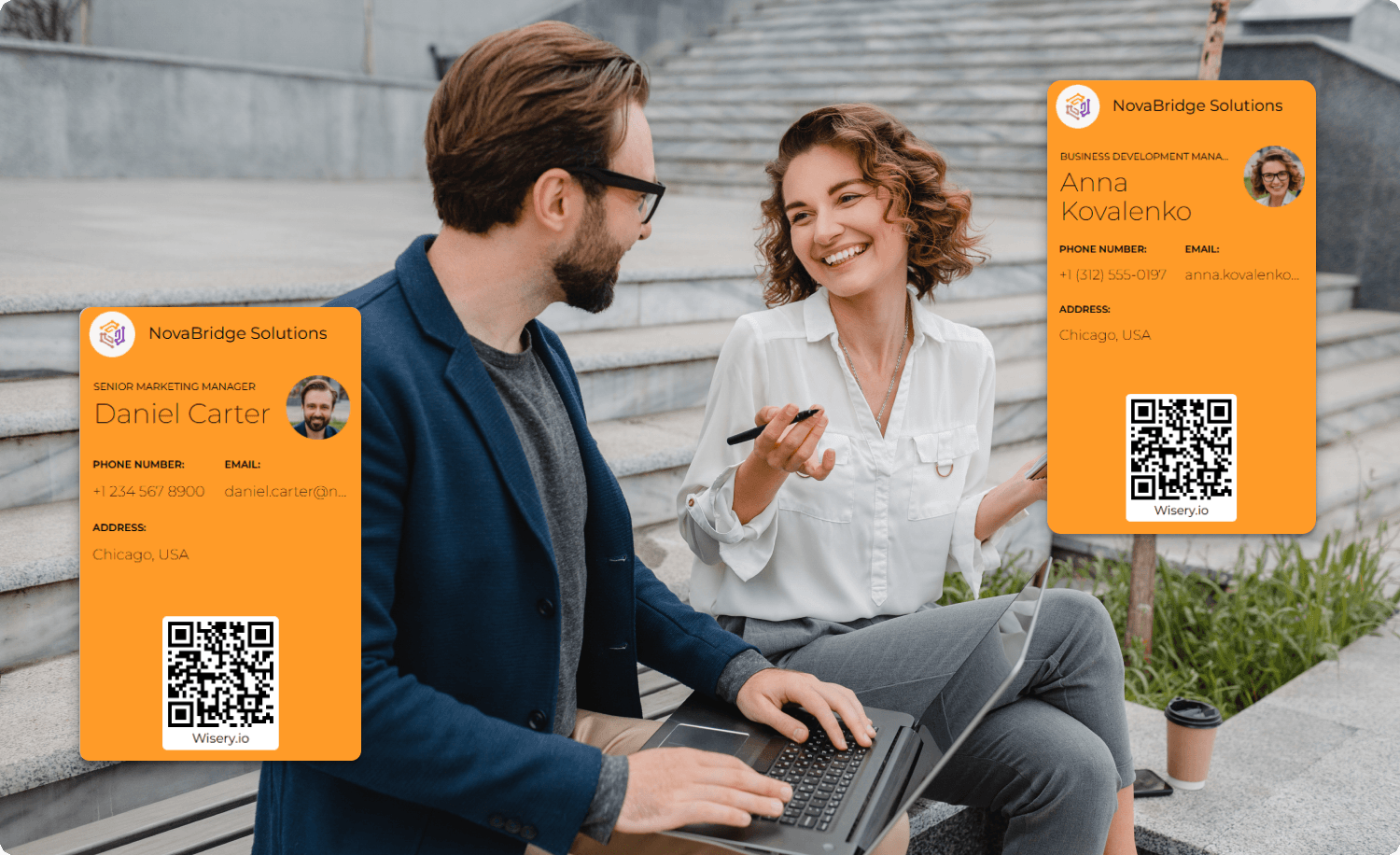
Instead of handing out physical business cards and hoping people save them, you can let them open your profile on their phone and save your contact in seconds.
If your goal is a faster way to share contact details, a digital card is more practical than paper.
2. You can update your card anytime
With physical cards, any change in job title, phone number, website, or brand design means reprinting. With digital cards, you can update your card in the dashboard, and the latest version stays available through the same QR code or NFC card.
This is useful for teams because one admin can manage your card, update templates, and keep hundreds of digital business cards consistent.
Card management is one of the biggest advantages for growing teams.
3. You can track engagement
Traditional business cards do not show whether someone looked you up, saved your details, or clicked your website. Digital business cards with tracking show views, saves, clicks, and repeat visits.
This helps sales teams understand which connections are warm and which ones need more nurturing.
Analytics turn business card sharing into measurable networking.
4. You can connect card data to your CRM
Many digital business card apps connect to HubSpot, Salesforce, Zoho, Pipedrive, or other digital tools. This makes it easier to move new contacts into a contact management system without manual entry.
For sales teams, this can improve lead routing, follow-up speed, and reporting after events.
CRM integration is essential if your card is part of a larger sales process.
5. You can reduce printing waste and costs
Physical business cards can be lost, outdated, or thrown away. Digital cards reduce the need to reprint cards and make updates easier.
Some teams still use a physical NFC card, but the information behind it stays digital and editable.
The strongest setup is often hybrid: one physical NFC card connected to a digital business card that works across events, emails, and online channels.
Best Digital Business Card Apps Compared
Below is a practical comparison of 6 best digital business card apps with contact tracking. The goal is not to rank every tool in the digital business card market, but to compare strong options for professionals and teams that need card sharing, analytics, and contact management.
App | Best for | Tracking depth | CRM integrations | Team features | Pricing model | Weakness |
Wave Connect | Teams that need ease of use and fast rollout | Views, clicks, saves, repeat visits | Salesforce, HubSpot, and other workflows depending on plan | Bulk card creation, admin controls, brand templates | Free and paid team plans | May be less advanced for large event lead capture than Popl |
HiHello | Professionals who need multiple cards and polished profiles | Card views, shares, connections, engagement | CRM and productivity integrations depending on plan | Corporate directory, team templates, multiple cards | Free and paid plans | Interface can feel feature-heavy for simple use cases |
Popl | Events, trade shows, and high-volume lead capture | Strong event and lead tracking | Salesforce, HubSpot, Zoho, and more | Event tools, team management, lead capture | Demo/custom pricing for teams | May be more than needed for simple personal cards |
Blinq | Consultants, individuals, and teams with clean design needs | Views, clicks, contact saves | Salesforce, HubSpot, Dynamics, Pipedrive, Zoho, Zapier | Team branding and admin controls | Free and paid plans | Some team features require paid plans |
Mobilo | NFC business card users and teams wanting physical card options | Scans, taps, clicks, saves, team analytics | Zapier and CRM workflows | NFC cards, badges, team dashboard | Free/personal and team plans plus card costs | Dashboard can feel more complex for new users |
V1CE | Premium physical NFC card experience | Depends on plan and setup | CRM options vary | Custom physical NFC cards and team options | Hardware + digital platform pricing | Strong physical card focus may not suit fully digital teams |
Verdict:
Choose Wave Connect if ease of use, team setup, and bulk card creation matter most. Choose Popl for event-heavy sales teams. Choose HiHello if you need multiple cards for different roles. Choose Blinq for a clean professional card and strong personal branding. Choose Mobilo if NFC hardware and card sharing options matter. Choose V1CE if you want a premium physical NFC card connected to a digital profile.
Methodology: How We Chose These Apps
This comparison focuses on digital business card apps that support more than basic card creation. Each platform was evaluated based on practical business use cases, not only design.
The key criteria were:
- Contact tracking: whether the app tracks views, clicks, saves, scans, taps, and repeat engagement.
- Ease of use: how simple it is to create your card, share your digital profile, and manage updates.
- Sharing options: support for QR codes, NFC cards, wallet cards, links, and mobile app access.
- Team features: admin controls, brand templates, bulk card creation, multiple cards, and card management.
- CRM and contact management: ability to connect data to HubSpot, Salesforce, Zoho, or other systems.
- Privacy and security: transparency, data controls, GDPR readiness, and security certifications where available.
- Best-fit use case: whether the app is better for individuals, teams, events, or physical NFC card users.
Practical takeaway: choosing a digital business card app should depend on how you share contacts, how your team follows up, and whether card data needs to flow into your CRM.
How to Choose the Right Digital Business Card Solutions for Teams
Choosing a digital business card app starts with one question: do you need a simple professional card, or do you need a full contact management workflow?
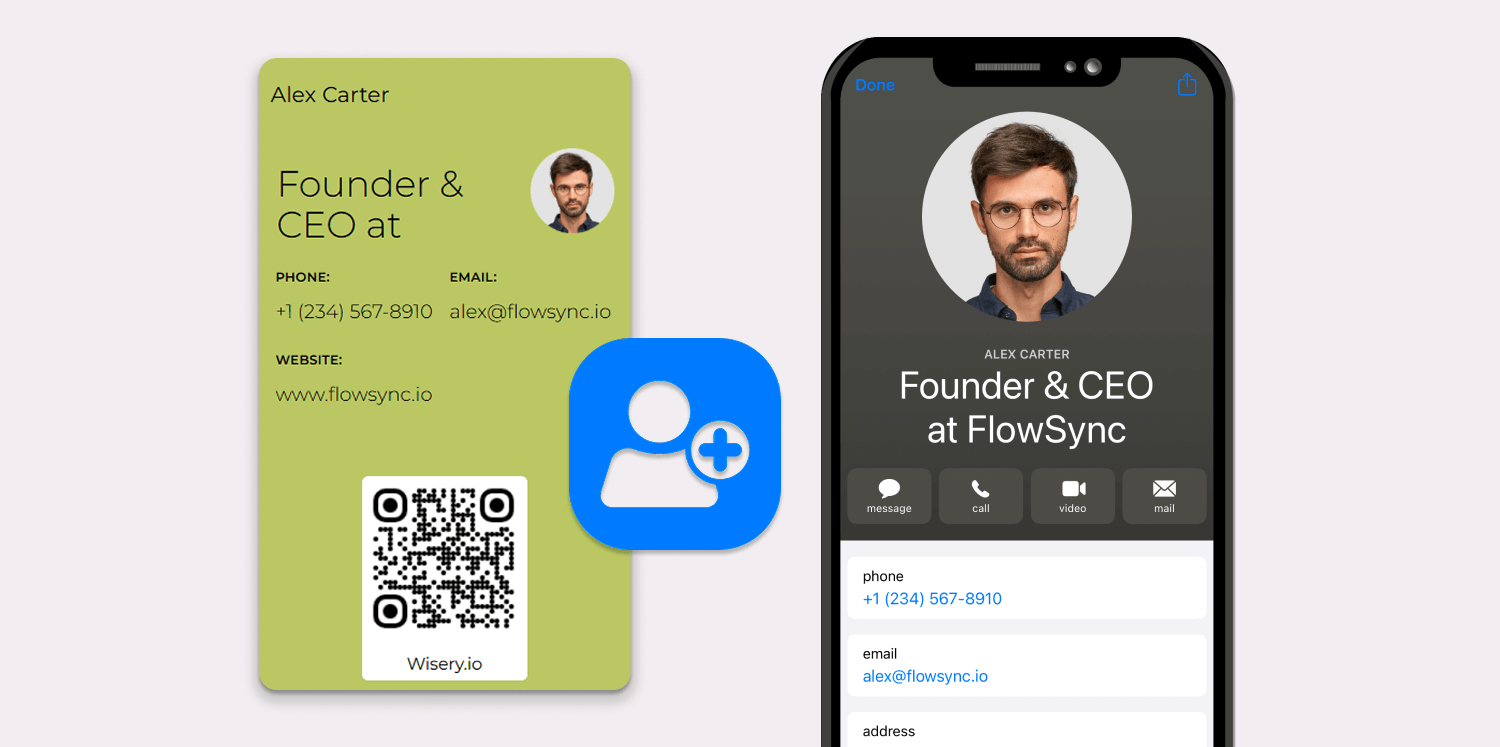
For individuals, the priority is usually design, ease of use, and simple sharing. For teams, the priority is consistency, analytics, integrations, admin control, and scalability.
Choose based on these criteria
Need | What to look for |
Simple personal card | Easy card creation, clean design, QR sharing, no app required for recipients |
Event networking | NFC business card support, lead capture forms, real-time notifications |
Sales follow-up | CRM integration, engagement scoring, contact management system sync |
Large teams | Bulk card creation, role-based access, brand templates, admin controls |
Multiple roles | Multiple cards for different brands, projects, or departments |
Privacy-sensitive industries | GDPR controls, DPA, security certifications, clear privacy notices |
Best-for use cases
- Best for sales teams: Popl, Wave Connect, Mobilo.
- Best for simple team rollout: Wave Connect.
- Best for multiple cards: HiHello or Blinq.
- Best for NFC card sharing: Mobilo or V1CE.
- Best for clean personal cards: Blinq or HiHello.
- Best for event lead capture: Popl.
The best digital business card is not always the one with the most features. It is the card that works for your real workflow, whether that means sharing my card at events, adding it to an email signature, or syncing leads into a CRM.
How to Create a Digital Business Card
To create a digital business card, choose a platform, build your profile, add your digital contact details, customize the design, and publish your card.
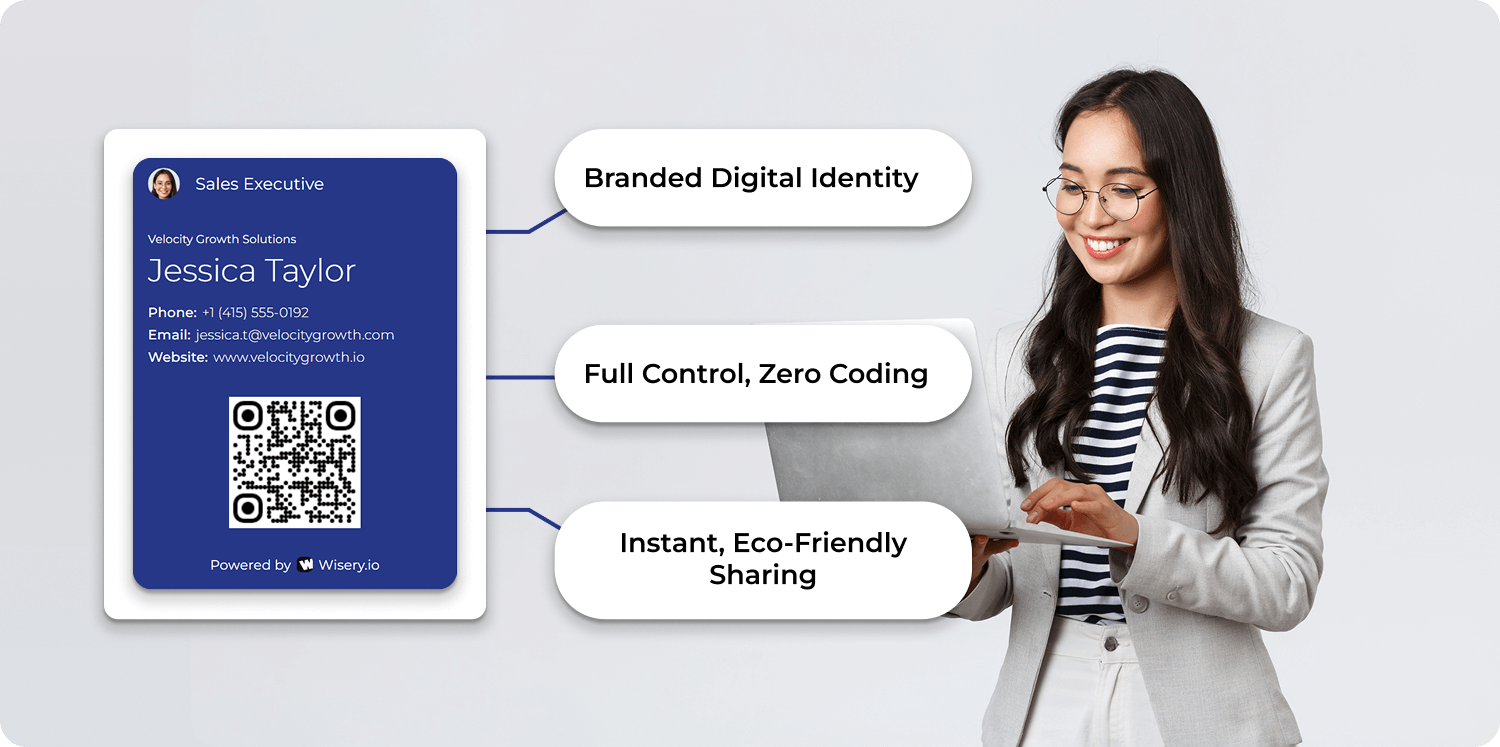
A basic card creation process usually looks like this:
- Choose a digital business card app.
- Create your card with your name, title, company, photo, and logo.
- Add your digital contact details, including phone, email, website, calendar link, and social profiles.
- Add your digital business card to Apple Wallet or Google Wallet if supported.
- Generate a QR code or connect a physical NFC card.
- Test the card on mobile.
- Share your digital card via QR, NFC, link, email signature, or social profile.
- Review analytics and update your card when needed.
For teams, card creation should also include brand rules, approved templates, role-based access, and a process for updating employee information.
Create a card once, but manage your card regularly. A professional card should stay accurate, branded, and easy to share.
How to Use Digital Business Cards for Sales and Networking
Using digital business cards effectively means connecting card sharing with follow-up. The card should not only display your details. It should help you move from first meeting to next conversation.
Here is a simple workflow:
- Before the event: create your card, check links, add a meeting CTA, and test QR/NFC sharing.
- During the event: share via QR or share your card via NFC when meeting people.
- After each scan: use tracking data to see who opened, clicked, saved, or revisited your card.
- After the event: send personalized follow-ups based on engagement level.
- In your CRM: connect new contacts to the right pipeline, campaign, or contact management system.
You can also use digital business cards as part of email signatures, LinkedIn profiles, webinar follow-ups, virtual backgrounds, and sales decks.
The strongest results come when digital business cards are part of a larger sales and contact management process, not just a nicer-looking card.
Integrating Digital Business Card Data into Your CRM
CRM integration turns digital card activity into actionable sales data. When a person shares their details through your card, the platform can send that information to your CRM as a new contact or lead.
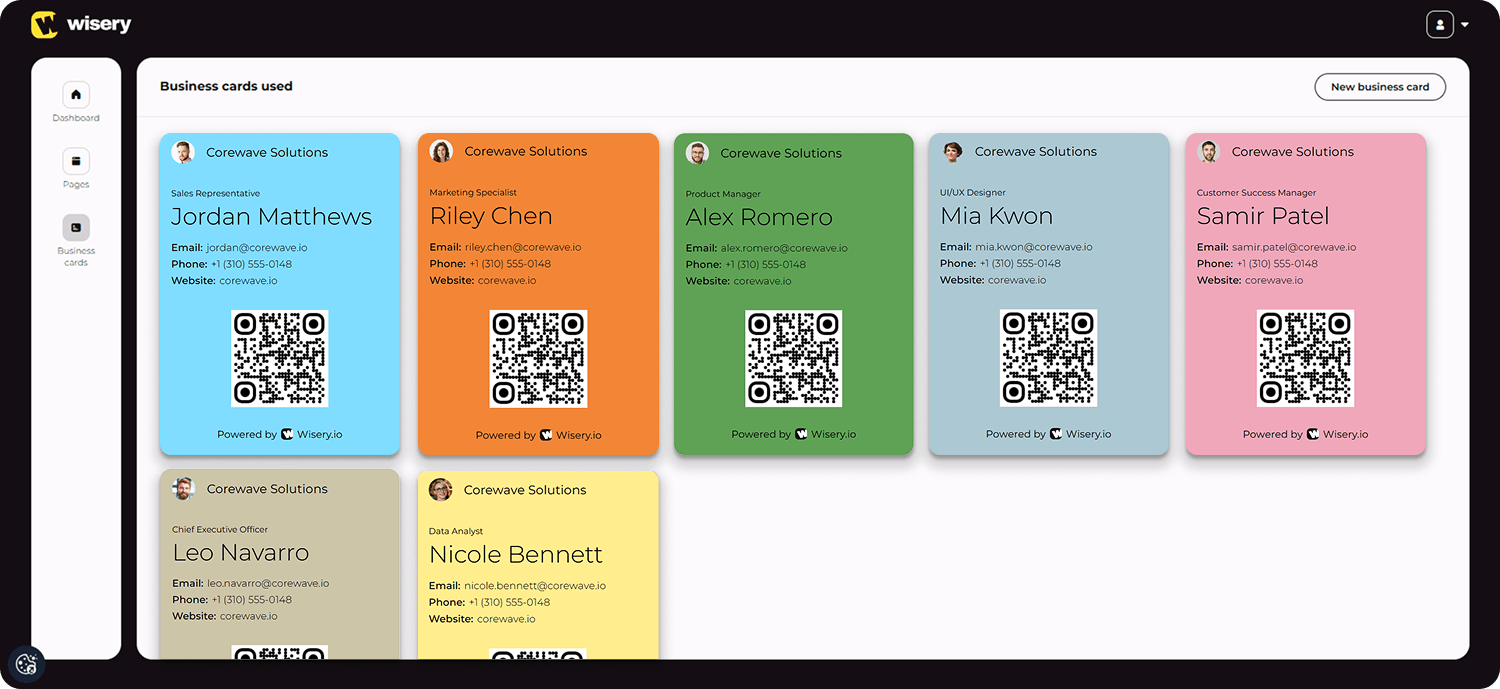
Useful fields to sync include:
- name;
- email;
- phone number;
- company;
- job title;
- event source;
- card owner;
- scan or tap date;
- clicked links;
- engagement score;
- consent status.
This allows your team to segment contacts based on real behavior. For example, someone who saved your contact and clicked a pricing page should receive a faster follow-up than someone who only viewed the card once.
Digital business cards work best when engagement data does not stay trapped in the card dashboard. Connect it to your CRM so your team can follow up faster and more accurately.
Privacy and Security: What to Know Before Using Contact Tracking
Digital business card tracking can be privacy-friendly when it is transparent and limited. A good platform should track activity on your card page, not access the recipient’s personal phone data.
The recipient usually does not need to install a mobile app or create an account. They open your profile through a browser, view your details, and decide whether to save your contact or share their information back.
Privacy risks appear when companies collect more data than needed, fail to explain tracking, or add contacts to marketing campaigns without consent.
Good privacy practices
- Add a short privacy note to your digital card.
- Explain that views, clicks, and saves may be tracked.
- Do not add contacts to newsletters without proper consent.
- Choose platforms with GDPR and CCPA support.
- Use a data processing agreement for team or business plan use.
- Make deletion requests easy to process.
- Avoid unnecessary tracking such as excessive location data.
Digital Business Cards vs Physical Business Cards
Digital business cards and physical business cards solve the same basic problem: they help people exchange contact information. But they work very differently.
Feature | Digital business card | Physical business card |
Updates | Can update anytime | Requires reprinting |
Sharing | QR, NFC, link, wallet, email | Hand-to-hand only |
Tracking | Can track views, clicks, saves | No tracking |
CRM connection | Possible with many tools | Manual entry required |
Cost over time | Subscription or platform cost | Printing and reprinting costs |
Team management | Centralized card management | Hard to standardize |
Recipient experience | Opens on phone | Must be saved manually |
Sustainability | Less paper waste | Uses paper and ink |
A physical card can still be useful in some settings. However, a physical NFC card connected to a digital profile is usually more flexible than a printed paper card.
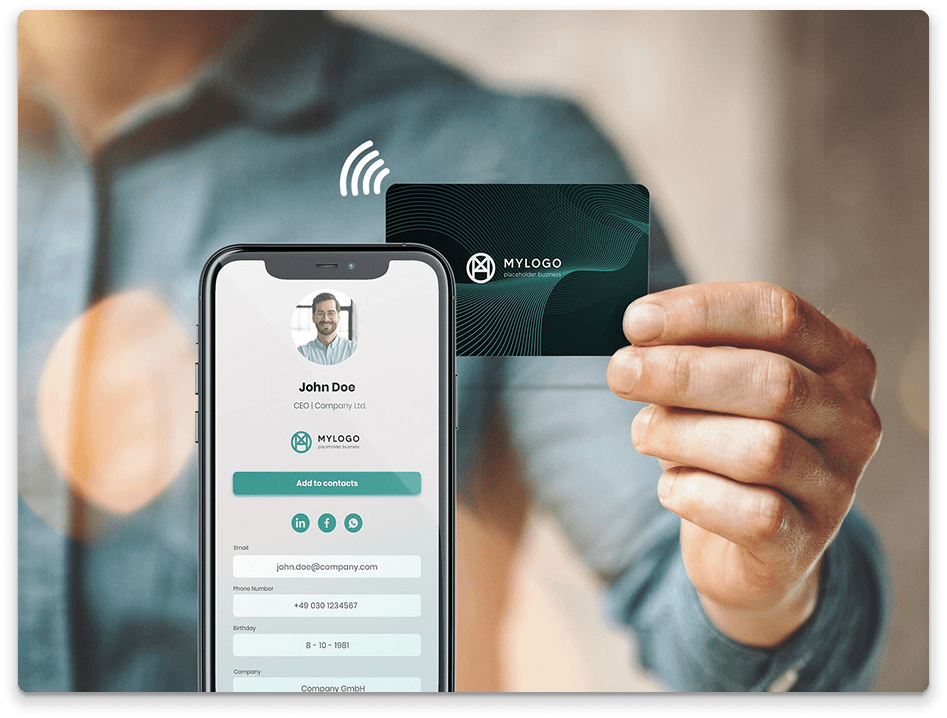
It gives you the tactile experience of a card while still allowing digital sharing, analytics, and updates.
Digital Business Card Market in 2026
Digital business cards in 2026 are becoming more than a networking trend. They are now part of broader digital tools used for sales, recruiting, events, customer success, and personal branding.
The digital business card market is growing because teams want:
- faster contact sharing;
- better event lead capture;
- less manual data entry;
- cleaner contact management;
- stronger brand consistency;
- measurable networking results;
- alternatives to physical business cards.
Many digital business card platforms now support hundreds of digital business cards for teams, bulk card creation, analytics dashboards, mobile app editing, wallet cards, and CRM integrations.
Best Digital Business Card Apps: Detailed Overview
Wave Connect
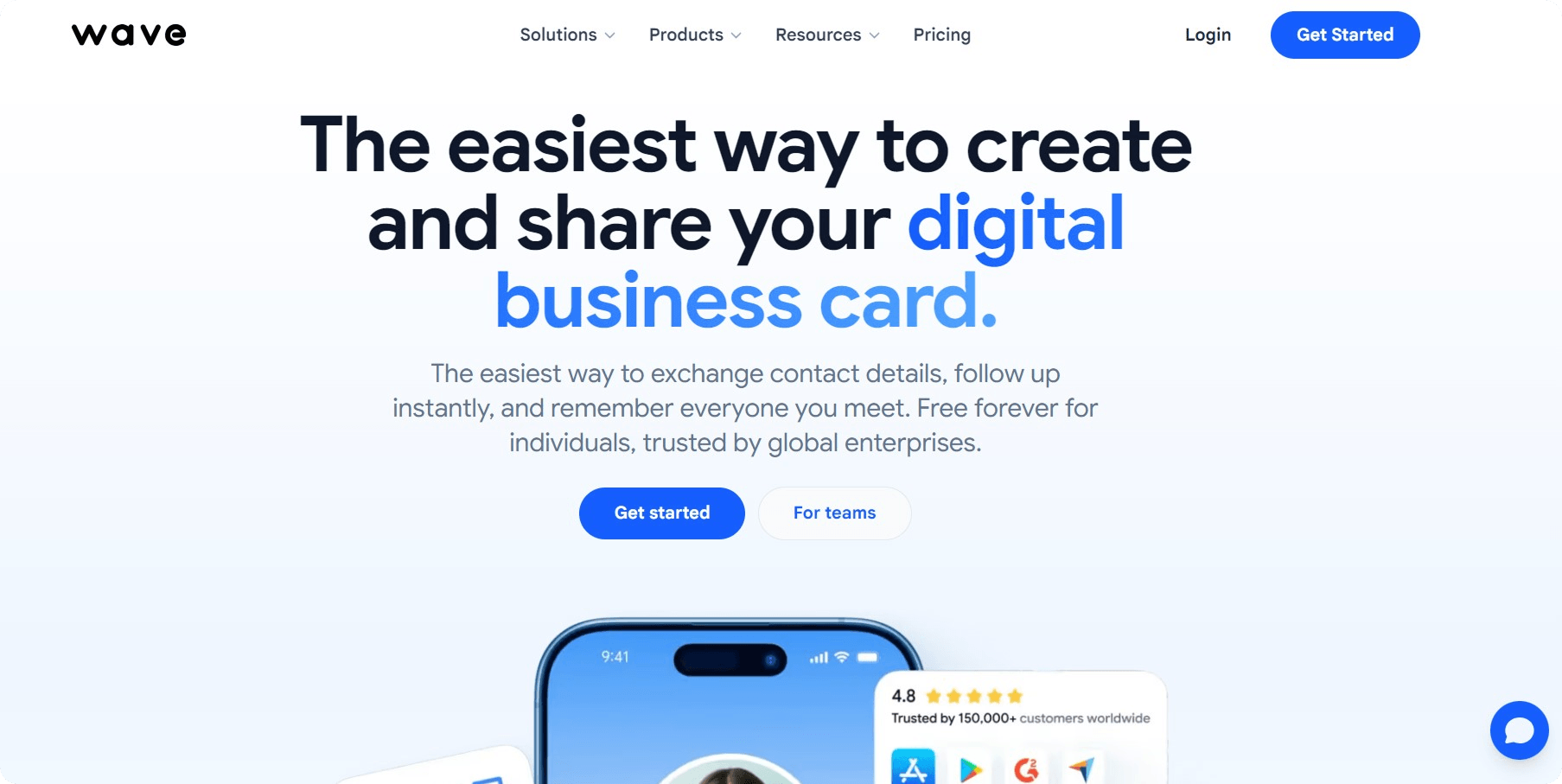
Wave Connect is a strong option for teams that want ease of use, fast setup, and simple card management. It is useful for companies that need to create a digital business card for many employees and keep branding consistent.
Key features include QR sharing, digital card profiles, analytics, team management, bulk card creation, and CRM workflows depending on the plan. It is especially useful for sales teams, agencies, and companies that need a professional card for every employee.
Best for: teams that want simple rollout and reliable card management.
Limitation: may not be as event-focused as tools built specifically for trade shows.
HiHello
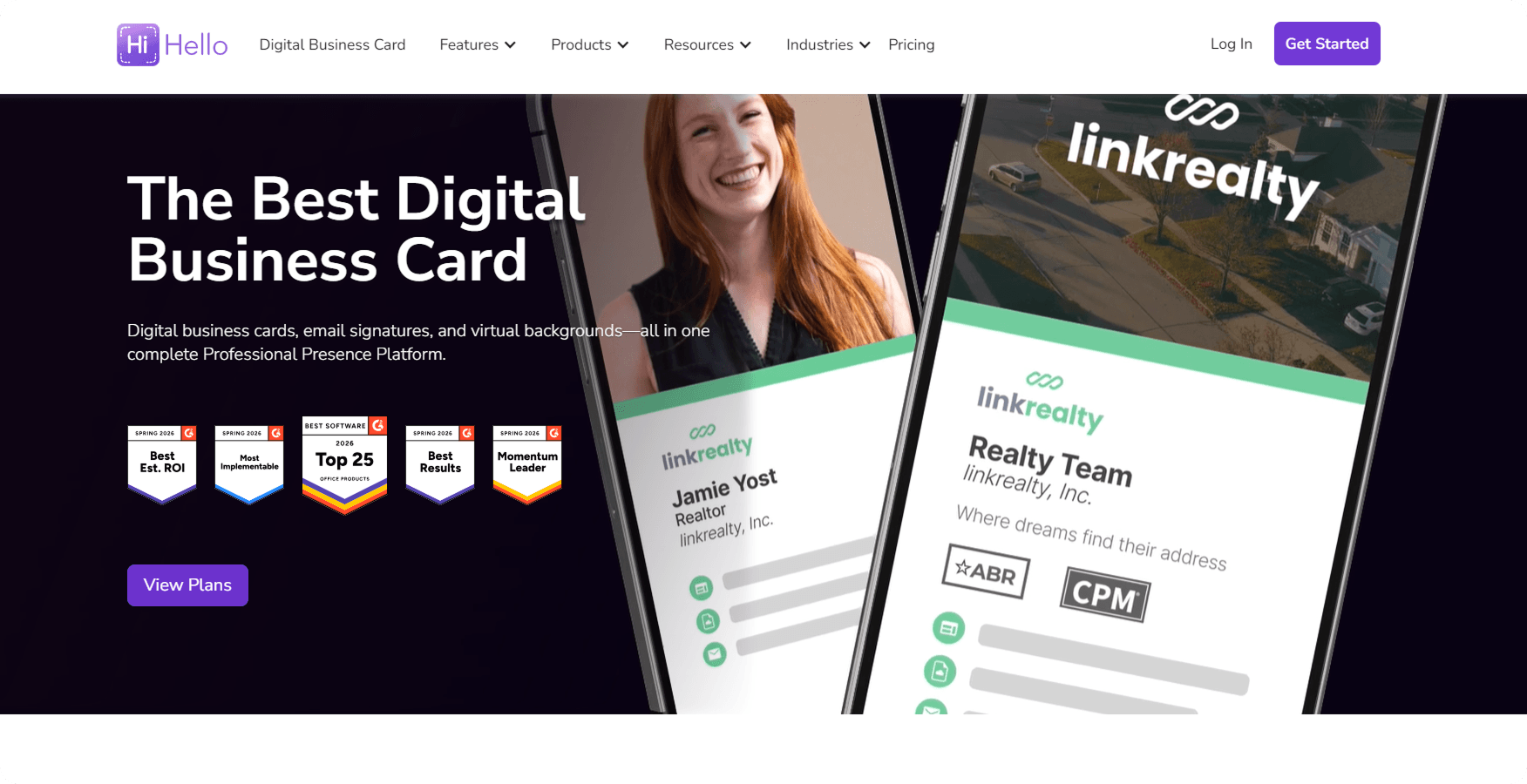
HiHello is a popular digital business card app for professionals who need clean card design, multiple cards, and flexible sharing. It works well for users who manage different roles or want separate personal cards and business cards.
The platform supports QR codes, links, email signatures, virtual backgrounds, and team features. It is also useful for people who want a mobile app experience for card creation and updates.
Best for: individuals and teams that need multiple cards.
Limitation: the number of features may feel more complex than needed for very simple use cases.
Popl
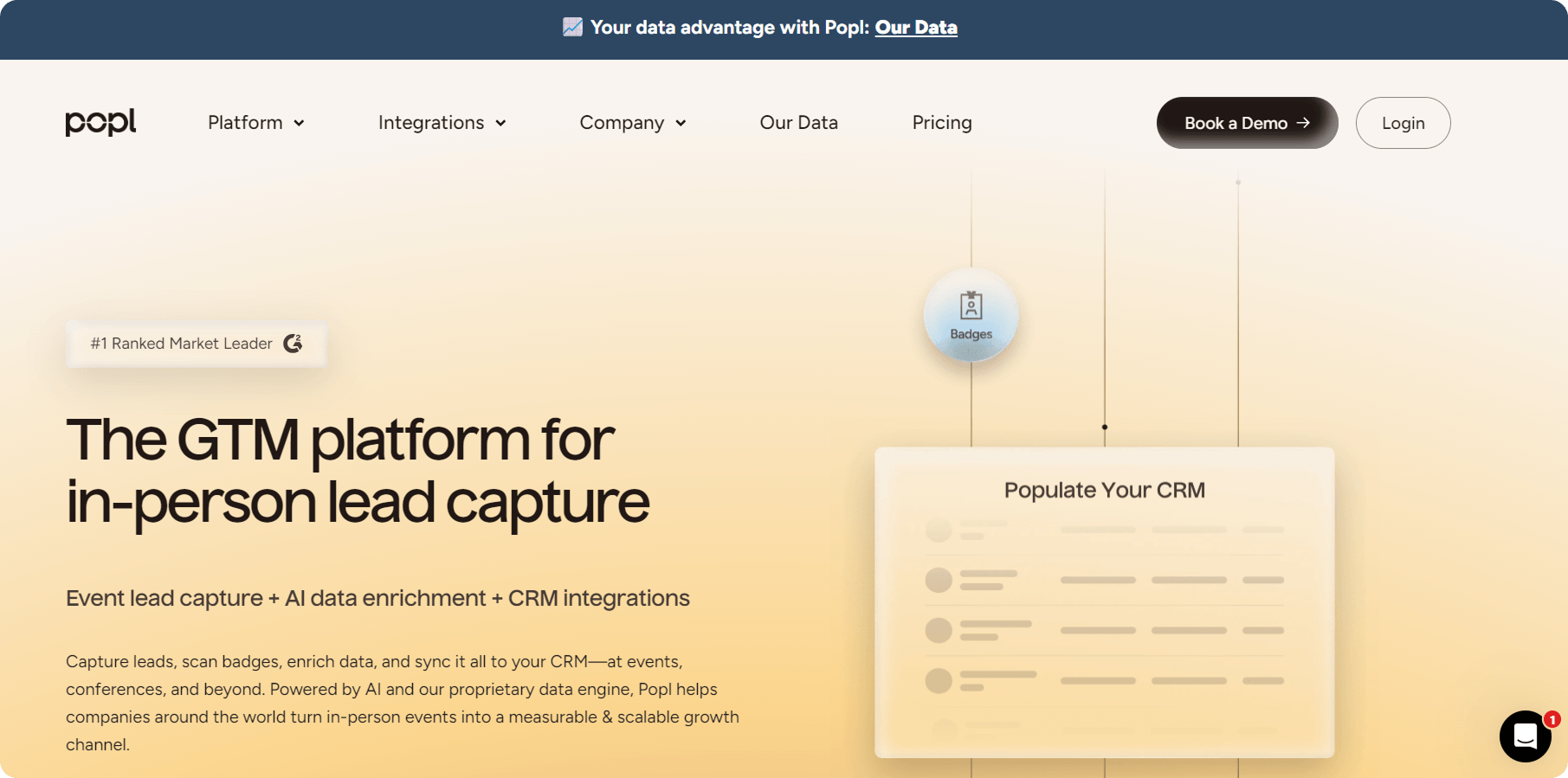
Popl is built strongly around events, lead capture, and sales follow-up. It is useful for teams that attend conferences, trade shows, and networking events where capturing many contacts quickly matters.
Popl supports NFC products, QR sharing, lead capture, CRM integrations, and team analytics. It is a good fit when digital business cards are part of a sales pipeline.
Best for: event teams and sales teams.
Limitation: may be too advanced for users who only need a simple professional card.
Blinq
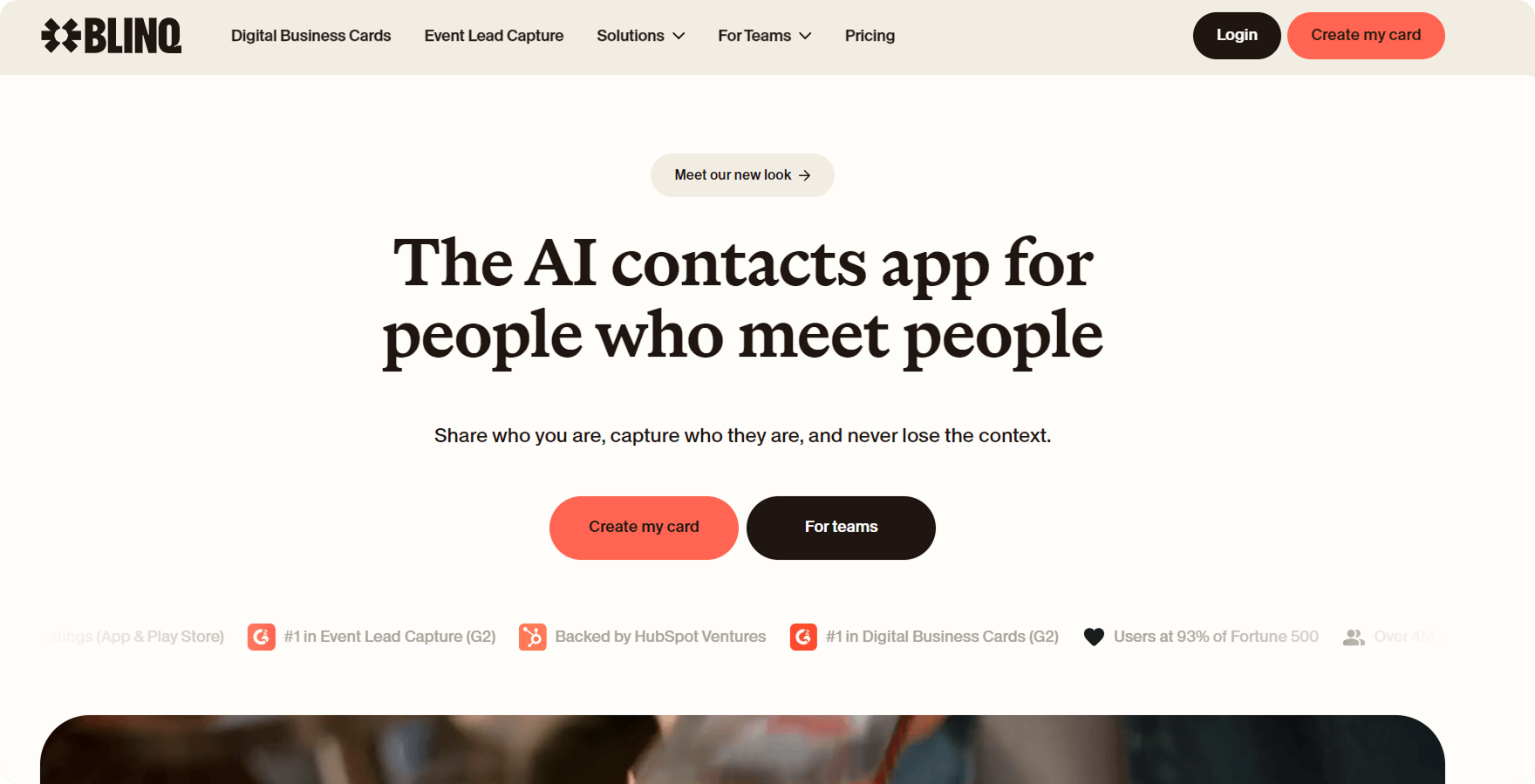
Blinq is known for a polished user experience and clean professional cards. It is useful for consultants, founders, freelancers, and teams that want a modern card without too much complexity.
Blinq supports digital sharing, QR codes, multiple profiles, team branding, and CRM integrations depending on the plan.
Best for: professionals who want a clean card that is easy to share.
Limitation: some stronger business and team features require paid plans.
Mobilo
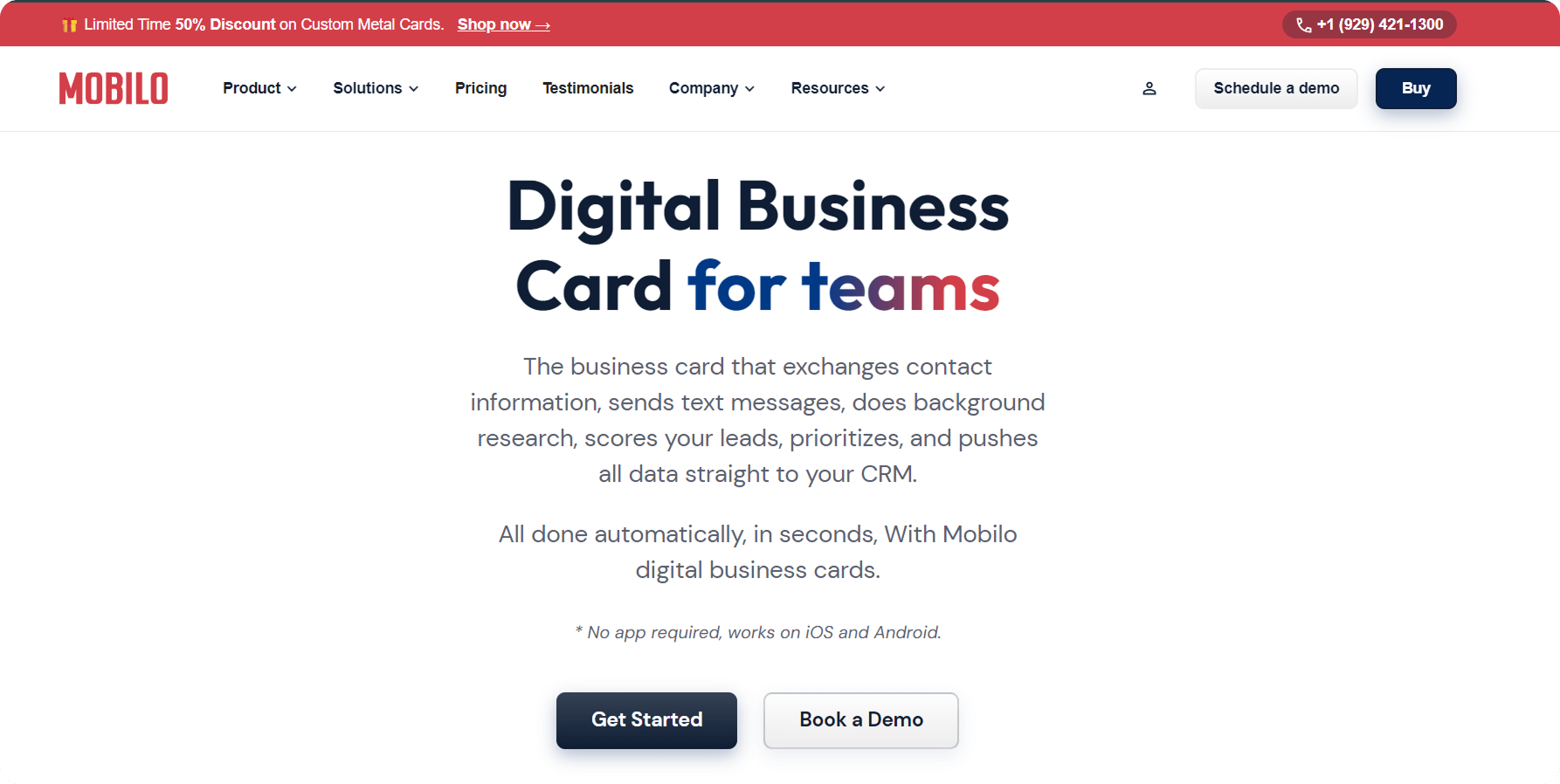
Mobilo is a good choice for teams that want NFC business card options and physical card formats. It supports physical NFC cards, badges, key fobs, QR sharing, analytics, and team dashboards.
Mobilo is especially useful when a company wants employees to share contact info instantly at events while still using a physical card.
Best for: NFC card sharing and teams that want physical card options.
Limitation: the dashboard may require more onboarding for new users.
V1CE
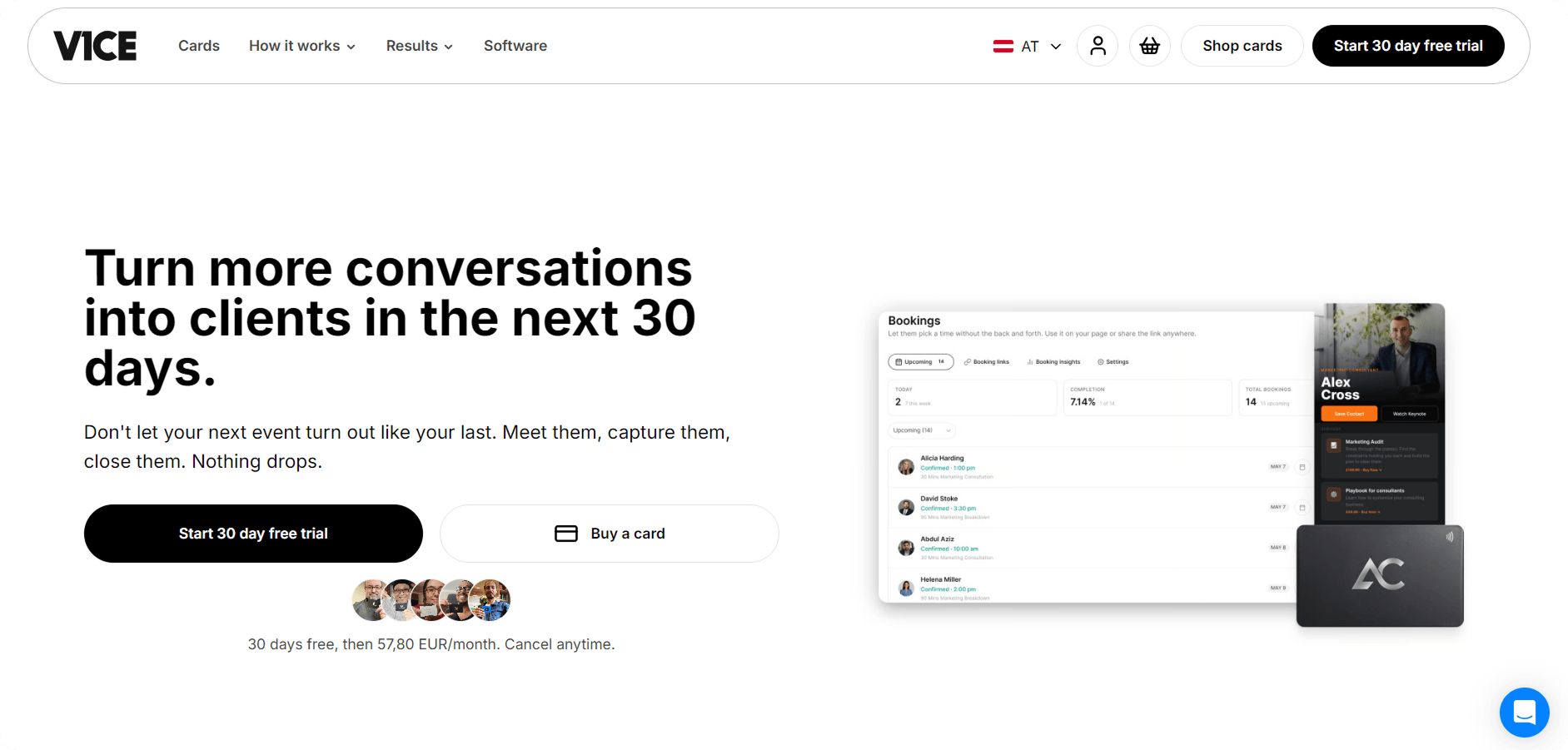
V1CE is focused on premium physical NFC card experiences. It is useful for professionals who want a high-end physical NFC card connected to a digital profile.
The platform offers NFC cards in different materials and designs, along with digital profile features. It works well for people who want a professional card that feels physical but works digitally.
Best for: premium physical NFC card users.
Limitation: less ideal for teams that want a fully software-first contact management system.
Quick Recommendations by Use Case
Use case | Recommended app |
Best overall for teams | Wave Connect |
Best for event lead capture | Popl |
Best for multiple cards | HiHello |
Best for clean personal cards | Blinq |
Best for NFC business card sharing | Mobilo |
Best for premium physical NFC card | V1CE |
Best for simple card creation | Blinq or HiHello |
Best for contact management workflows | Wave Connect, Popl, or Mobilo |
Practical takeaway: do not choose based only on design. Choose based on how you share your card, how you follow up, and whether your team needs analytics, CRM sync, or bulk management.
Frequently Asked Questions
What is the difference between a digital business card and a contact sharing app?
A digital business card is a professional profile designed to replace or improve traditional business cards. A contact sharing app may only send basic contact details from one phone to another. A true digital business card usually includes branding, links, QR sharing, NFC options, analytics, and card management. It is better for business networking, while a simple contact sharing app is better for casual one-to-one exchanges.
Can digital business card tracking identify individual visitors?
Sometimes, but not always. Basic tracking may show views, clicks, device type, and approximate location without identifying the person. A visitor usually becomes identifiable only when they submit a form, save contact details in a trackable flow, share their information, or already exist in your CRM. For privacy reasons, platforms should make this clear.
Do digital business cards work without an app?
Yes, many digital business cards work without an app required for the recipient. The recipient can scan a QR code, tap an NFC card, or open a link in a browser. Some providers offer a mobile app for creating and managing the card, but the person receiving the card usually does not need to download anything.
Can I connect digital business card data to HubSpot or Salesforce?
Yes, many digital business card apps support CRM integrations with HubSpot, Salesforce, Zoho, Pipedrive, or other platforms. Some offer native integrations, while others use Zapier or API-based workflows. If CRM sync matters, check whether the app can send contact details, event source, engagement data, and consent status into your contact management system.
What are the main benefits of digital business cards compared to paper cards?
The main benefits are instant sharing, easy updates, analytics, CRM integration, lower printing needs, and better contact management. Traditional business cards can be lost or become outdated. Digital cards can be updated anytime and shared via QR, NFC, link, wallet, email signature, or mobile app.
Are digital business cards safe to use?
Digital business cards are generally safe when the provider uses strong security controls and clear privacy practices. Look for GDPR support, CCPA readiness, data processing agreements, access controls, and security certifications where available. Avoid platforms that collect unnecessary data or do not explain how tracking works.
What is the best digital business card app for teams?
The best app for teams depends on the workflow. Wave Connect is strong for ease of use and team rollout. Popl is strong for events and lead capture. HiHello is useful for multiple cards and internal directories. Mobilo is a good option for teams that want NFC cards and physical sharing options.
Can I use digital business cards as part of my email signature?
Yes. You can add your digital card link or QR code to your email signature, making it easier for recipients to save your contact details after an email conversation. This is useful for sales teams, recruiters, consultants, and customer-facing teams. It also turns everyday email communication into another way to share your digital contact profile.
Should I use a QR code or NFC business card?
Use QR if you want the simplest and most universal sharing method. Use NFC if you want a more modern tap-to-share experience with a physical card. Many teams use both: a QR code for screens, badges, and email signatures, and a physical NFC card for in-person networking.
How many digital business cards can a team manage?
It depends on the platform and business plan. Many digital business card apps support multiple cards per user or hundreds of digital business cards across a company. For larger teams, look for bulk card creation, admin controls, template locking, analytics, and centralized card management.
Final Verdict
Digital business cards with contact tracking are one of the most practical networking tools for 2026. They help professionals share contact info instantly, track engagement, update card details, and connect new leads to a contact management system.
For individuals, the best choice is usually a simple professional card with QR sharing, wallet support, and easy updates. For teams, the best choice should include bulk card creation, CRM integration, analytics, brand control, privacy settings, and a business plan that can scale.
If you want a digital business card that works for everyday networking, choose a tool that is easy to create, easy to share, and easy to manage. If your team depends on events, sales, or lead generation, choose a platform that turns card sharing into measurable contact management.

Danylo is a marketing professional with a strong interest in developing effective, results-driven strategies for modern businesses. As a Marketing Manager at Wisery, he focuses on improving communication, strengthening brand presence, and optimizing digital channels such as email marketing and customer engagement. With a practical, hands-on approach, he is passionate about turning complex marketing concepts into clear, actionable insights that businesses can easily apply.