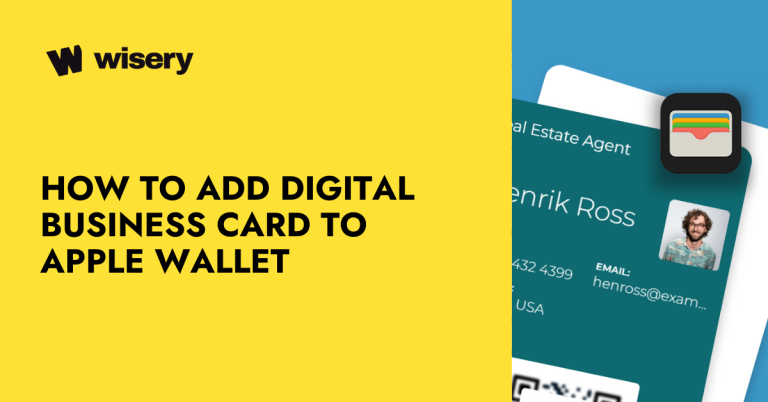
Digital Business Cards for Individuals and Teams
Turn every introduction into a saved contact and a new opportunity
Wisery is a digital business card platform for individuals and teams. Create customizable cards, share your contact details instantly via QR code, link, or Apple and Google Wallet, capture leads, and manage your professional connections in one place.
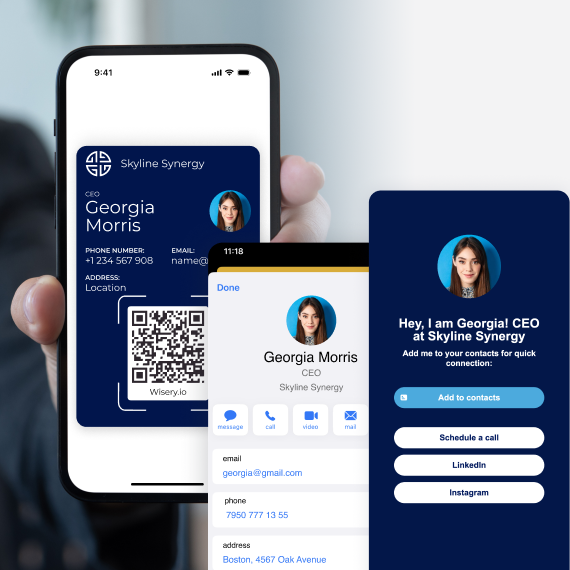
NO APPS. NO NFC. NO FRICTION.
Takes 2 minutes
Works in Apple/Google Wallet
No app required
88%
of paper cards are thrown away within a week
source: Adobe
10×
more contacts saved with a digital card
0 reprints needed when your info changes
SHARE Your Digital business card INSTANTLY
Share your card when you meet people, join video calls, or send a message. They open your profile in a browser and can save your contact details to their phone. No app needed.
SHARE YOUR CONTACT details IN SECONDS AT THE RIGHT TIME with QR code, link or wallet
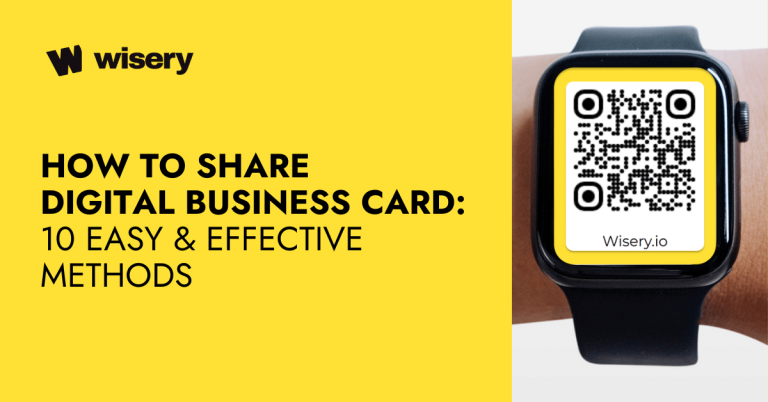
- QR Code. Show your code so someone can scan and open your card
- Link. Share it via text, email, or a meeting chat
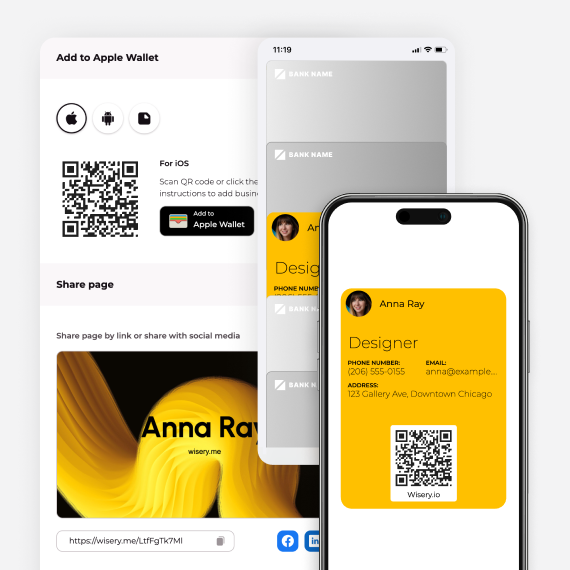
- Apple Wallet. Keep your card’s QR code ready to share on iPhone
- Google Wallet. Open your card’s QR code from Wallet on Android
MAKE A STRONG FIRST IMPRESSION
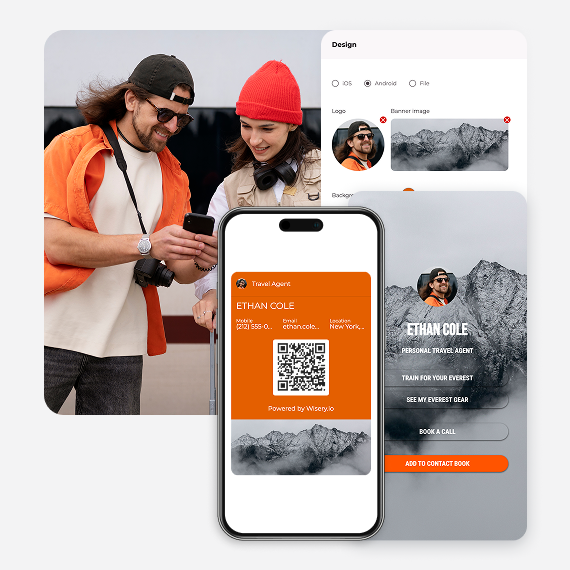
Your card should look like you, not a template. Add your logo, choose your brand colors, and upload a profile photo. Include your phone number, email, LinkedIn profile, and other social links so people know who you are and how to reach you. Add buttons to send people to your website, a booking page, or a way to message you.
Put your name, brand, and your next step in one place
- Logo, brand colors, and profile photo
- Contact details and social links
- CTA buttons for booking or getting in touch
TURN EVERY HANDSHAKE INTO A LEAD
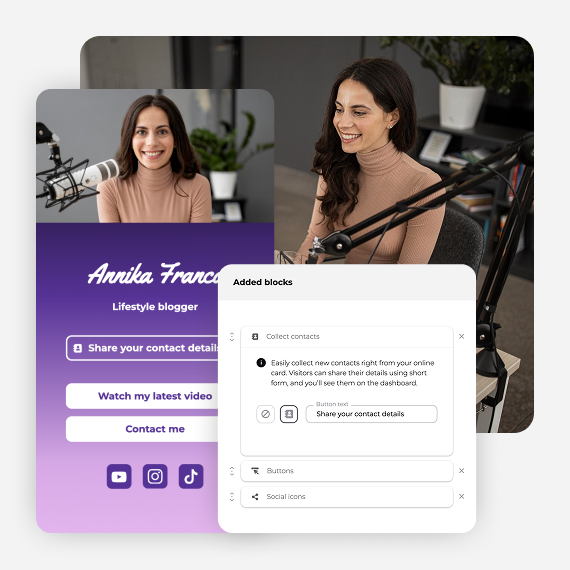
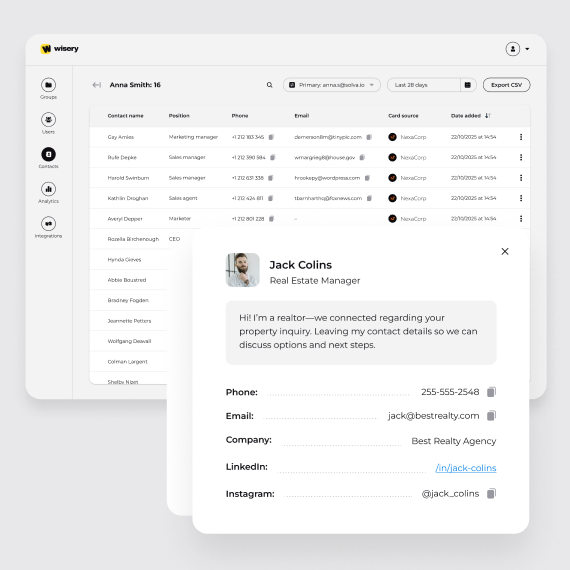
When someone opens your card, they can save your details and choose to send their name and email back. Once they submit the form, that contact appears in the Contacts tab of your Wisery dashboard.
Lead Capture for Easier Follow-up
- Two-way contact exchange
- Organized contact list, ready for follow-up
- CSV export for follow-up and CRM import
- Analytics to track views, clicks, and card performance
ALWAYS UP TO DATE
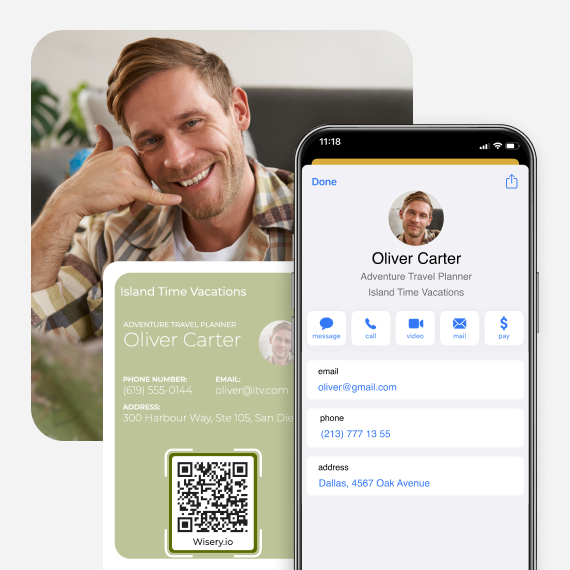
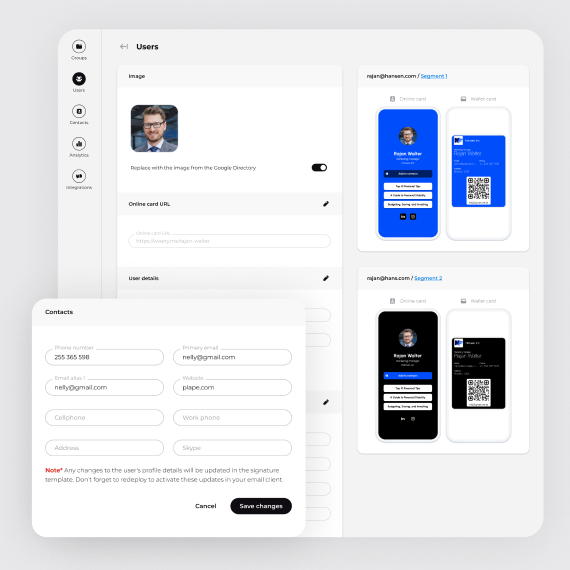
Changed your role, phone number, or company? Edit your details in Wisery to update your online card and Wallet pass. Your existing QR code and link still open the current online card
Edit your card. Keep the same QR code and link
- No outdated details. Update your online card and Wallet pass
- No reprints. Update your details without printing new cards
- No re-installs. Keep your existing QR code and link
TRUSTED BY PROFESSIONALS
Great tool for easy networking
Been using the tool for a while now, overall really solid. What stands out most is the wallet access, quick, seamless, and actually saves time in day to day use.
The lead capture feature is also well done. Works smoothly and keeps the flow simple without extra steps. Would recommend.
Perfect for building a personal brand
it’s the easiest way I’ve found to look professional and stay connected, both online and in person. I use Wisery as my digital business card, and it’s been a total upgrade from anything I’ve tried before. The design is super clean, it takes minutes to set up, and sharing it with a quick tap or scan feels kind of magical. I’m a doctor who’s also active on Instagram and TikTok, so having one place where people can book with me and check out my latest content? Game-changer.

Elias M.
Orthopedic surgeon
Super handy!
This is brilliant! It’s great to have access to a quick digital card which I have stored in my Apple wallet. Plus, being able to connect new contacts through it is even better.. great idea and really looking forward to all the new improvements coming. To be honest as it is works really well for me!

Cool wallet business cards
I love about Wisery is how simple they make managing wallet business cards. It’s an easy way to keep all my contacts in one place without the clutter of physical cards! And the team I had a chance to talk to was super friendly.
Ditch Paper Cards. Go Digital with Wisery
Wisery.me makes networking simple and smart. Setup takes just a few minutes, and you get a clean, professional digital card that people like using.
The design is modern, and it solves the problems of paper cards getting lost or outdated. You can share everything through one link or save it in your Apple or Google Wallet for quick access anytime.
No need to print business cards anymore. Wisery is a smarter and more convenient replacement, and the current price makes it a great deal.
Simple solution for sharing contact info
I no longer have to worry about carrying around paper cards or remembering a list of links to share. Everything I need is in one place, which saves me time and helps me look more professional.
HOW WISERY WORKS
From creating your card to getting a contact back
1
Create Your Digital Business Card
Sign up, add your name, role, phone number, and email, then upload a photo and add your social links. Choose a design and save your card.
2
Add It to Apple Wallet/Google Wallet
Save your card to Apple Wallet on iPhone or Google Wallet on Android, so your QR code is ready when you need it.
3
Share Your QR Code or Direct Link
Show your QR code from Wisery or Wallet, or send your direct link. The person you meet can open your card in their phone’s browser without installing an app.
4
Collect Details People Share Back
Invite your new connection to send their name and email through your card. Their submitted details appear in your dashboard, ready for follow-up or CSV export.
Be a Saved Contact Before You Call
Make it easy for people to save your name and phone number when you meet, so they can recognize your next call.
Built for Professionals Who Rely on Connections
DIGITAL BUSINESS CARD FOR LAWYERS
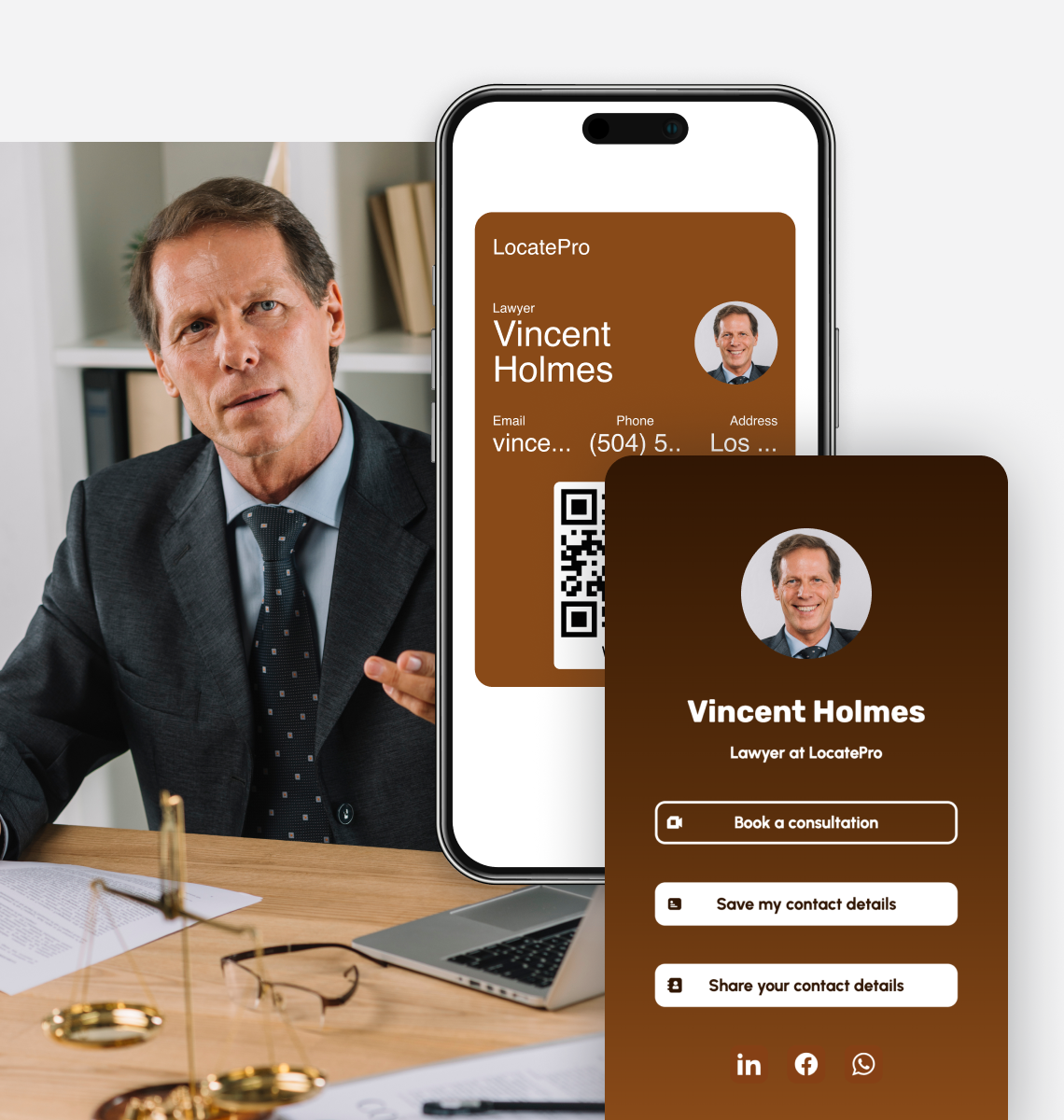
Share your credentials, practice areas, and legal resources in one place. Let clients save your details in seconds, so they know who to call when they need advice.
DIGITAL BUSINESS CARD FOR C-LEVEL EXECUTIVES
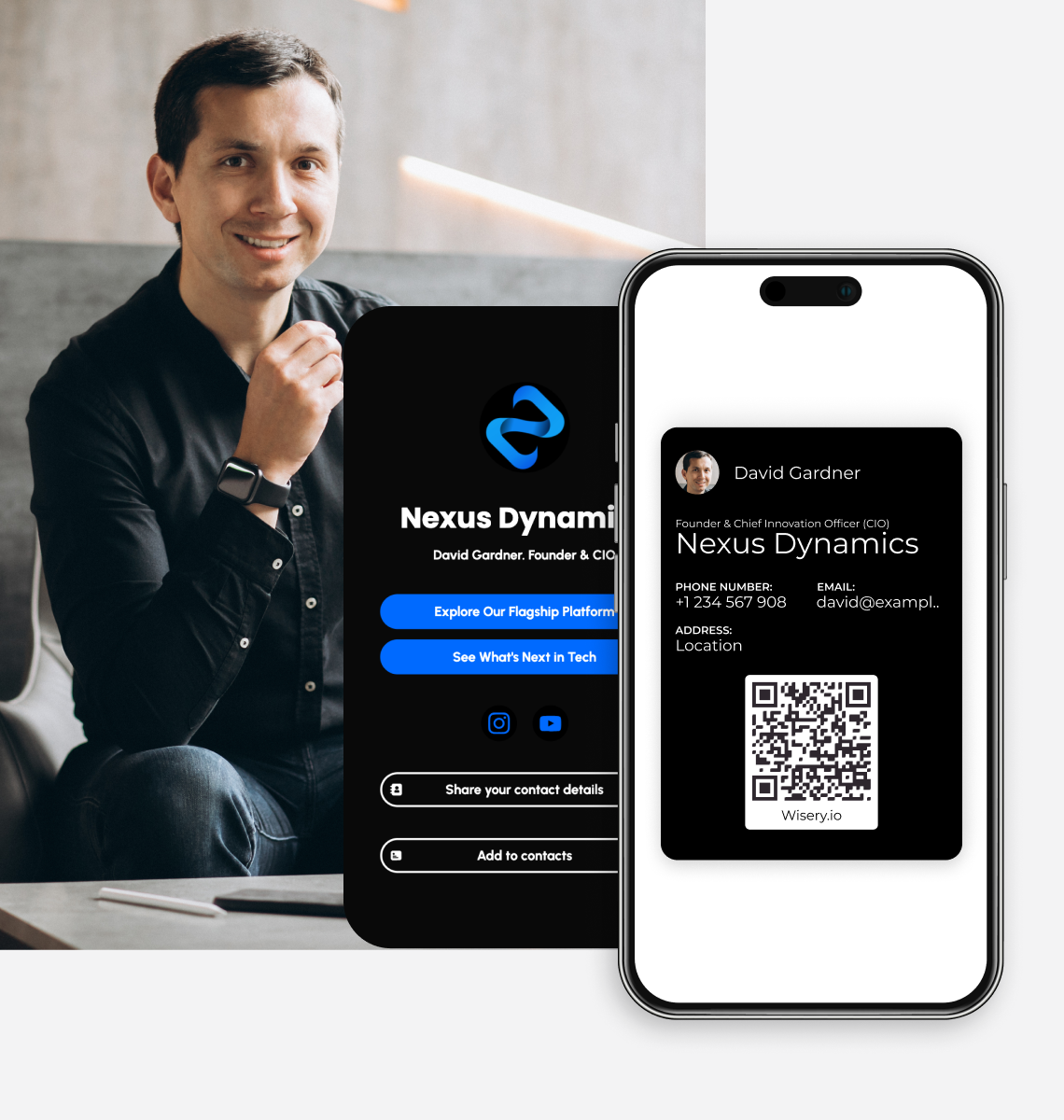
Make every introduction easy to follow up on. Share your role, company, and direct contact details in seconds, so investors and partners can save your profile before the meeting ends.
DIGITAL BUSINESS CARD FOR ENTREPRENEURS
Give new connections a clear picture of your business. Share your website, store, and booking link with one scan, and keep your details current as your business grows.
DIGITAL BUSINESS CARD FOR REAL ESTATE AGENTS
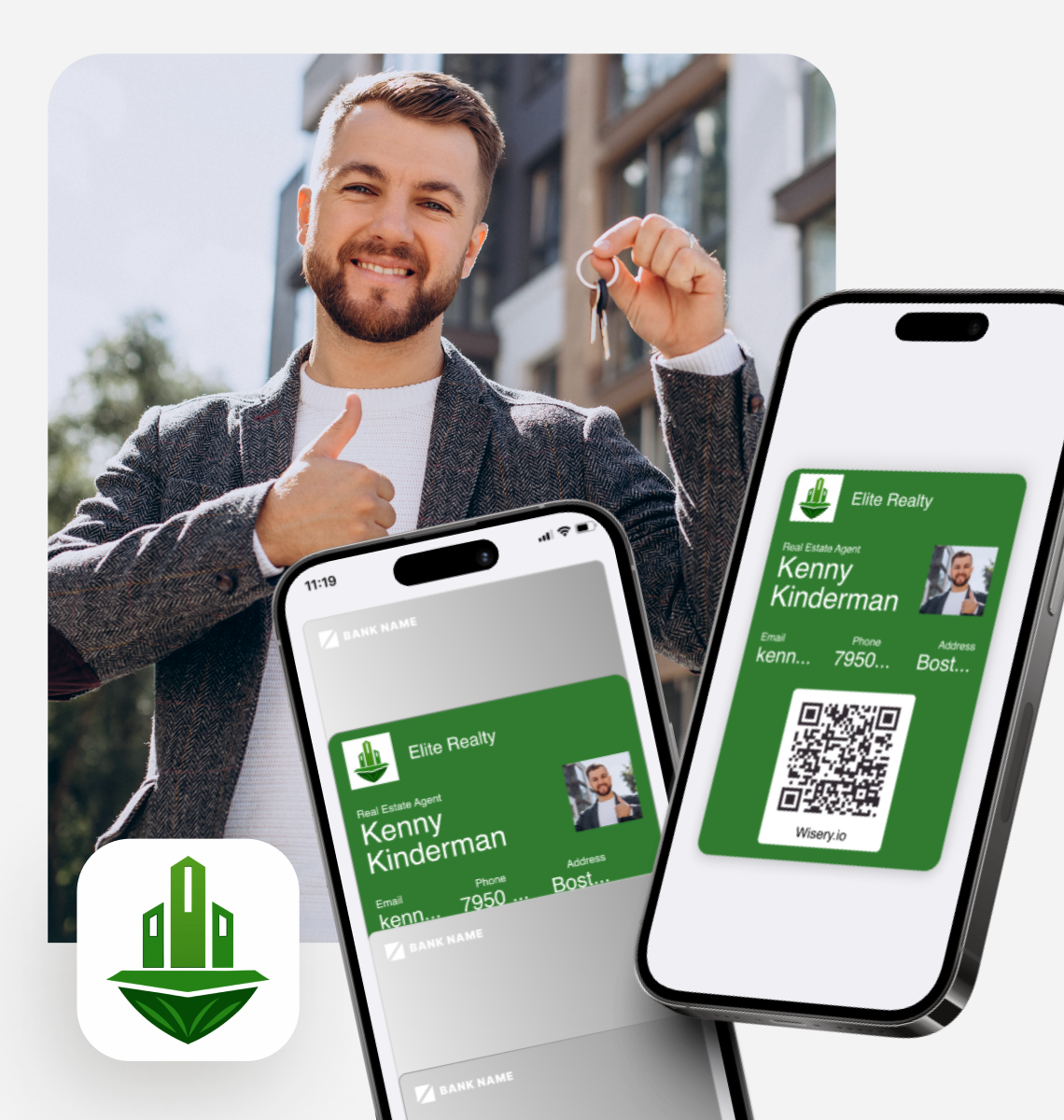
Put your latest listings, property videos, and virtual tours one scan away. Share your card at an open house so buyers can explore your properties and save your details on the spot.
DIGITAL BUSINESS CARD FOR RECRUITERS AND HR PROFESSIONALS
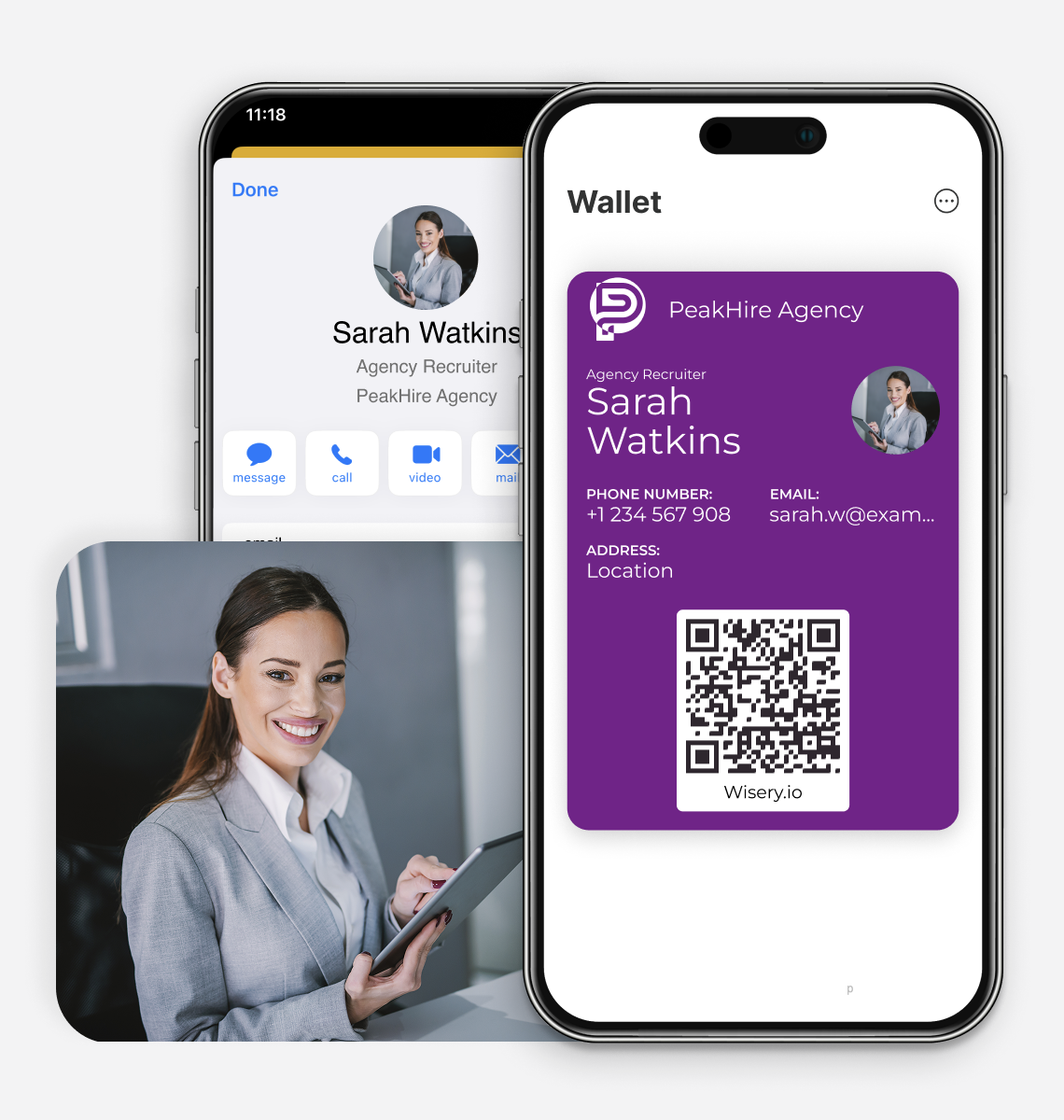
Keep the conversation going after the career fair. Share open roles, application links, and your contact details in seconds, so candidates can find the right opportunity and stay in touch.
DIGITAL BUSINESS CARD FOR SALES PROFESSIONALS
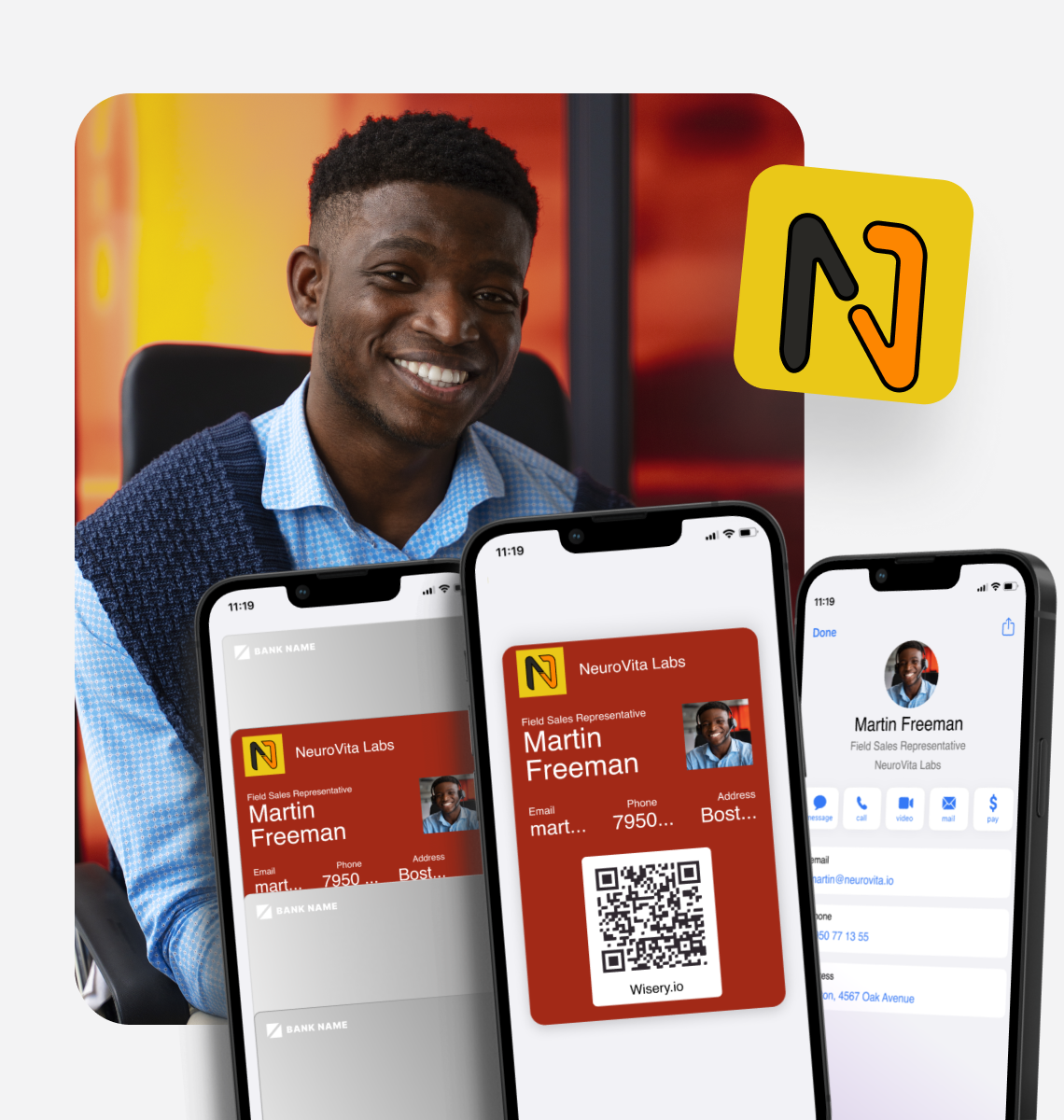
Turn your next introduction into a saved contact. Share your details, case studies, and customer testimonials with one scan, giving prospects a reason to remember you and an easy way to reconnect.
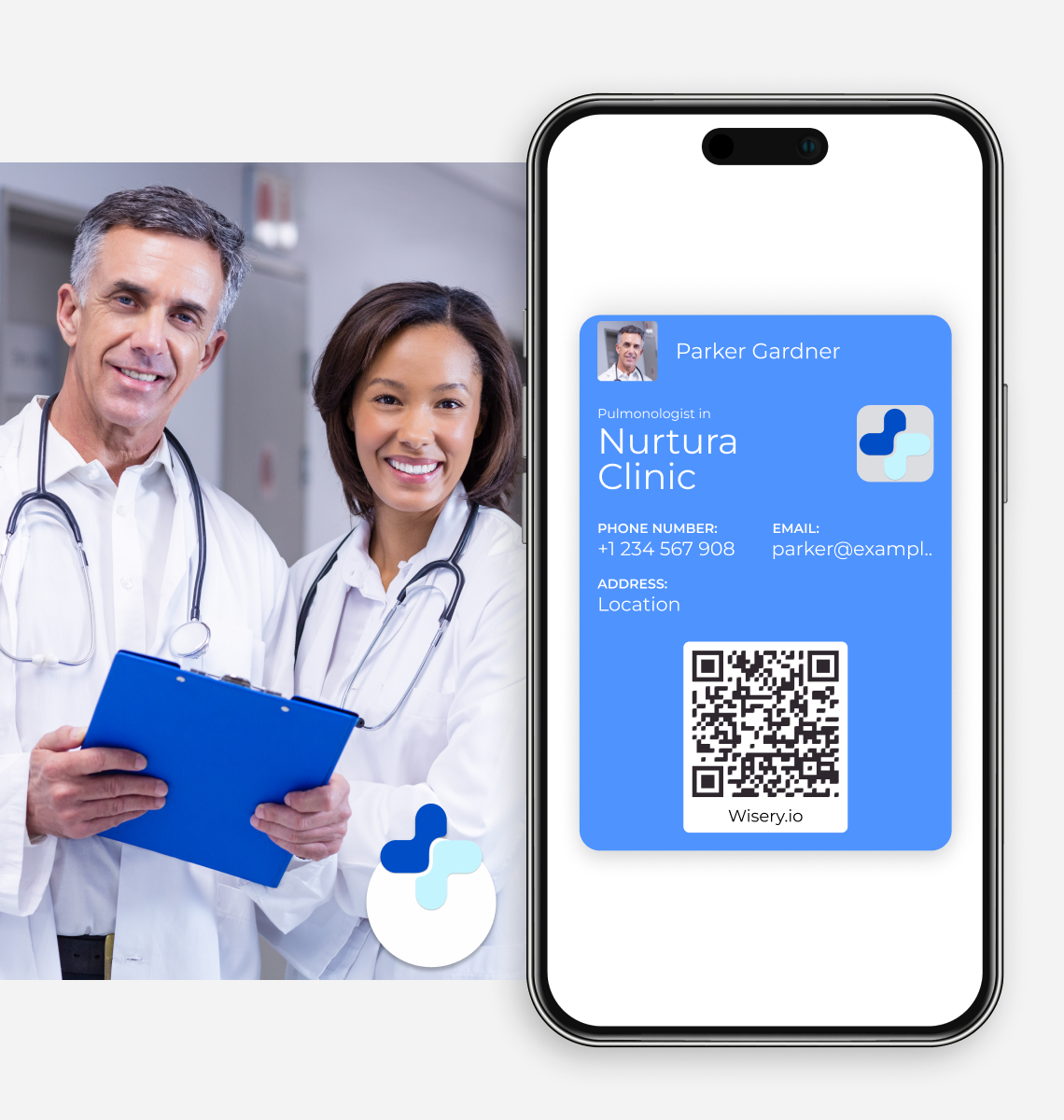
DIGITAL BUSINESS CARD FOR DOCTORS
Make it easy for patients and colleagues to reach you. Share your specialty, clinic details, and appointment booking link in one place, with contact information you can update anytime.
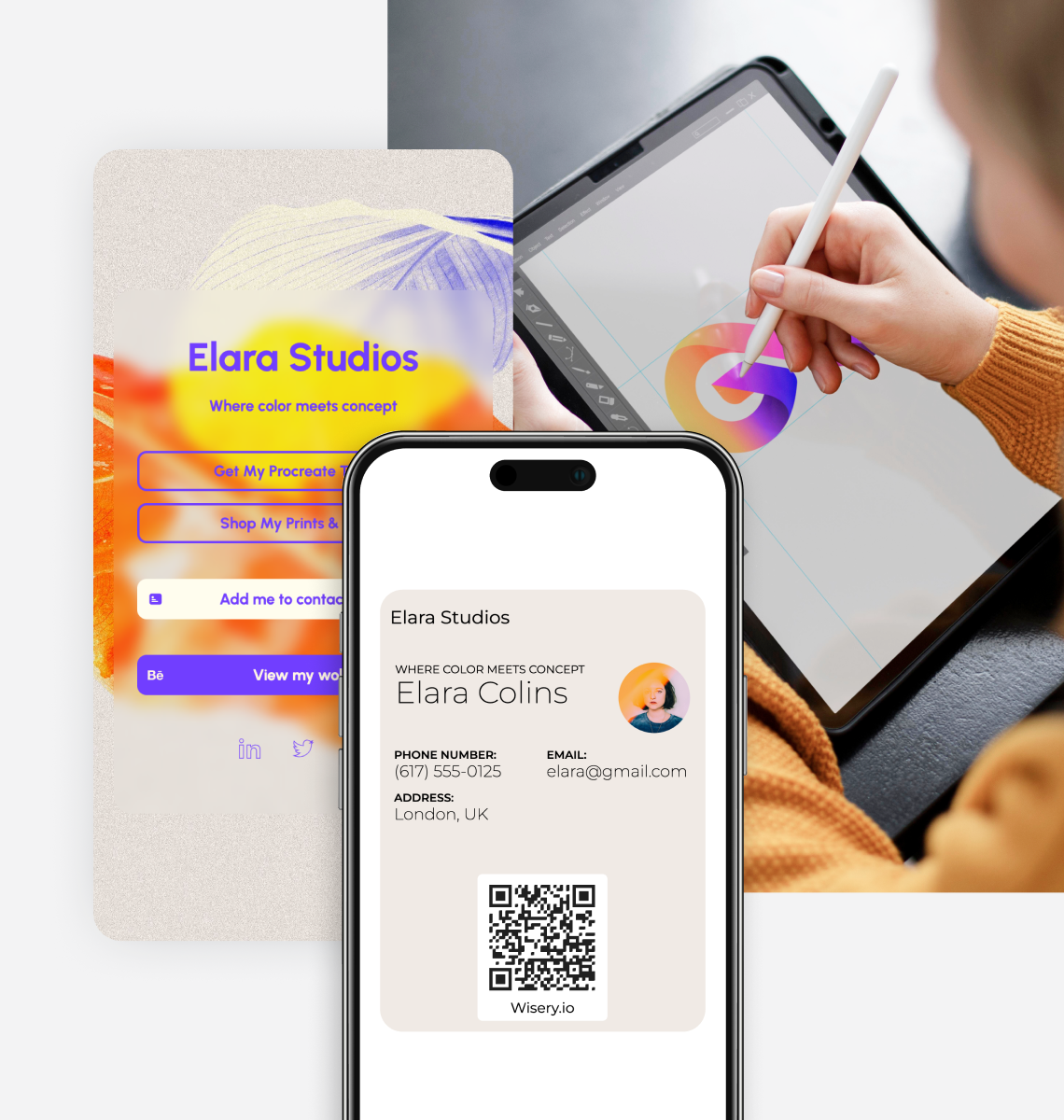
DIGITAL BUSINESS CARD FOR ARTISTS
Let your work make the first impression. Share your portfolio, latest projects, and shop through one link, so potential clients and buyers can explore your work while you’re still talking.
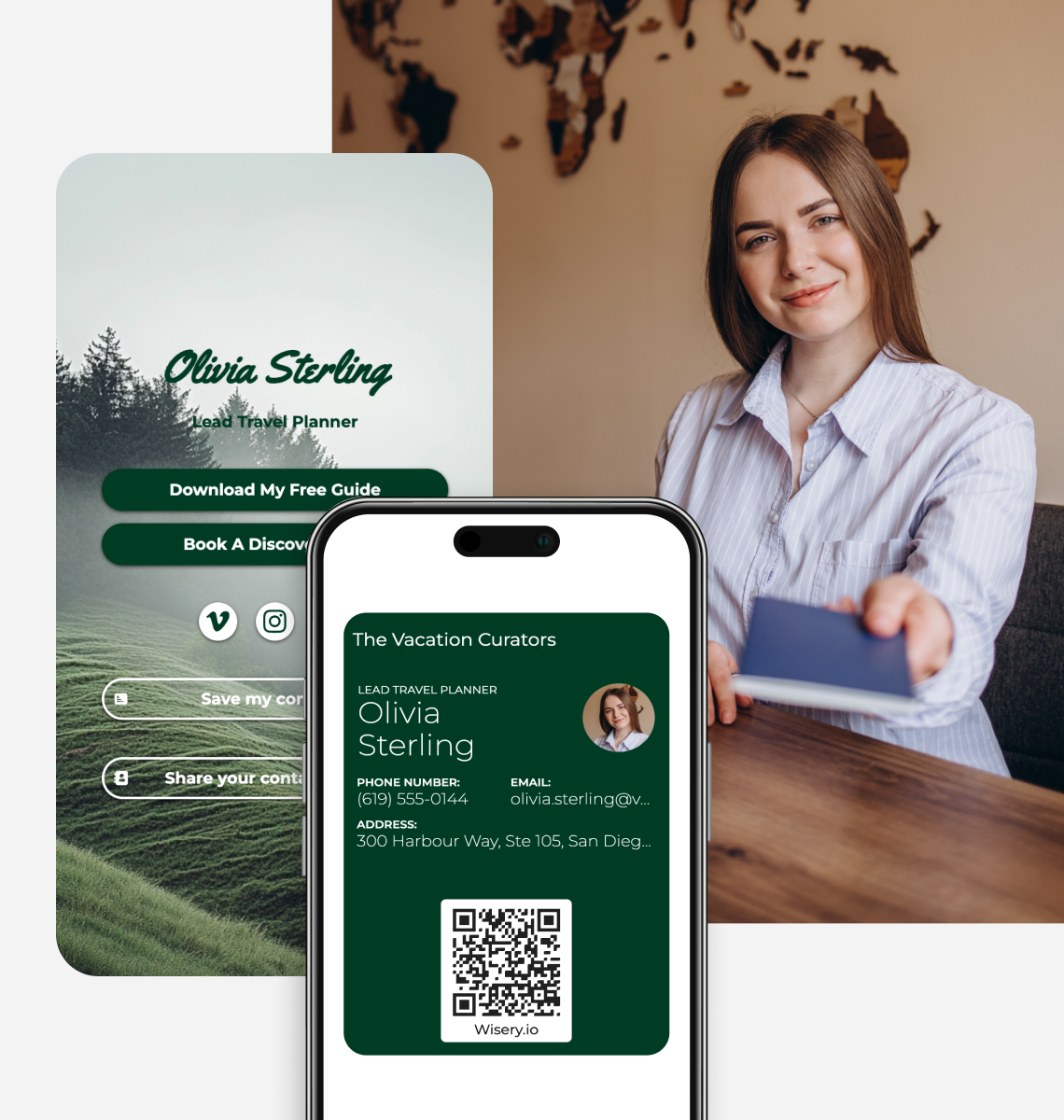
DIGITAL BUSINESS CARD FOR TRAVEL AGENTS
Be the contact clients keep for their next trip. Share your agency details, website, and WhatsApp with one scan, so they can reach you when they’re ready to start planning.
DIGITAL BUSINESS CARD FOR COOs
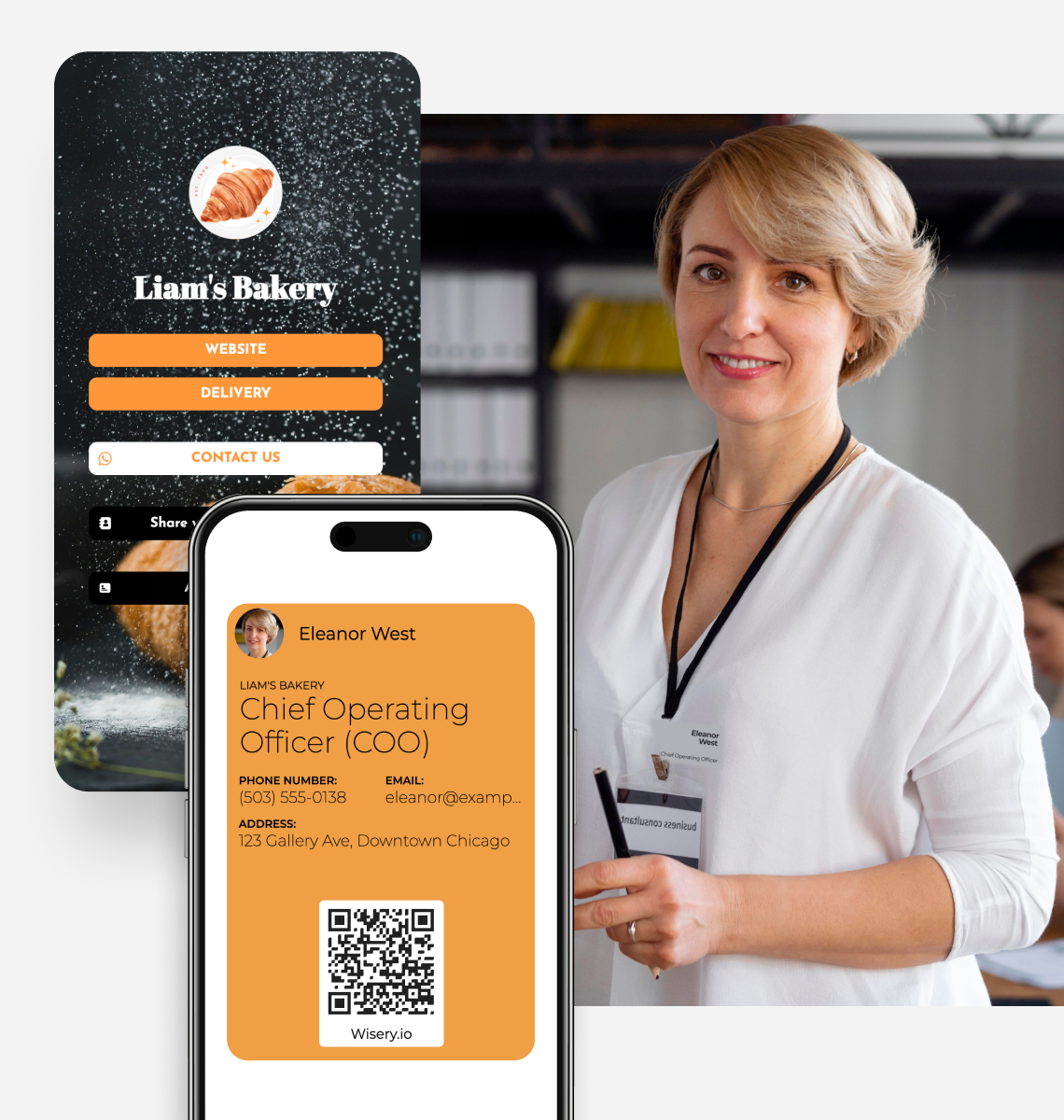
Keep partners, stakeholders, and teams one scan away. Share your role, key project links, and calendar in one place, so every introduction has a clear next step.
Digital Business Cards vs. Traditional Paper Business Cards
Paper cards get lost. Contacts go cold. Your details become outdated. There’s a better way to make introductions that actually stick.
| Wisery Digital Business Cards | Traditional Paper Business Cards | |
|---|---|---|
| Sharing contacts | You share a QR code or tapShare a QR code or link. They open your profile and can save your contact details. | You hand over a paper cardPaper cards can be misplaced before the details are saved. |
| Following up | When it matters mostYou’re already in their contacts. They open the saved contact or revisit the card link to call, email, or connect. | They want to reach youFind the card, type a phone number or email. A typo could stop them from reaching you. |
| Info changes | You update once, everywhereEdit your card in the Wisery dashboard to update your online card and Wallet pass without reinstalling. | New role, new cardPrint new cards when your role or contact information changes. Reprinting costs time and money. |
| Online and Remote | Drop a link or Share QRShare your card link or QR code in a meeting chat, email signature, or message. | Virtual meetingsSend a photo of your card or type your details into the chat and hope they save it before the call ends. |
Digital Business Card App Built for Teams
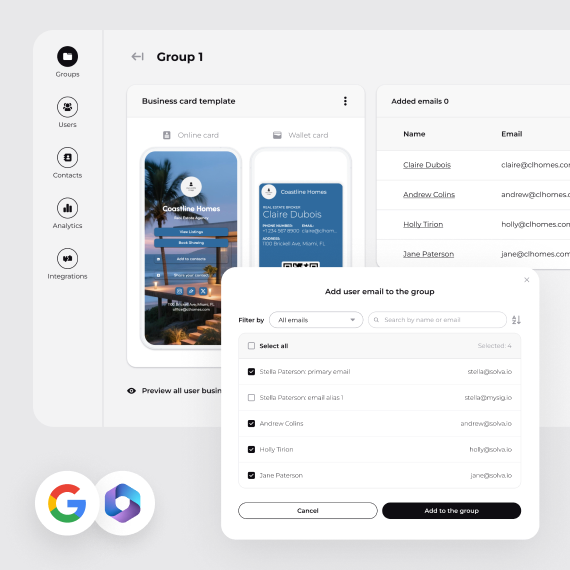
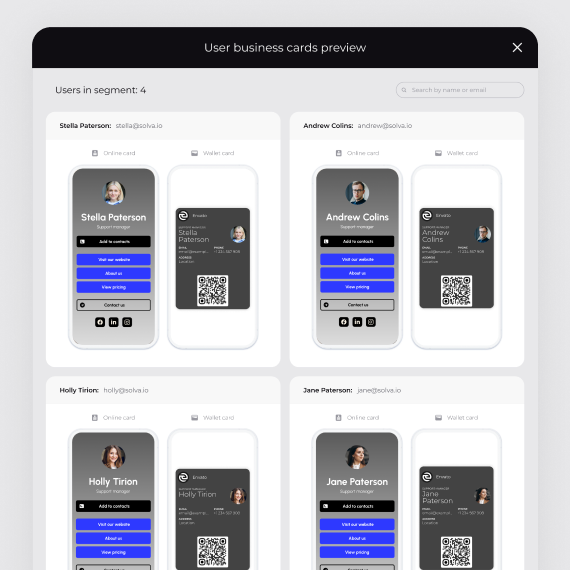
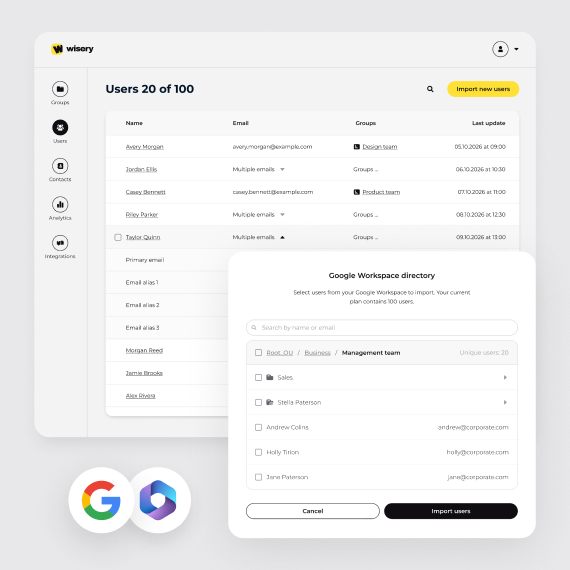
Create, duplicate, and update your team’s cards from one Wisery account. Give each person a card with their own contact details and links, then share the card link so they can add it to their Wallet.
Company Branding
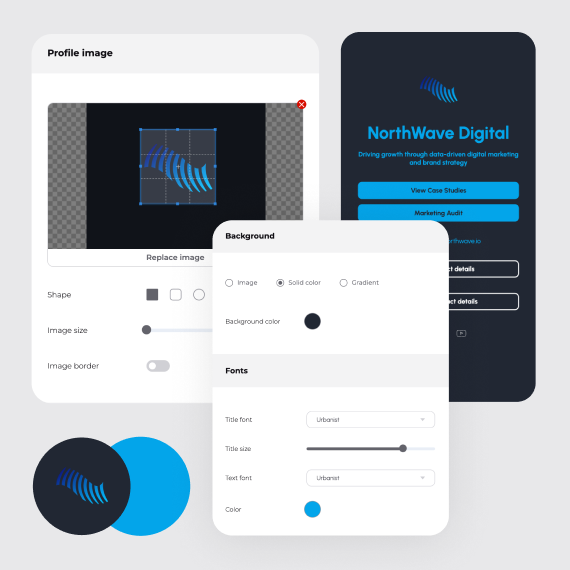
Use your logo, brand colors, and backgrounds to give team cards a consistent look. Advanced branding is available on Pro.
Team Card Management
Create cards for team members and duplicate an existing card when you need another. Manage those cards together in one account.
Contact Updates
Edit names, roles, and contact details as your team changes. Online cards and Wallet passes can reflect those edits without a reprint.
Wallet Cards for Each Team Member
Share each person’s card link so they can add their card to Apple Wallet or Google Wallet. Wallet cards require Pro.
Lead Capture and Contact Export
Find the contact details people submit in your dashboard. Export collected contacts as CSV for follow-up or CRM import.
More Cards as Your Team Grows
Manage multiple cards under one subscription, with a seat for each card or user. Check the pricing page for current plan limits.
Create Your Digital Business Card
The digital business card software trusted by professionals and teams worldwide. Create your digital business card with QR code in minutes and never lose a contact again.
FAQ
What is Wisery?
Wisery is an innovative platform designed to enhance business connections and streamline communication. Our tools help businesses network effectively and foster meaningful professional relationships.
How does Wisery work?
Wisery provides various tools, including digital business cards, QR codes, and a robust link-in-bio tool. These tools make it easy to share contact information, social media links, and other essential details seamlessly and professionally.
What are the benefits of using Wisery?
Wisery offers several benefits, including simplified networking with digital business cards, efficient information sharing with customizable QR codes, and a centralized online presence with a personalized link in the bio.
How Does Wisery Differ From Other Digital Card Tools Like Hihello, Blinq, Popl, Vcard Plus, And Traditional Paper Cards?
Wisery is designed for those who prefer a clean digital business card focused on essential contact sharing. While other tools offer more advanced features, Wisery keeps things simple and user-friendly — making it a good choice if you’re looking for a quick, professional way to share your details without extra setup.
Who can benefit from Wisery?
Wisery is ideal for professionals, entrepreneurs, and businesses of all sizes. Whether you’re a freelancer, small business owner, or part of a large corporation, Wisery’s tools can help you connect more effectively with your audience.
Is Wisery secure?
Yes, Wisery takes security seriously. We use industry-standard encryption and security measures to protect your information and ensure your data is safe. Also we follow GDPR compliance.
How much does Wisery cost?
You can start with a free plan and upgrade to a pro plan for additional features and customization options. Visit our Pricing page for more details.
How can I get support if I have questions or issues?
If you need assistance, our support team is here to help. You can reach our customer service team directly at [email protected]