
Wisery digital business cards for insurance agents keep your contact details, services, links, and calls to action in one place. Share your card instantly via QR code or link, and update it anytime.
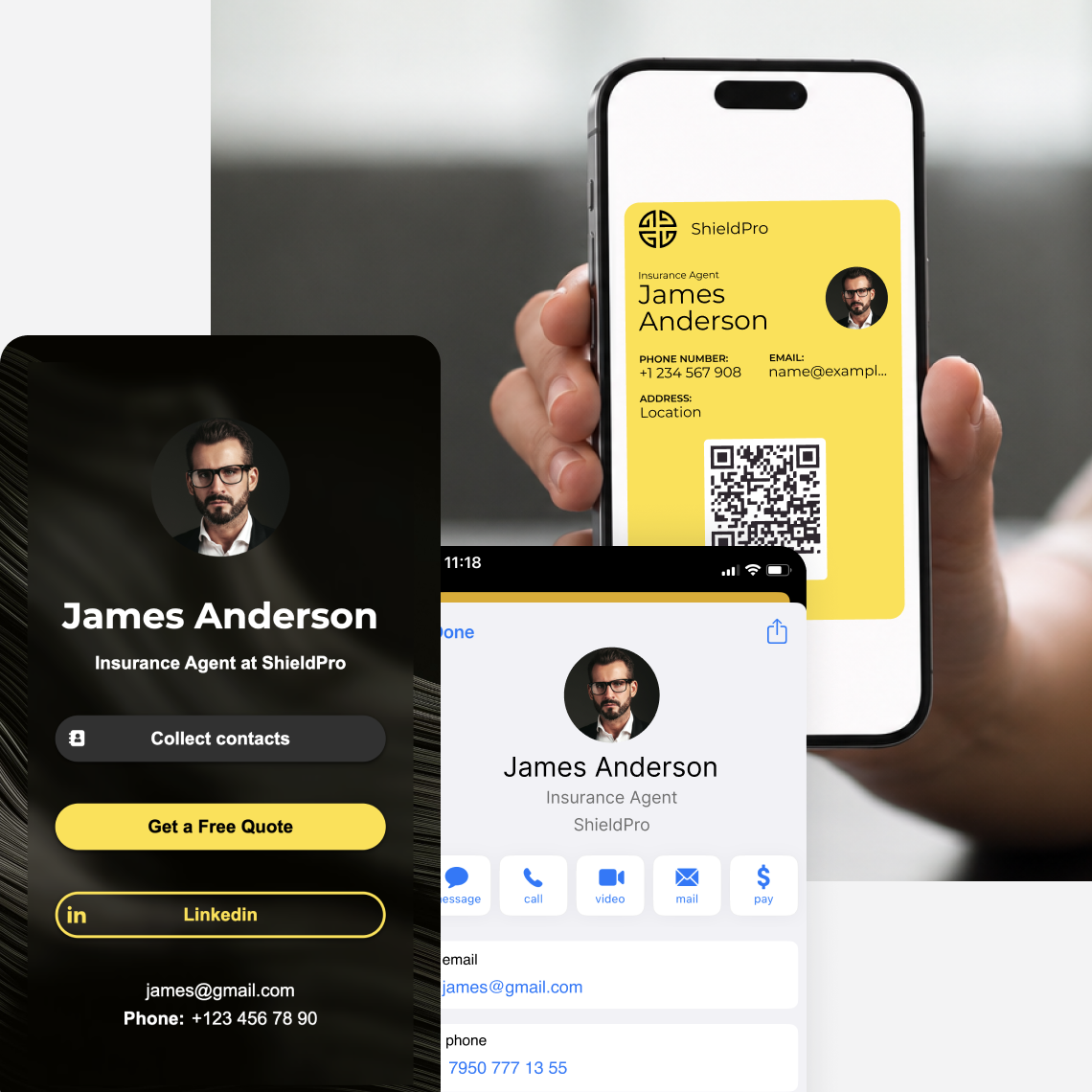
One scan can open your phone, email, website, appointment page, and quote link. A client can save your contact instead of copying details from a printed card.
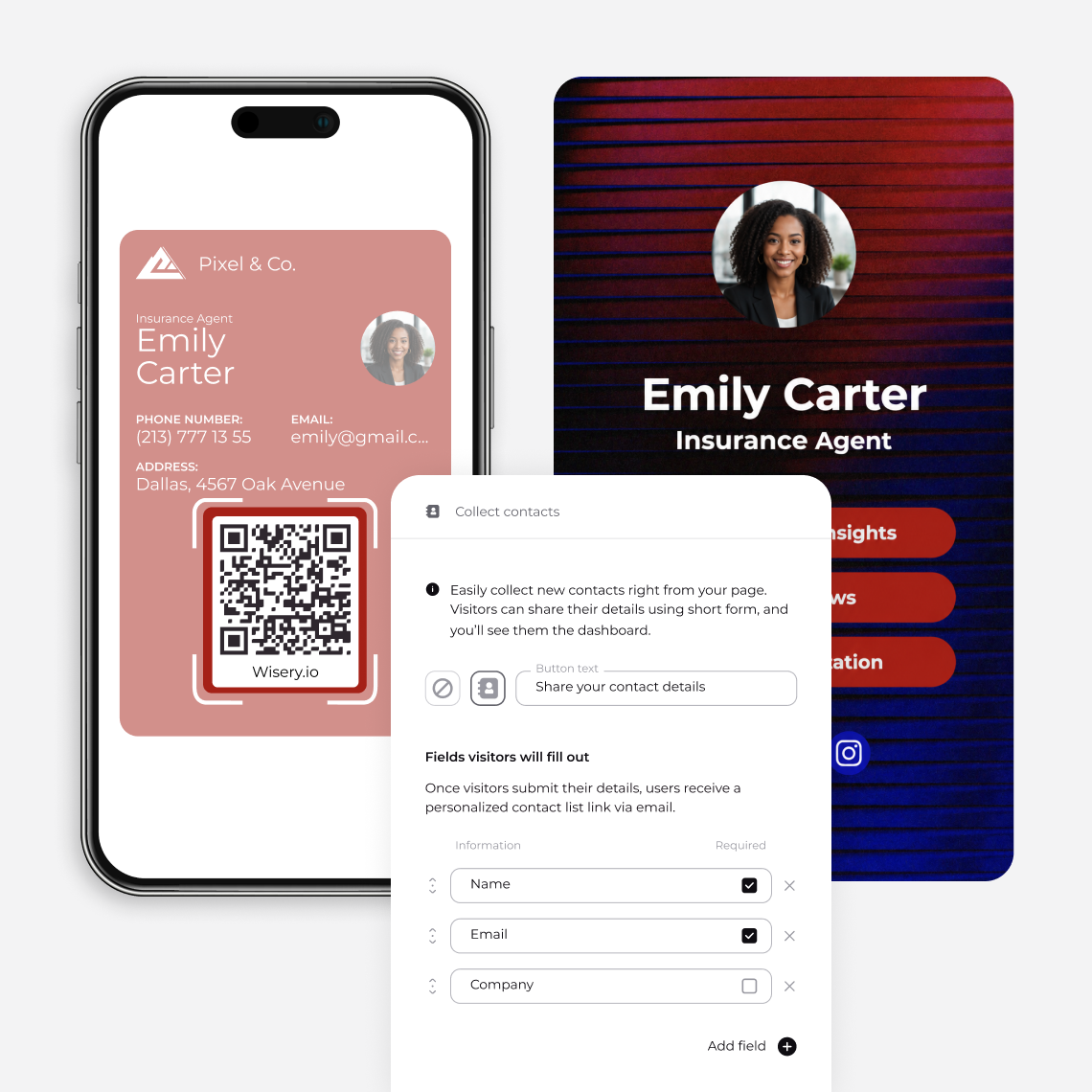
Phone numbers, agencies, carriers, URLs, and branding change. Paper cards can outdate fast. With Wisery, update your profile without ordering new printed cards.
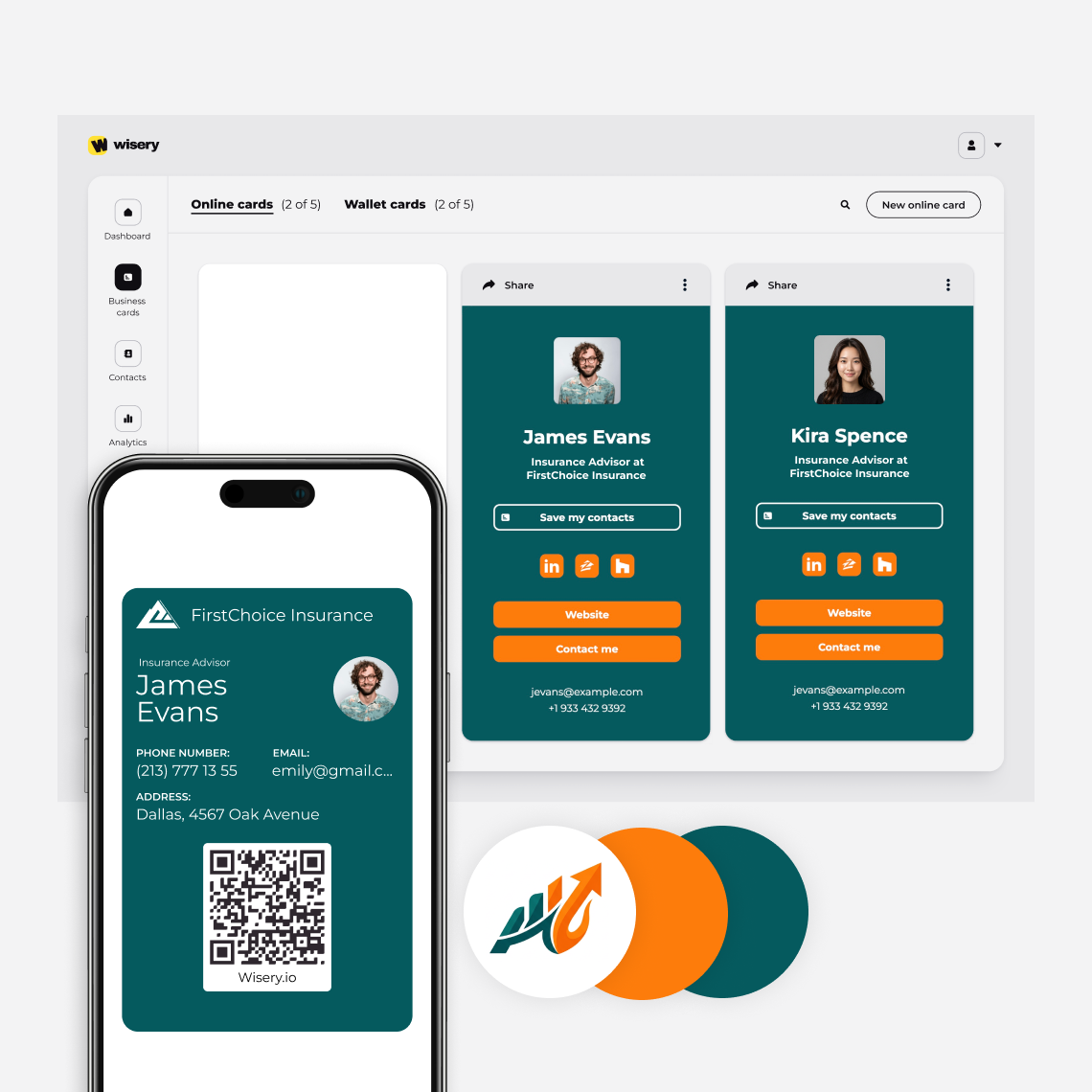
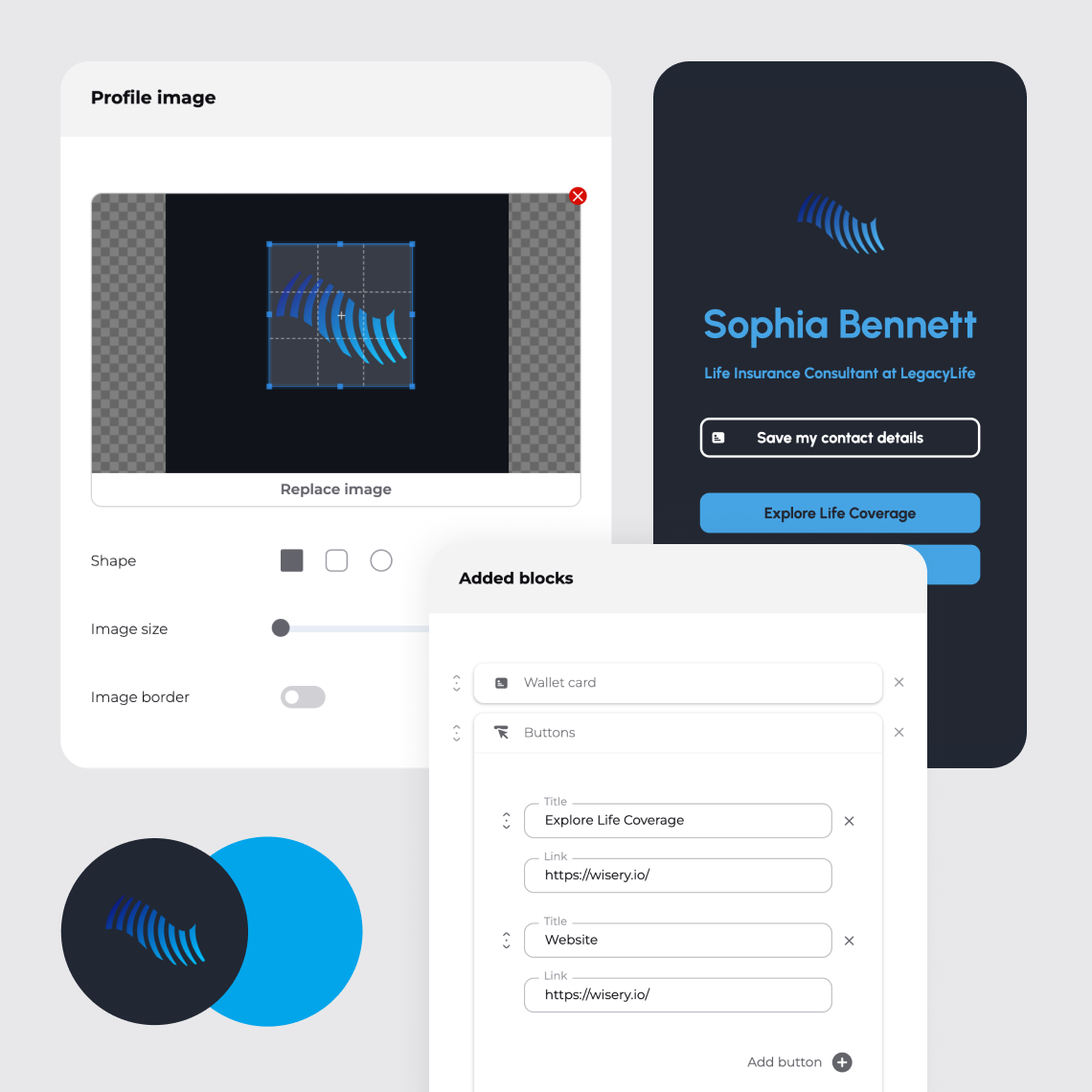
Use a headshot or agency logo, job title, and license details to represent your expertise. Showcase coverage and links clients can explore, then add a direct CTA such as Request a Quote or Schedule a Policy Review.
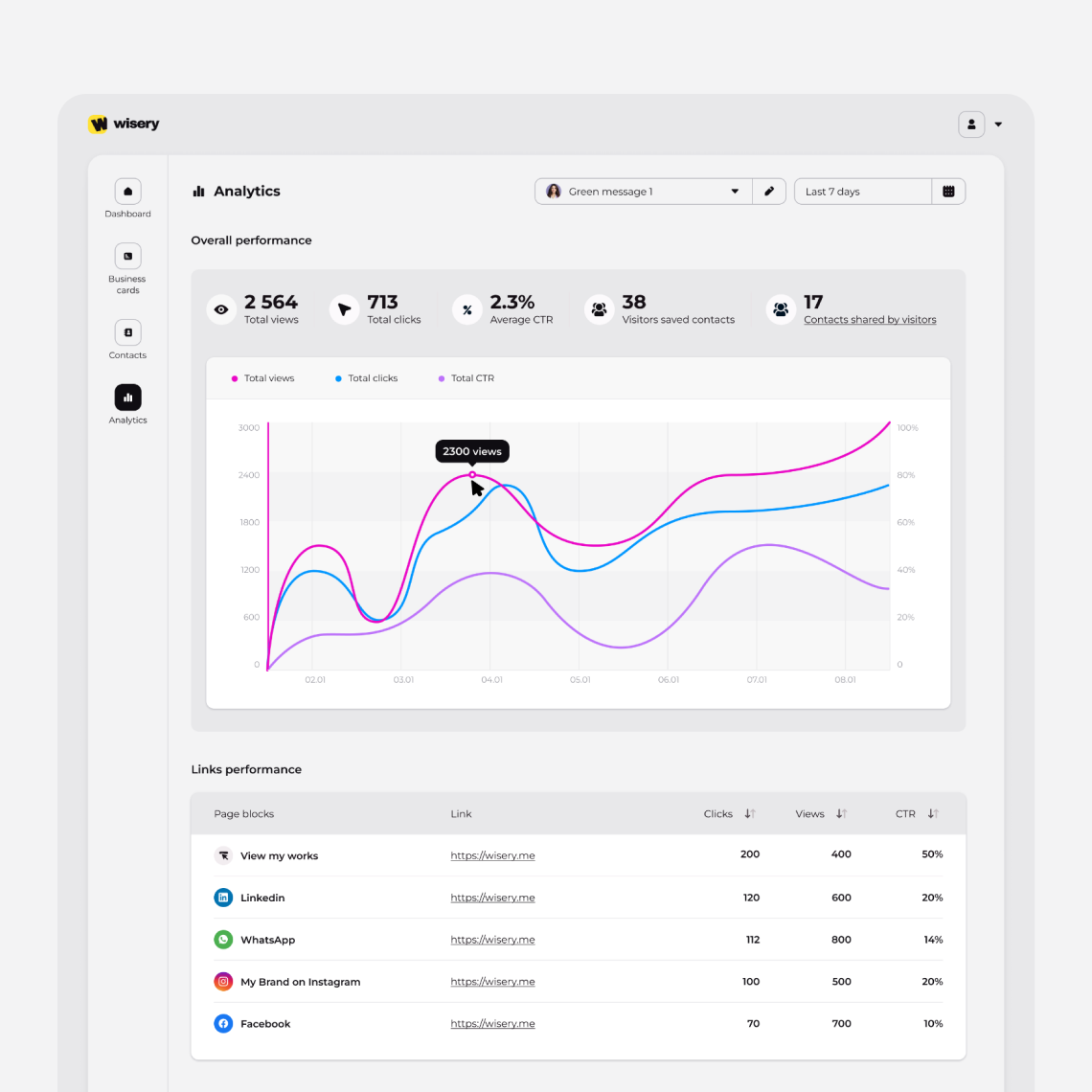
Wisery provides detailed analytics so insurance professionals can evaluate networking, marketing, sales follow-up, and referral activity.
Paper business cards are familiar, but they can quickly become outdated and offer limited ways for clients to interact with you. A digital business card gives insurance agents more flexibility to share, update, and manage professional information without reprinting cards.
| Digital Business Card | Paper Business Card | |
|---|---|---|
| Contact updates | Update phone, email, role, or agency details anytime | Requires reprinting when information changes |
| Sharing | Share by QR code or direct link | Must be handed to the client in person |
| Information included | Add services, credentials, website links, and CTAs | Limited by the physical size of the card |
| Client actions | Clients can call, email, request a quote, or visit your website directly | Clients usually need to enter contact details manually |
| Availability | Can be shared during meetings, by email, text, or social media | Mainly useful during in-person interactions |
| Analytics | Can provide insights into card engagement | No way to track how the card is used |
| Waste | No need to print a new batch after every update | Old cards may need to be discarded |
A Wisery digital business card gives clients the key information they need without making them search for it. For insurance agents, that usually means combining professional contact details, services, credentials, and clear ways to get in touch or take the next step.
| Contact Details | Phone, email, website, agency |
| Insurance Services | Coverage, lines of business, service pages |
| Credentials | Role, license, expertise |
| Professional Links | Website, LinkedIn, agency links |
| Client Actions | Quote, appointment, call, email |
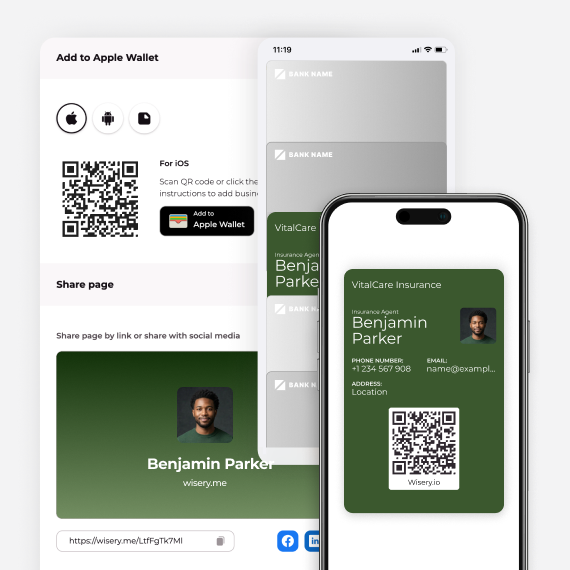
| Digital Sharing Options | QR code, direct link, Apple Wallet, Google Wallet |
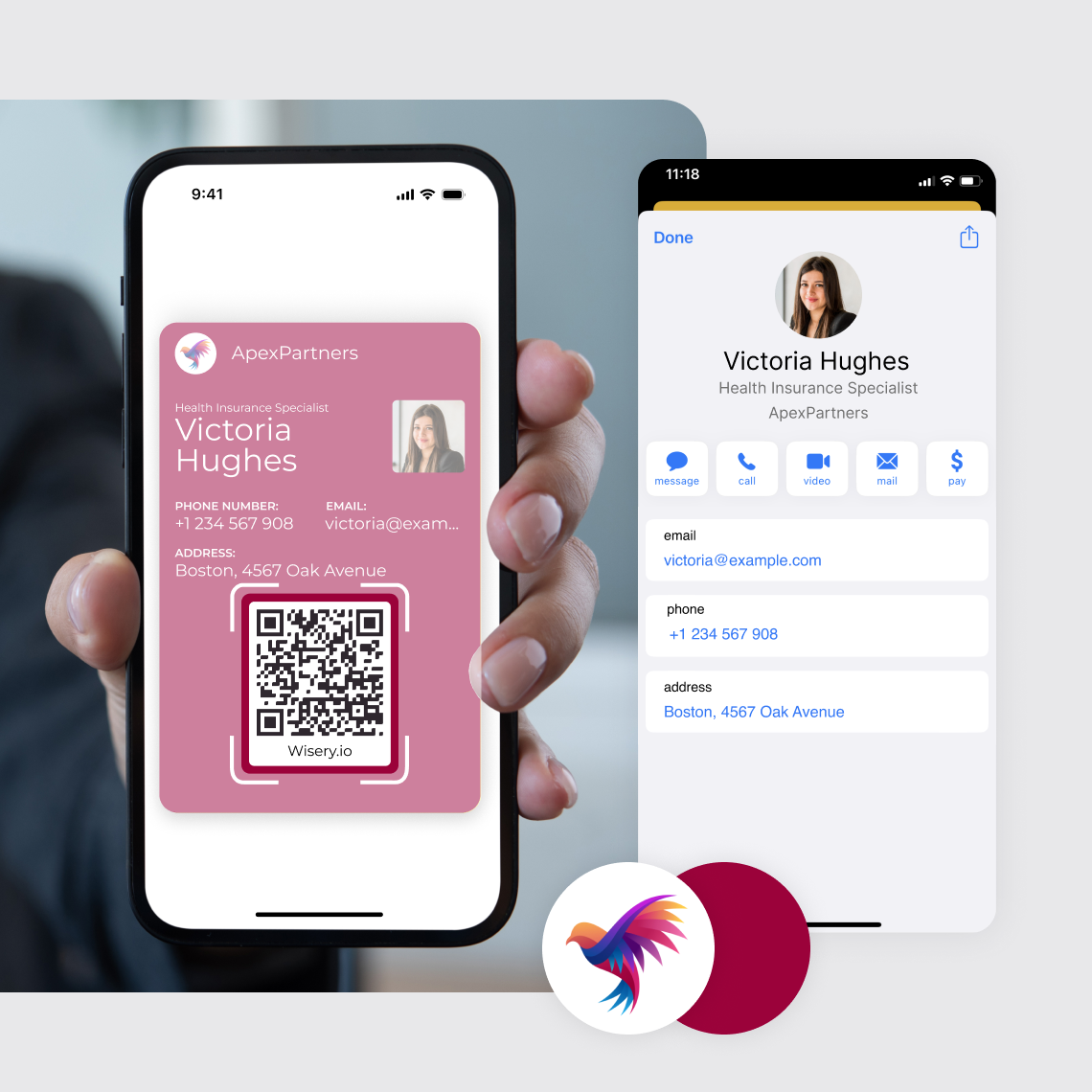
Let the client scan your QR code or tap a direct link. They can save your contact directly to their phone for renewals or claims.
Share contact info with realtors, brokers, financial advisors, prospects, and warm referral partners without carrying stacks of cards.
Send your card by text, add it to your email signature, or share it through social media for a more meaningful connection.
1
Add your name, role, agency, headshot, phone, email, and website to build a modern profile.
2
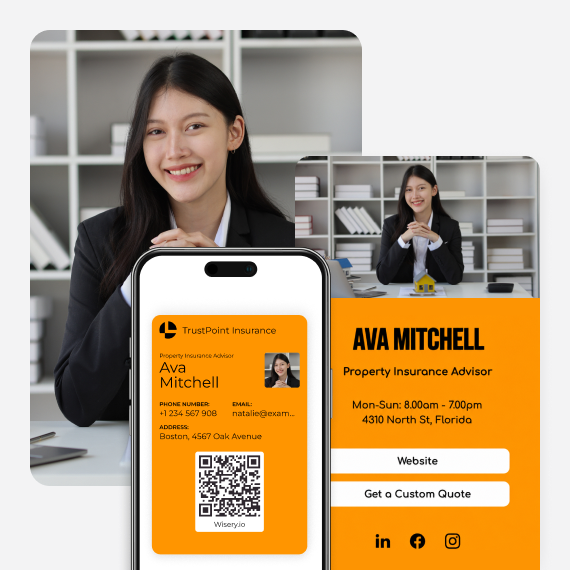
Show your coverage, services, credentials, license or relevant disclosure information, and links to service pages.
3
Use buttons such as Request a Quote, Schedule a Policy Review, Call Me, or Visit My Website.
4
Check the content, test links, generate your QR code, add the card to Apple Wallet or Google Wallet, and test scannability.
QR codes make sharing your digital business card quick and convenient, but they are not perfect for every situation. Here are the main advantages and limitations to consider.
The best digital business card should be easy to share, simple to update, and useful beyond basic contact information. Here are the key features insurance professionals should take into account when choosing a tool.
| Why Wisery | Why It Matters | |
|---|---|---|
| Easy Sharing | QR code and direct link | Helps agents connect instantly |
| Branding & Updates | Update your profile anytime | Keeps information current |
| Security & Privacy | One controlled profile | Professional information matters |
| Analytics & Contact Management | Detailed analytics | Supports follow-up |
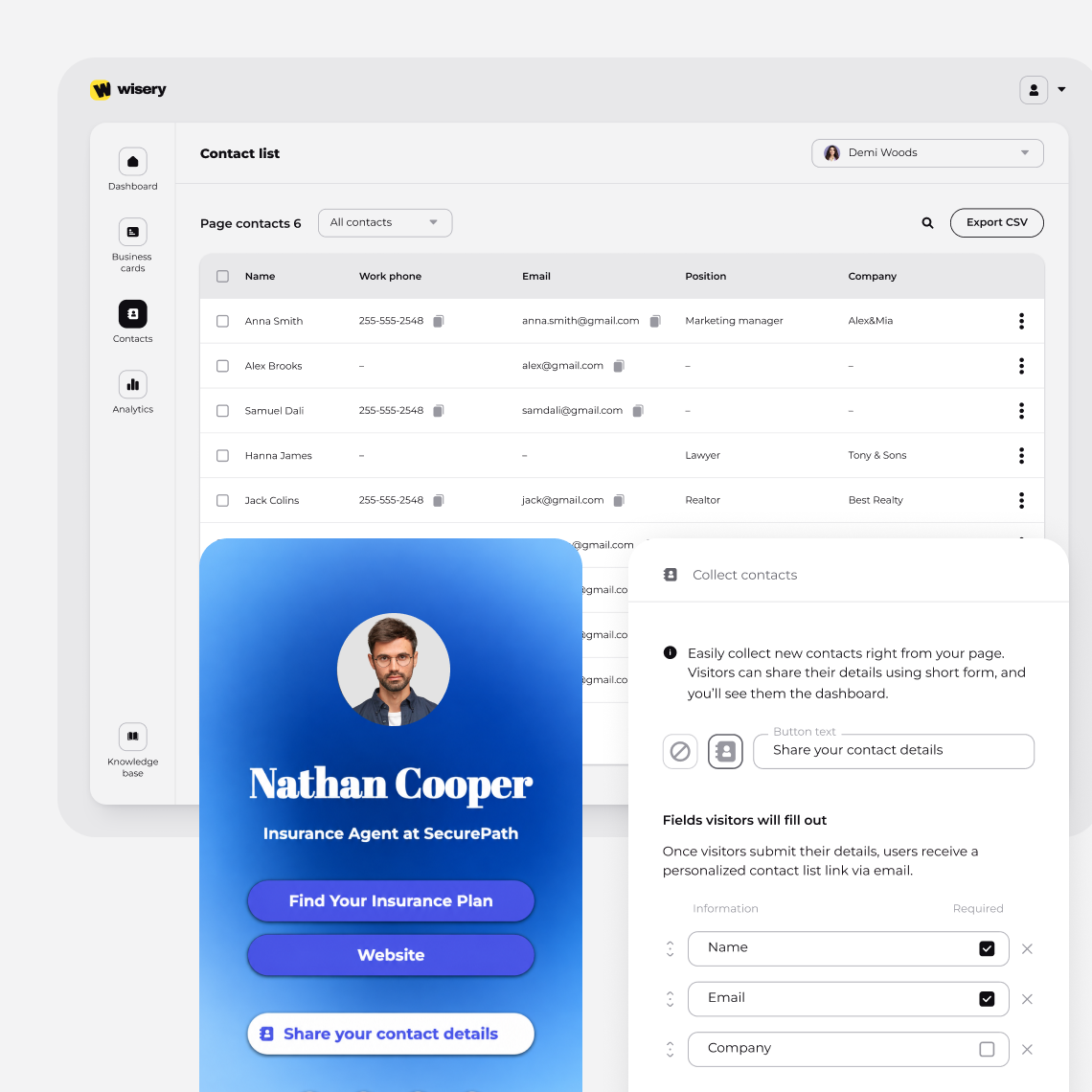
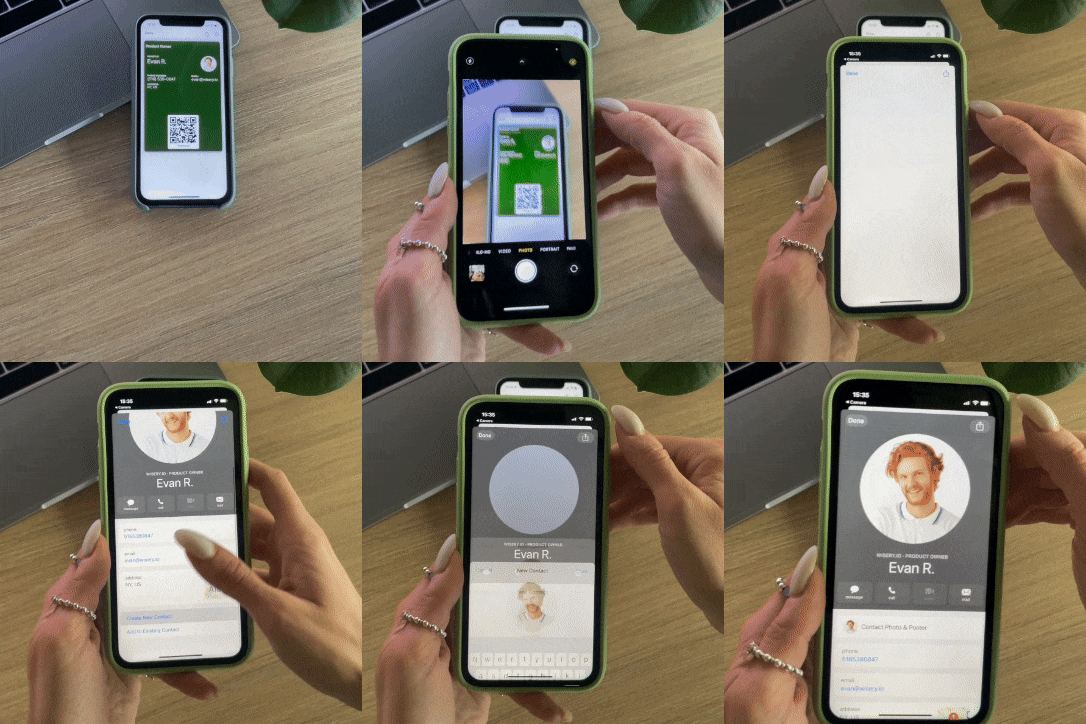
Insurance often depends on staying easy to reach after the first conversation. A Wisery digital business card gives clients and referral partners one place to save your contact details, revisit your services, or take the next step when they are ready.
It can also make follow-up more practical. Instead of searching through old emails or trying to find a paper card, a prospect can reopen your profile and use a direct link to call, email, visit your agency website, or request a quote.
Include contact details, agency information, services, coverage, credentials, license details, useful links, and a clear CTA.
Yes. Share it by QR code or direct link so clients can open your profile directly.
Yes. Update your profile when your phone, role, agency, brand, or service information changes.
They help prospects save your contact, request a quote, book an appointment, or refer you after a meeting. The card makes the next step easier.