Give every supplier meeting a clear next step
Wisery helps procurement professionals share their role, company, contact details, and relevant sourcing or supplier links in one digital business card. Share your card with suppliers and vendors by QR code or link, so they can quickly find the right person and the information they need after a meeting.
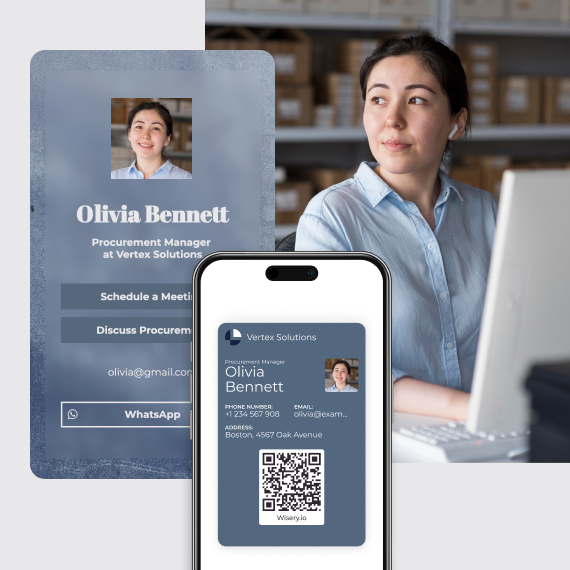
Supplier relationships often continue long after the first meeting. Wisery helps procurement professionals make it easier for suppliers to identify the right contact, understand their procurement focus, and continue the conversation after a meeting.
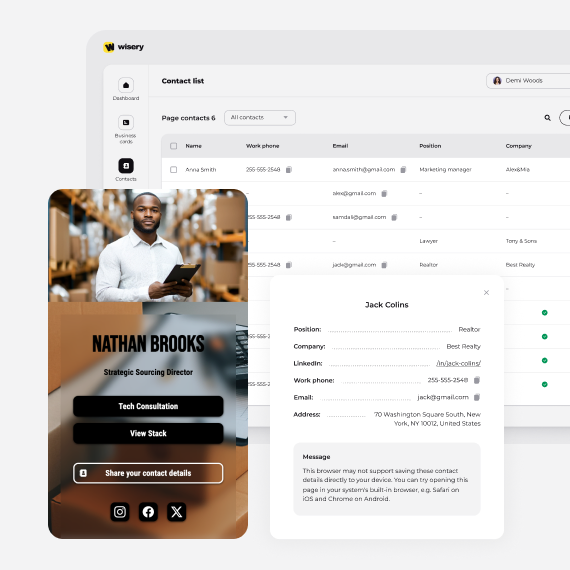
Finished a supplier meeting? Give suppliers one place to find your current contact details, procurement role, and relevant next-step links.
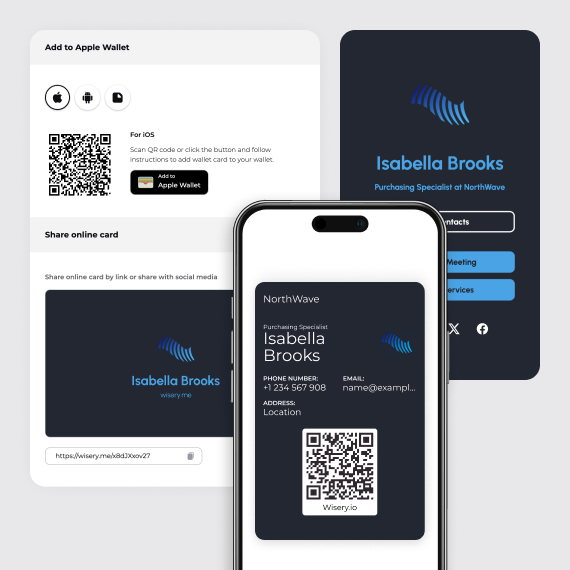
Meet suppliers at exhibitions, sourcing fairs, and industry conferences, then give them an easy way to reconnect after the event.
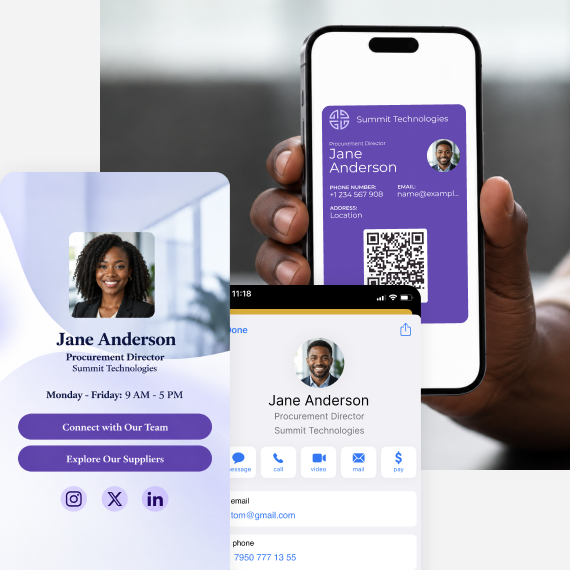
Procurement doesn’t work in isolation.
Share your Wisery card with colleagues in finance, operations, legal, and logistics, making it easier to identify the right person for procurement-related questions. Its functionality goes beyond supplier communication.
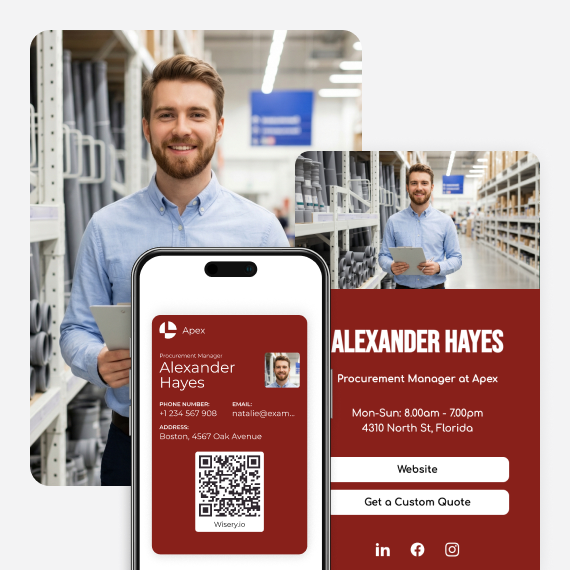
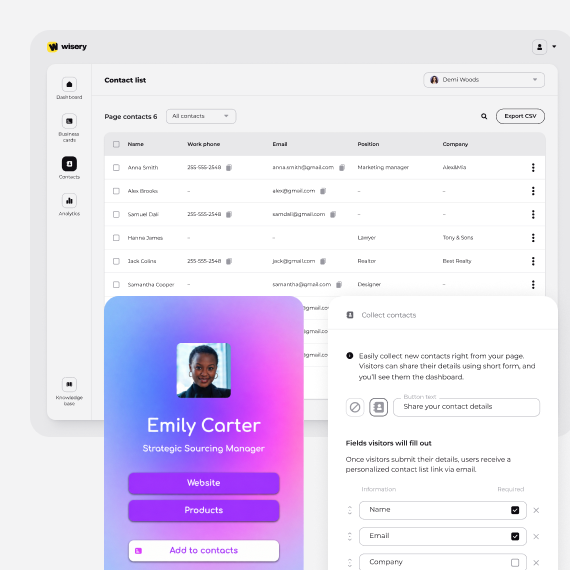
Wisery helps procurement teams exchange supplier contacts faster, keep employee details current, maintain consistent branding, and collect new vendor contacts for follow-up.
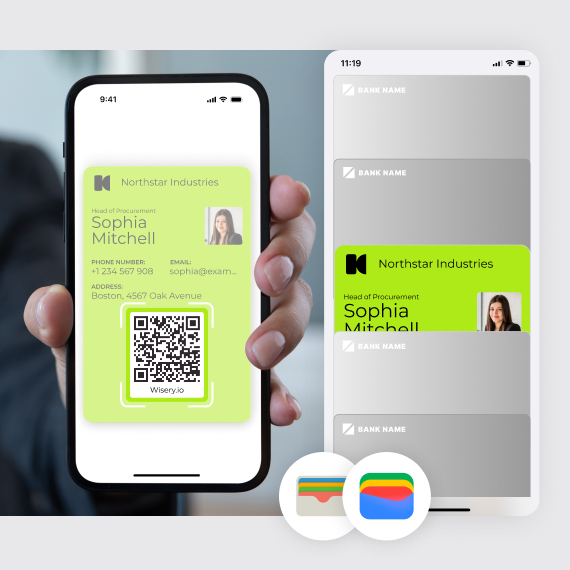
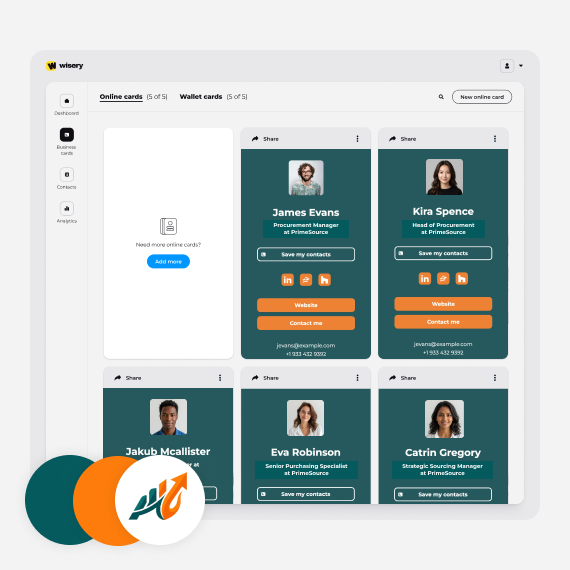
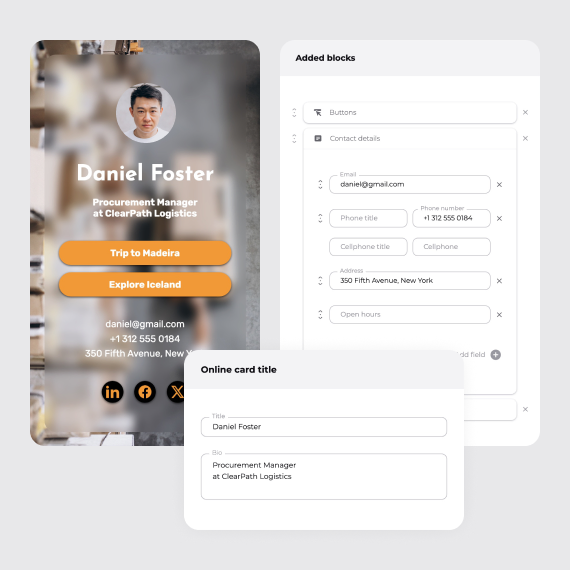
Been using the tool for a while now, overall really solid. What stands out most is the wallet access, quick, seamless, and actually saves time in day to day use.
The lead capture feature is also well done. Works smoothly and keeps the flow simple without extra steps. Would recommend.
it’s the easiest way I’ve found to look professional and stay connected, both online and in person. I use Wisery as my digital business card, and it’s been a total upgrade from anything I’ve tried before. The design is super clean, it takes minutes to set up, and sharing it with a quick tap or scan feels kind of magical. I’m a doctor who’s also active on Instagram and TikTok, so having one place where people can book with me and check out my latest content? Game-changer.

Elias M.
Orthopedic surgeon
This is brilliant! It’s great to have access to a quick digital card which I have stored in my Apple wallet. Plus, being able to connect new contacts through it is even better.. great idea and really looking forward to all the new improvements coming. To be honest as it is works really well for me!
I love about Wisery is how simple they make managing wallet business cards. It’s an easy way to keep all my contacts in one place without the clutter of physical cards! And the team I had a chance to talk to was super friendly.
Wisery.me makes networking simple and smart. Setup takes just a few minutes, and you get a clean, professional digital card that people like using.
The design is modern, and it solves the problems of paper cards getting lost or outdated. You can share everything through one link or save it in your Apple or Google Wallet for quick access anytime.
No need to print business cards anymore. Wisery is a smarter and more convenient replacement, and the current price makes it a great deal.
I no longer have to worry about carrying around paper cards or remembering a list of links to share. Everything I need is in one place, which saves me time and helps me look more professional.

Name, role, company, and location
Email, phone, LinkedIn, and key links
Category or procurement focus
Add a relevant link, such as a supplier registration page, RFQ form, or booking appointments link

Link to your supplier registration or onboarding page

Link to a relevant catalog, product page, or company resource

Link to an RFQ, tender, or sourcing page when suppliers need a specific next step

Add a calendar or meeting-booking link for suppliers who need to schedule a conversation
To create a digital business card for procurement, build your Wisery profile, add your supplier-facing contact details and sourcing links, apply your company branding, and share the card with vendors by QR code, link, email, or Wallet to streamline contact exchange and support a more efficient procurement workflow.
1
Register with Wisery and create your card from scratch or choose a customizable template to get started.
2
Bring your role, company, contact details, and links together. Prioritize the information that matters most to potential suppliers.
3
Add your logo, colours, and visual identity to keep every procurement card consistent with your company brand.
4
Share by QR codes, link, email, or Wallet across your procurement processes.
Yes. No extra app is needed to use Wisery. Suppliers can open your digital card directly in their browser.
Yes. Wisery lets you manage multiple cards in one place. For example, each procurement specialist can have an individual card while the team manages them from one dashboard.
Yes. Wisery gives procurement departments the capability to manage branded cards for multiple team members on one platform.
You can update a card in Wisery, and the changes appear immediately on the employee's card.
Simply update the employee's role and details on the existing card. This helps facilitate a smooth transition without needing to create and redistribute a new card, a more sustainable alternative to traditional paper cards.