
Digital Business Cards for Trade Shows
Use Wisery digital business cards to exchange contact details at your booth and keep new connections in one place. Visitors open your card, save your details, and choose to share theirs through a form. Add product information and a booking link so they can take the next step after the show.
 Apple Wallet & Google Wallet
- QR Codes & Contact Forms
- No App Required for Visitors
- Cards for You and Your Team
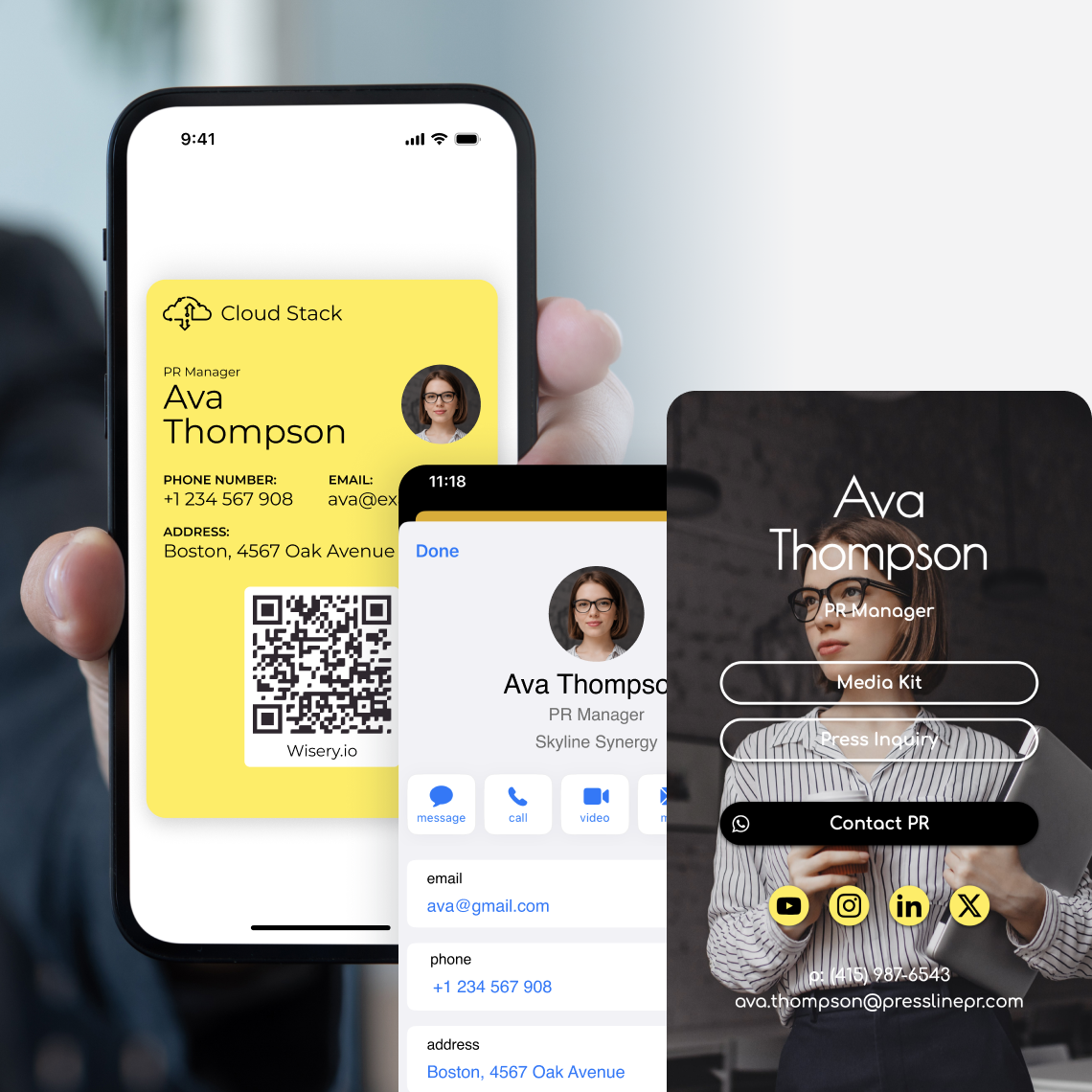
Event Leads Go Cold Fast
You come across a potential buyer, give them a paper card, and then proceed to the next interaction. Even after the event you'll still need their email address. Using Wisery, you are able to exchange information while you are talking to them and then review the contacts that the visitors choose to share.
How Wisery Helps
 Visitors can save your details to their phone
- Visitors enter their details through a form
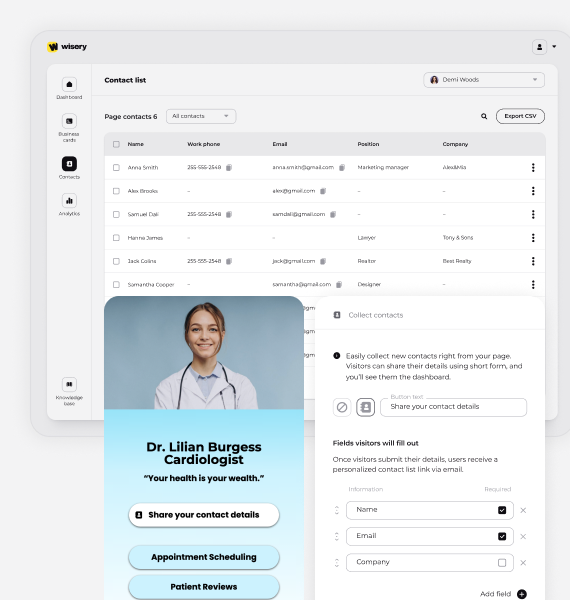
- Submitted details appear in your Contacts tab
- Review collected contacts in your dashboard
- Create cards with matching company branding
Common Trade Show Challenge
 Paper business cards get misplaced
- Staff retype visitor details
- Contacts end up in different places
- Follow-up starts with sorting paper cards
- Team cards look inconsistent
How Wisery Digital Business Cards Work at Trade Shows
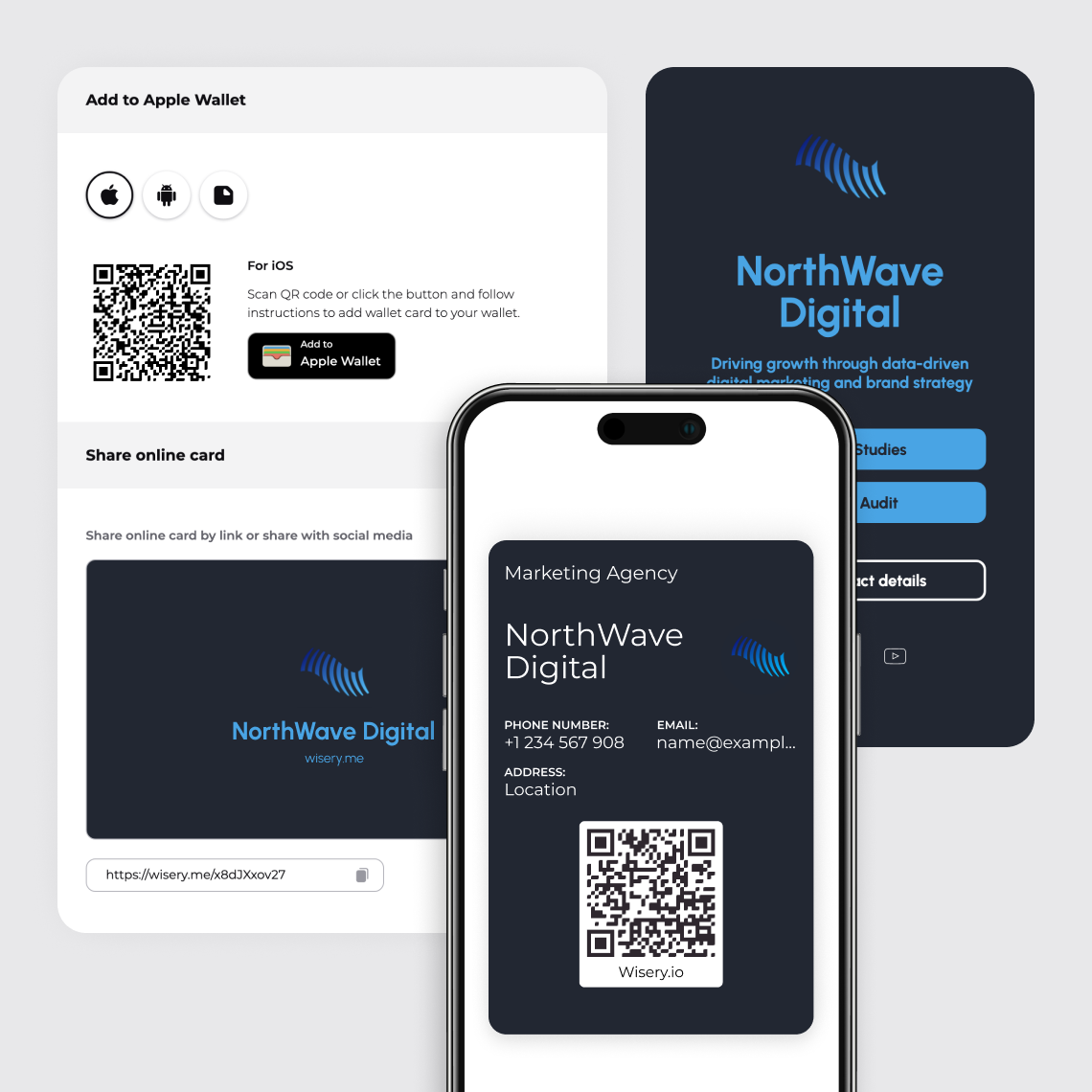
Fill in your online card with your contact information, some useful links, and include a contact form. When you are using a Wallet card, make sure to link its QR code to your online card before the event takes place.
Share Your Digital Business Card
Show the QR code from your phone or Wallet, or send the link to your card. The visitor can then open your card in a browser and save your contact details. A mobile application is not required.
Capture Visitor Contact Information
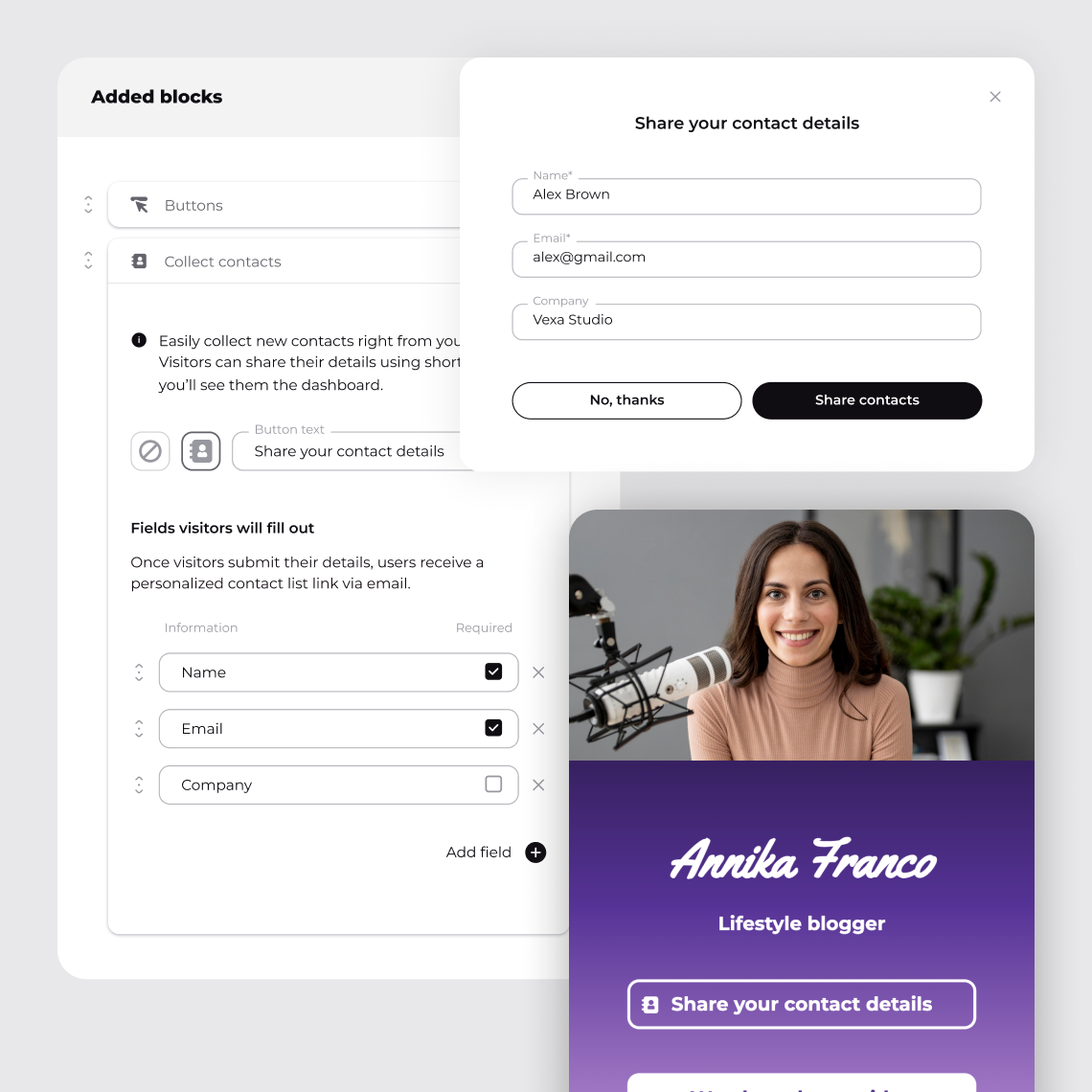
Invite the visitor to share their details through the form on your online card. They choose whether to share their details.
Organize Leads for Follow-Up
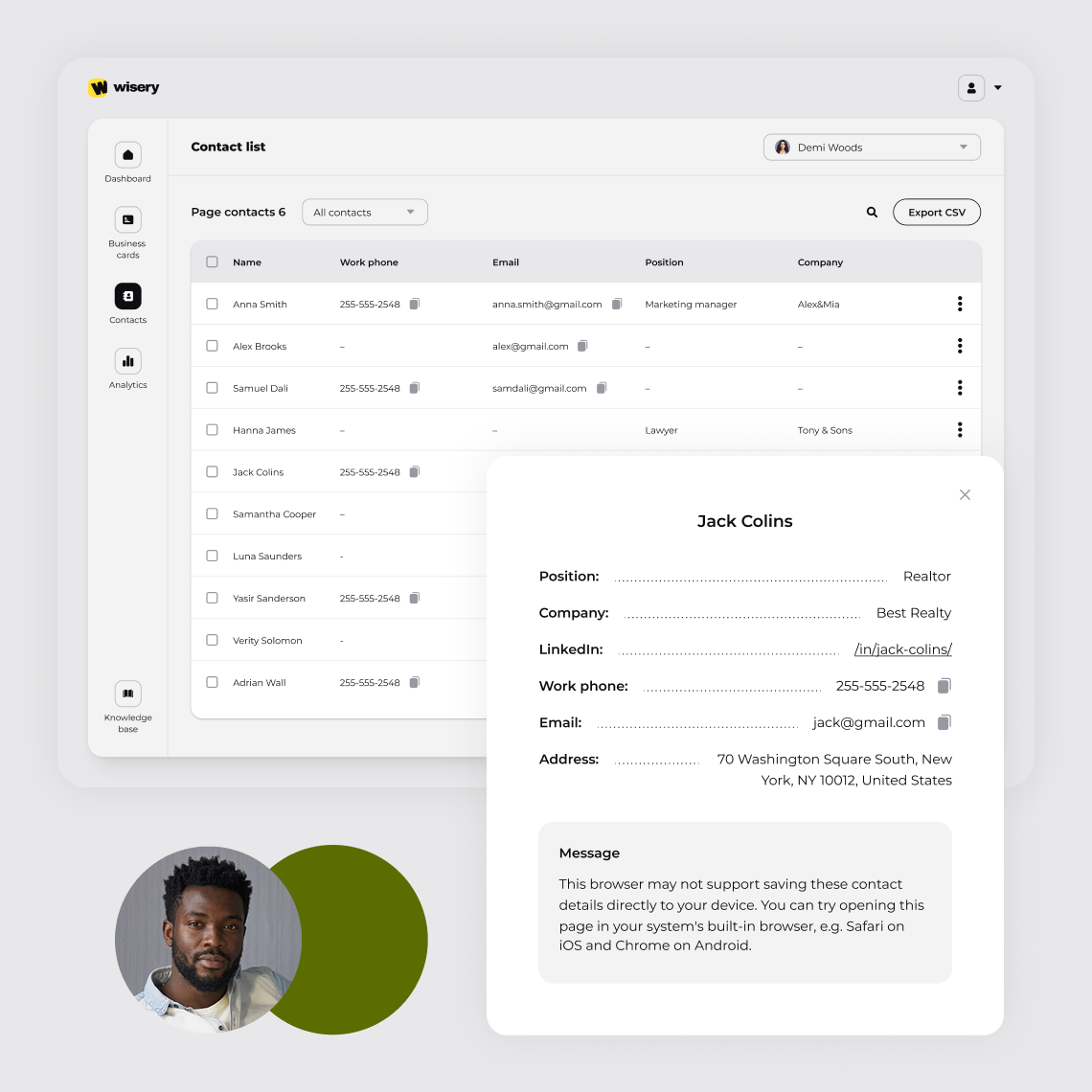
Submitted details appear in the Contacts tab for your online card. Review the list after the event and prepare the contacts you want to follow up with.
Turn Event Connections Into Business Opportunities
Send the product guide you discussed or suggest a meeting. Include your card link so the person can revisit your offer and find the right way to reach you.
Why Choose Wisery for Trade Shows?
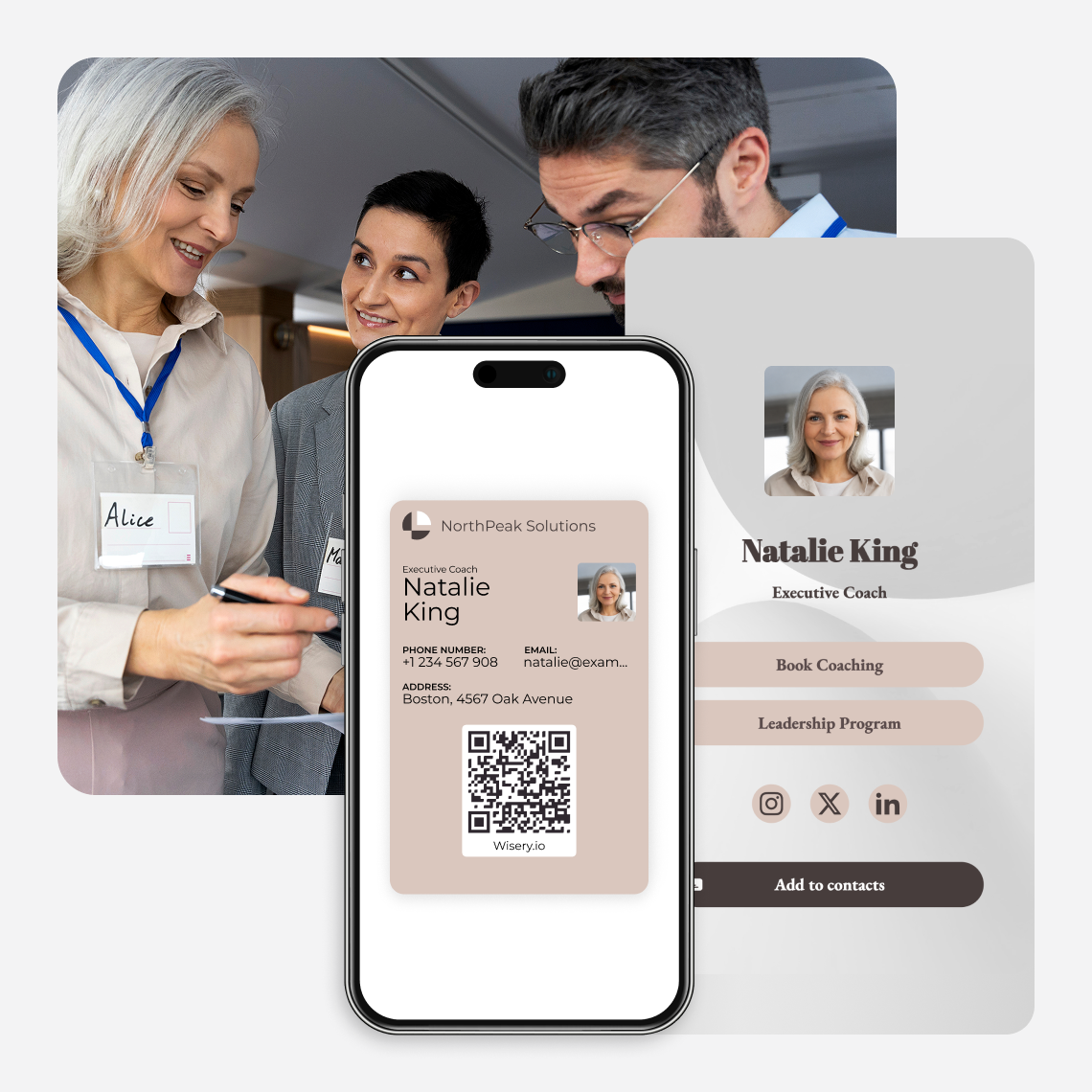
Wisery includes your contact information, the links to the products, and the visitor form on a single online card. Decide which items should be on the card for each event and then share it from your phone or via a QR code on your booth materials.
Wisery Digital Business Cards
- Visitors can save your contact details
- Link to demos, brochures, and booking pages
- Add a form to receive visitor details
- Edit the online card when information changes
- Reuse the same card link and QR code
Printed Business Cards
- Contact details are printed on the card
- Print URLs or QR codes for online resources
- Link to a separate form to collect details
- Reprint when printed contact details change
- Order more cards when supplies run low
Interactive Features for Trade Show Networking
Trusted by Professionals
Wallet and QR Sharing
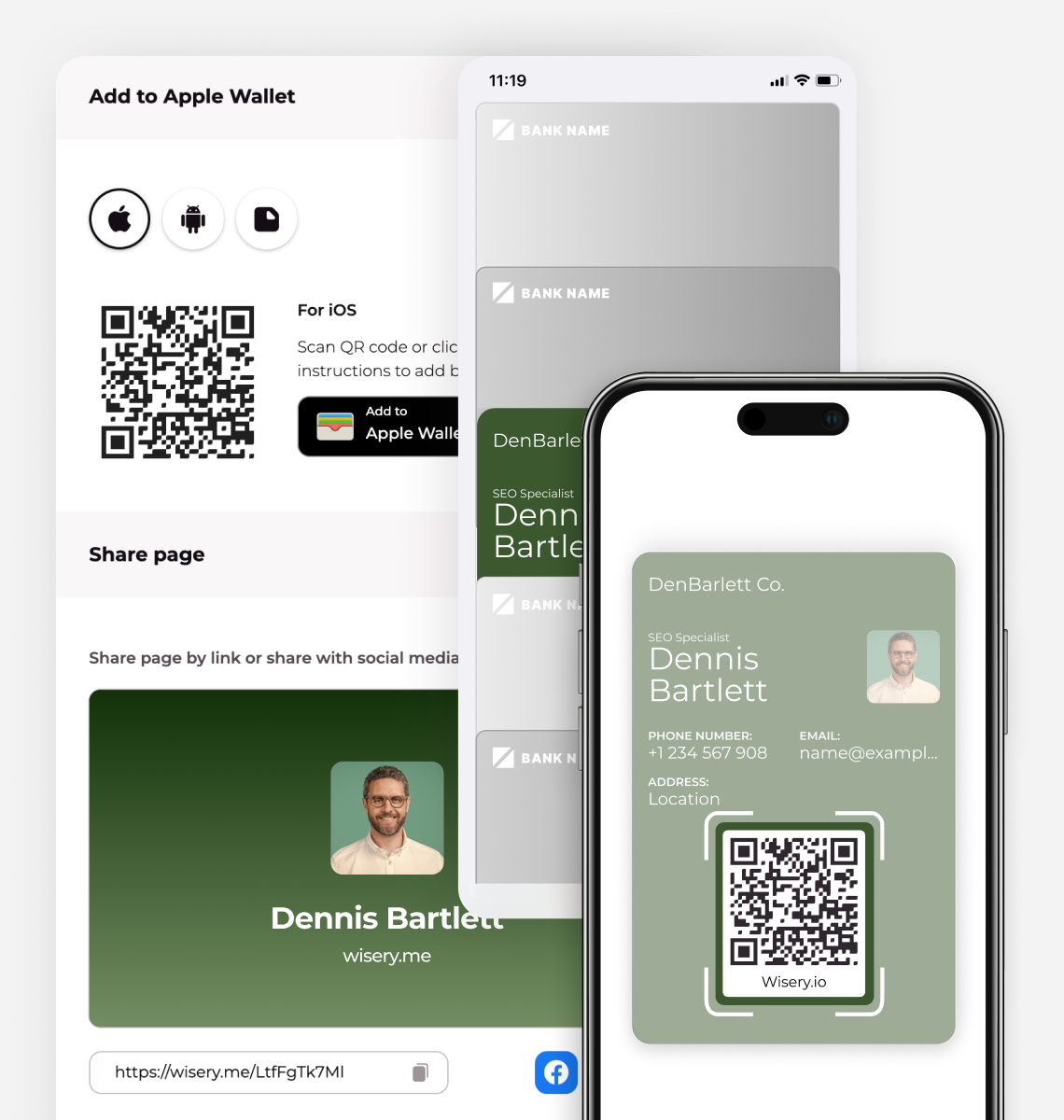
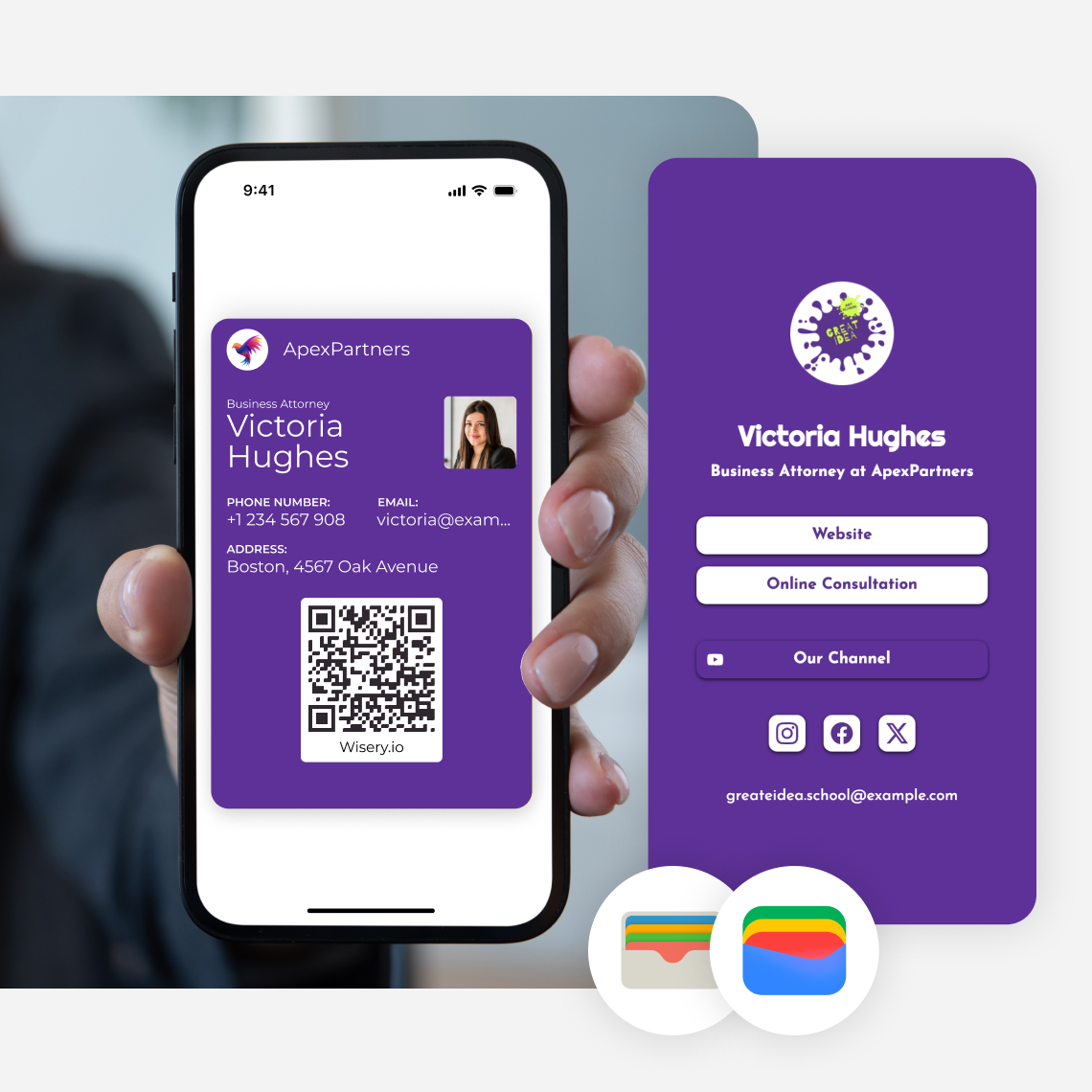
Keep your card in Apple Wallet or Google Wallet so your QR code is easy to find between conversations. Link it to your online card to give visitors your profile, product links, and contact form from one scan.
Product and Booking Links
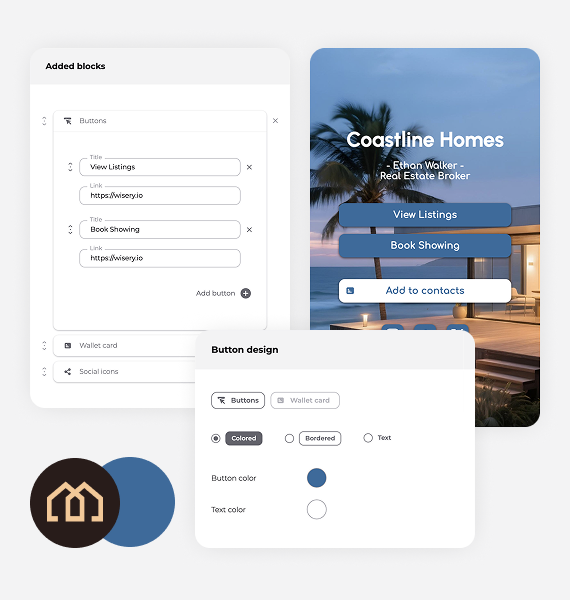
Add buttons for the resources people ask for at your booth: a demo, product sheet, case study, or pricing page. Use a booking link to send an interested buyer to your existing calendar page.
Download a QR Code for Print
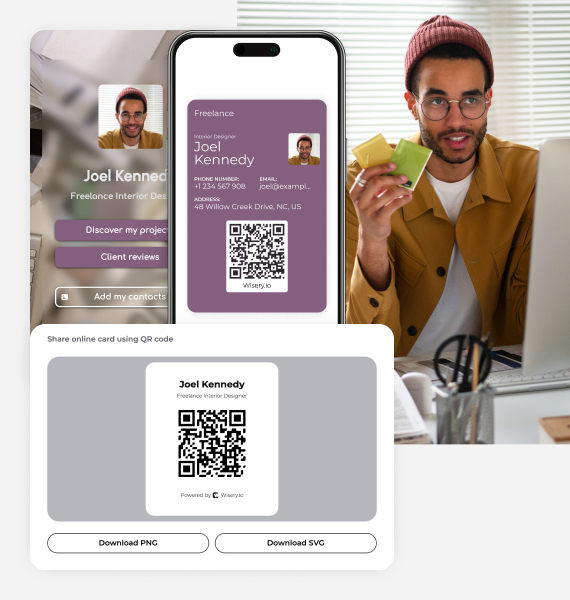
Download your QR code as a PNG or SVG for a badge, banner, handout, or booth display. When your offer changes, edit the online card. The same QR code still opens that card.
Download Contacts for Follow-Up
Review the details visitors submitted in your Contacts tab, then export them as a CSV for your follow-up process. Use the file in a spreadsheet or prepare it for import into your sales tool.
Real Results: Wisery at IT Arena 2025
At IT Arena 2025, visitors scanned our QR codes to open our online Wisery card. They could explore our links, save our details, and share their contact information.
From Booth Traffic to New Contacts
2,364
Website visits
49
Registrations
25
Closed sales
100
New contacts collected
Trusted by Professionals
Great tool for easy networking
Been using the tool for a while now, overall really solid. What stands out most is the wallet access, quick, seamless, and actually saves time in day to day use.
The lead capture feature is also well done. Works smoothly and keeps the flow simple without extra steps. Would recommend.
Super handy!
This is brilliant! It’s great to have access to a quick digital card which I have stored in my Apple wallet. Plus, being able to connect new contacts through it is even better.. great idea and really looking forward to all the new improvements coming. To be honest as it is works really well for me!
Perfect for building a personal brand
it’s the easiest way I’ve found to look professional and stay connected, both online and in person. I use Wisery as my digital business card, and it’s been a total upgrade from anything I’ve tried before. The design is super clean, it takes minutes to set up, and sharing it with a quick tap or scan feels kind of magical. I’m a doctor who’s also active on Instagram and TikTok, so having one place where people can book with me and check out my latest content? Game-changer.

Elias M.
Orthopedic surgeon
Cool wallet business cards
I love about Wisery is how simple they make managing wallet business cards. It’s an easy way to keep all my contacts in one place without the clutter of physical cards! And the team I had a chance to talk to was super friendly.
Ditch Paper Cards. Go Digital with Wisery
Wisery.me makes networking simple and smart. Setup takes just a few minutes, and you get a clean, professional digital card that people like using.
The design is modern, and it solves the problems of paper cards getting lost or outdated. You can share everything through one link or save it in your Apple or Google Wallet for quick access anytime.
No need to print business cards anymore. Wisery is a smarter and more convenient replacement, and the current price makes it a great deal.
Simple solution for sharing contact info
I no longer have to worry about carrying around paper cards or remembering a list of links to share. Everything I need is in one place, which saves me time and helps me look more professional.
Here Is How Your Team Can Use Wisery at an Event
Prepare your cards and booth materials before the doors open. Give each team member the same event links and a clear plan for following up.
Keep Your Card in Wallet
Add your card to Apple Wallet or Google Wallet before you arrive. Set its QR action to open your online card if you want visitors to see links and a contact form.
Place QR Codes Around Your Booth
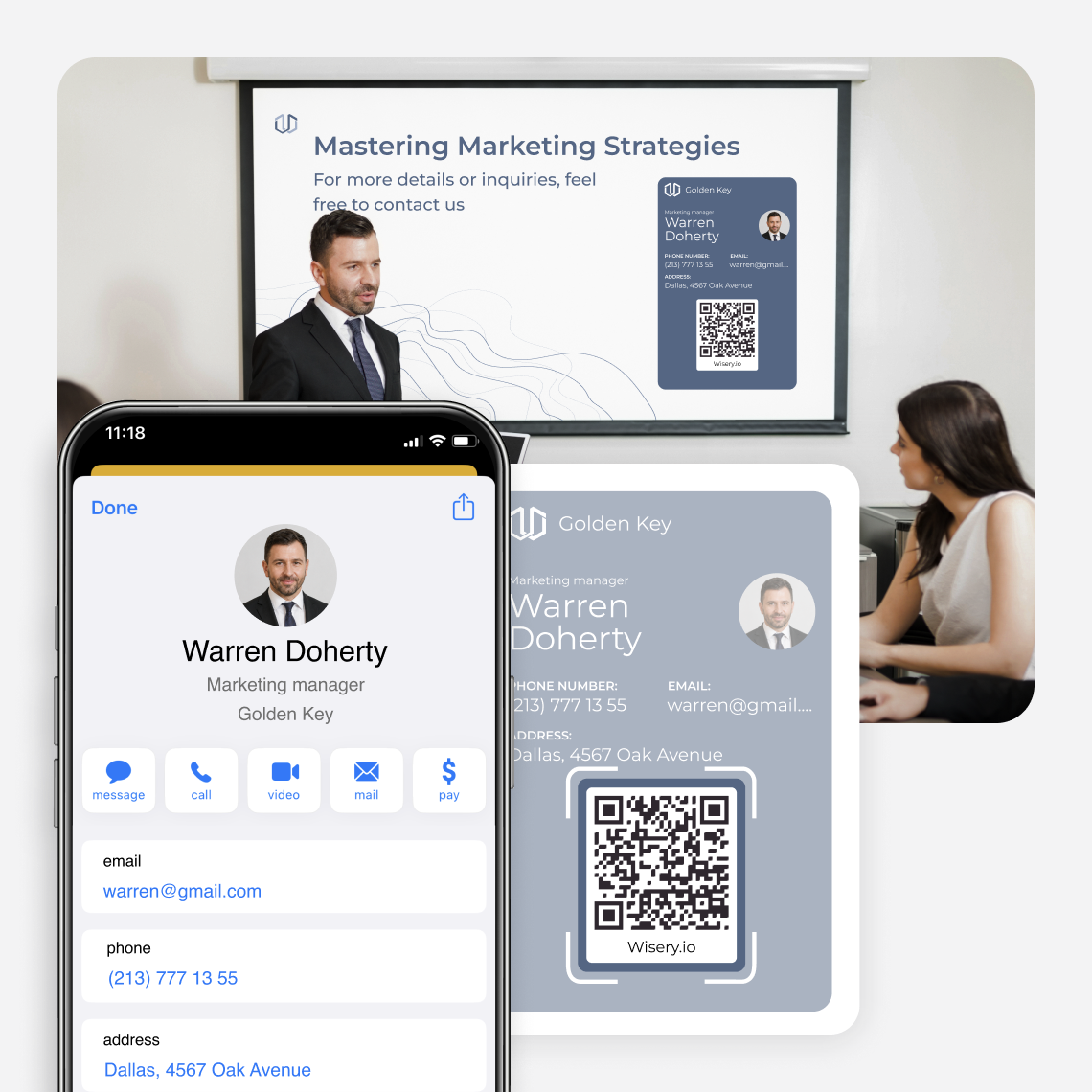
Put a QR code on your booth screen, badge, or presentation slide. Add a short reason to scan, such as View the demo, and test it from the distance visitors will use.
Give Visitors One Relevant Offer
Choose the product page, demo, or event offer that fits your audience. Keep it easy to find on your online card and use the same link across your booth materials.
Track Leads From Networking Events
Agree who will handle each follow-up. Record conversation notes and next steps in your sales tool or follow-up sheet, and track meetings and sales there after the event.
Essential Details for a Trade Show Digital Business Card
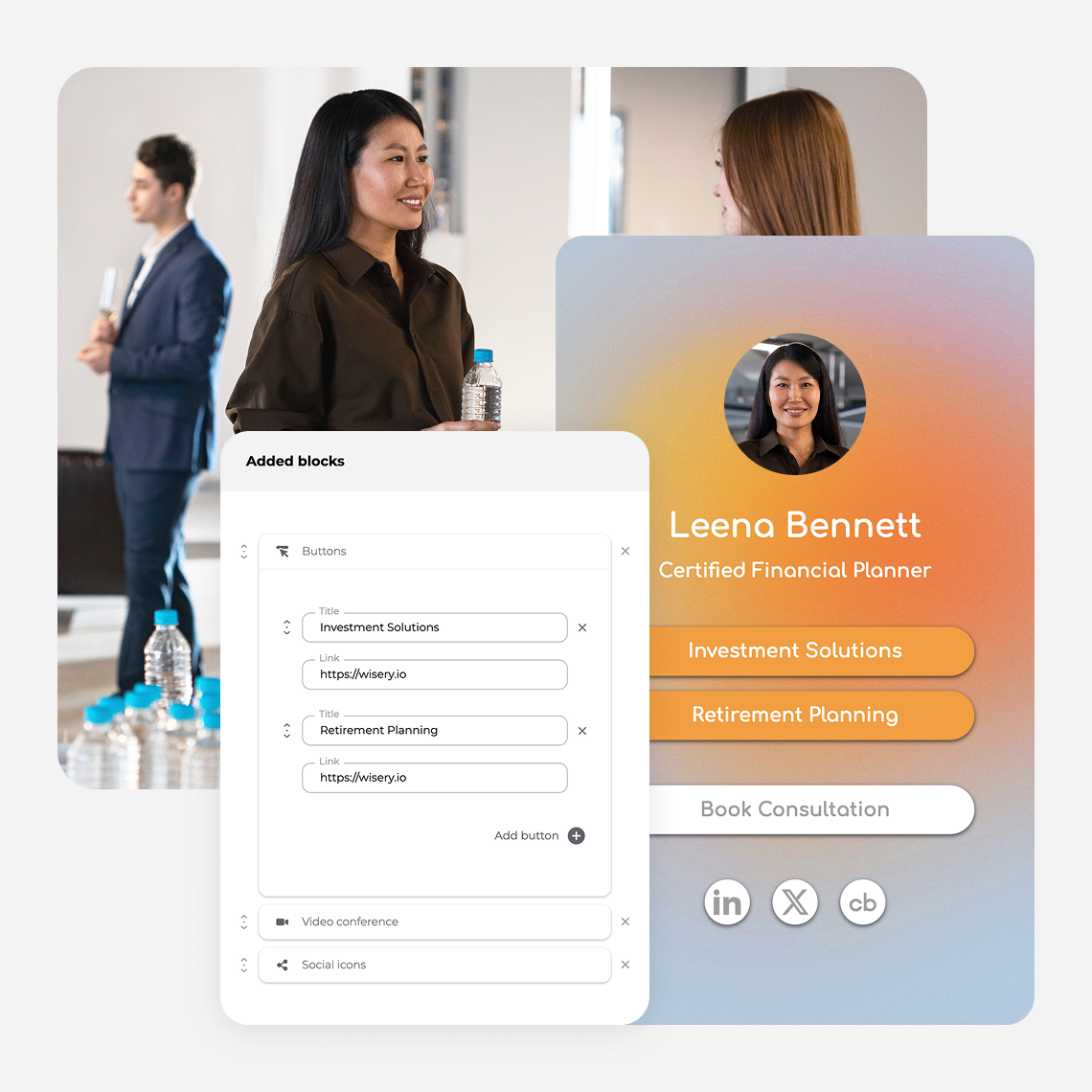
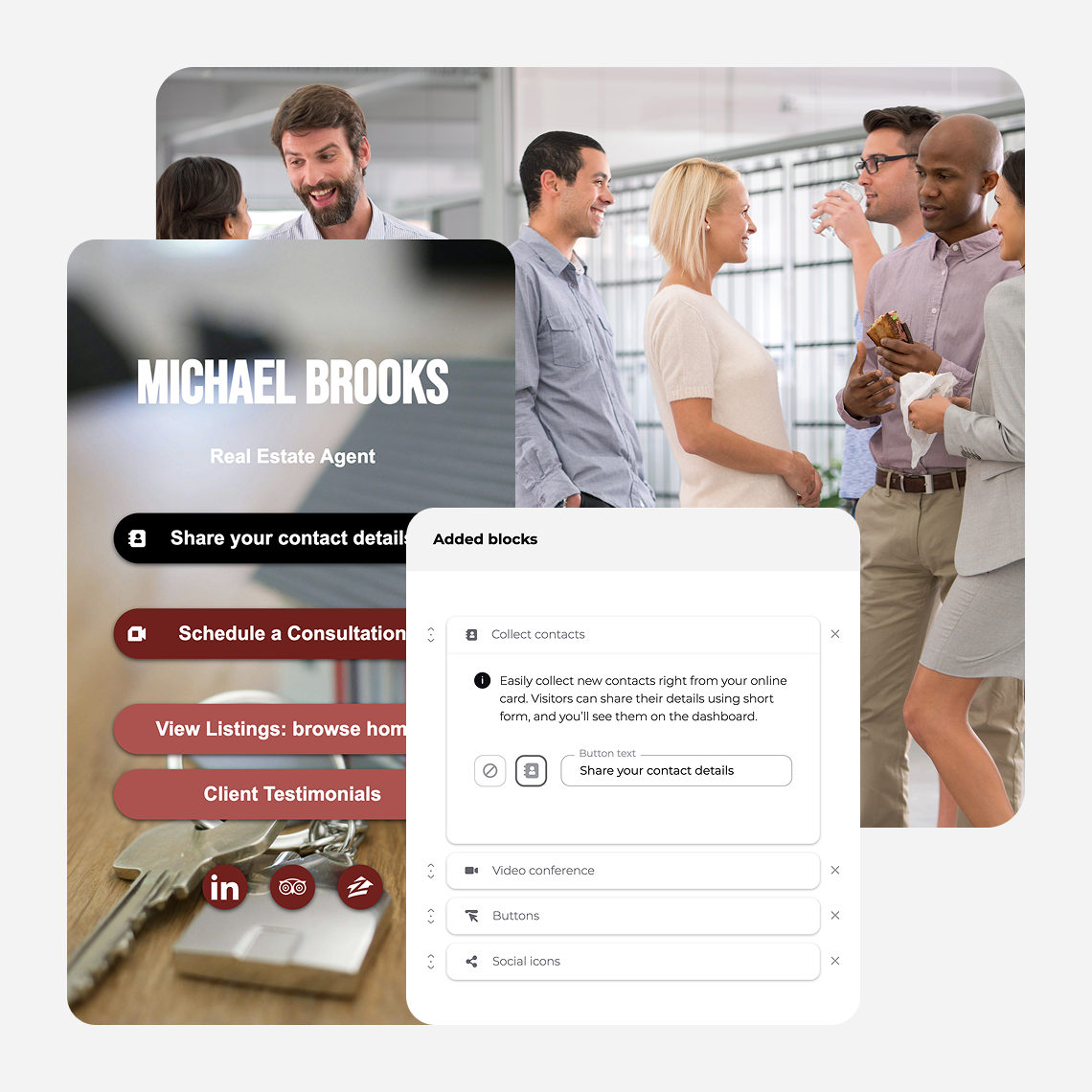
Help visitors remember who they met and find the information they need. Start with your contact details, then add the links that support your event conversations.
Contact and Company Details

Name
Help visitors remember who they spoke with

Company and logo
Connect your card to the brand at the booth

Job title
Show your role and who you can help

Phone
Give visitors a direct way to call

Make it easy to continue the conversation

Website
Let visitors explore your company

LinkedIn and relevant social links
Help people find your professional profile
Useful Links for Your Buyer

Product page or demo
Show the solution you discussed

Case study
Give a buyer evidence from a relevant customer

Brochure or product sheet link
Let visitors download the detail they need

Pricing page
Help visitors assess whether the offer fits

Booking link
Let an interested visitor choose a meeting time

Contact form
Let visitors choose to share their details
How to Present Your Digital Business Card at a Trade Show
Share your card when it helps the conversation. If someone asks for a demo or wants to keep in touch, show them where to find it.
1
Start the Conversation
Ask what brought them to the expo and what they are looking for in a product or vendor.
2
Share Your Card
Show your QR code and explain what they will find: “Here’s the demo we discussed.”
3
Let Them Save Your Details
Give them a moment to open the card and save your contact info before moving on.
4
Agree on the Follow-Up
Invite them to share their details through the form and agree what you will send next.
Design a Digital Business Card for the Trade Show Floor

Start with a Template
Start with a template that suits your brand, then check how the finished card works on a phone.

Make the QR Code Readable
Use strong contrast and leave clear space around the code. Test the final print or screen at the size and distance visitors will scan it, on both iPhone and Android.

Check the Mobile Layout
Use readable text, short sections, and buttons that are easy to tap. Open the card in a phone browser before the event.

Match Your Company Branding
Use the same logo and colors across team cards so every card looks like it belongs at your booth.
Choose One Main Action
Make the most useful next step easy to find, whether that is booking a demo, viewing a product, or sharing contact details.
Keep the Content Relevant
Include the contact details, links, and event offer your audience needs. Remove old promotions and links that distract from the main action.
Create Your Trade-Show-Ready Digital Business Card
Add your contact details, choose your event links, and test your QR code before you arrive. Have your card ready for the next person you meet.
Frequently Asked Questions
Can digital business cards work without Wi-Fi at trade shows?
You can show a QR code from a Wallet card you saved before the event. Visitors need an internet connection, through Wi-Fi or mobile data, to open your online card, view linked content, or submit their details. Test reception at the venue before relying on online lead capture.
Can solo exhibitors use digital business cards at trade shows?
Yes. You can use Wisery for your own card whether you have a booth, attend a conference, or meet people between sessions. Add your details and relevant links, then share your QR code or card URL.
Do attendees need an app to receive a digital business card?
No. Attendees scan your QR code or open your link in their phone's browser. They can view your online card and save your contact details without installing an app.
Can I use digital business cards instead of printed cards?
You can share your Wisery card by QR code or link and download a QR code for print materials. Check the organizer's rules for booth displays and badges before adding codes to event materials.
How do I give visitors a reason to scan my card?
Point them to something relevant to your conversation, such as a demo, product guide, or booking page. Label the QR code with what they will get so the next step is clear.
Can I update my card during the trade show?
Yes. Edit your online card to change your contact information, product links, or offer. Your existing card link and QR code still open that online card, so you can update the content without replacing the QR code on your booth materials.
Does a QR scan automatically capture a visitor's details?
No. A scan opens the destination you set for your QR code. To collect visitor details, connect it to your online card, add a contact form, and invite the visitor to submit their information.
Can I export contacts for my sales team?
Wisery has a CSV export option for collected contacts. Review the file and prepare its fields for your spreadsheet or CRM import. Follow-up messages and CRM imports are handled in your own tools.
Do I need Pro to use Apple Wallet or Google Wallet?
Yes. Apple Wallet and Google Wallet support are included in Wisery Pro. Check the current plan details when choosing cards and features for your event team.