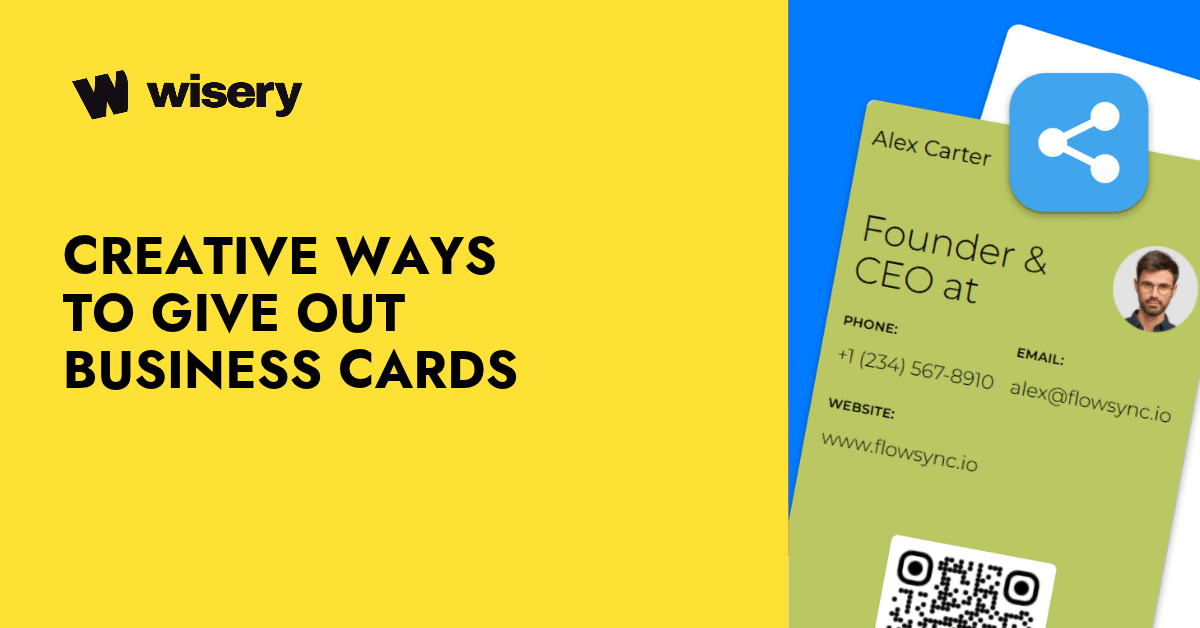
The best creative ways to give out business cards are to share them after a relevant conversation, add a QR code or NFC option, include them in packages or follow-up messages, leave them at relevant customer touchpoints, and connect them to something useful — such as a portfolio, booking page, discount, or case study.
The key is not to hand out as many business cards as possible. It’s to give the right person an easy next step.
That can mean a traditional paper card, a digital business card, or a combination of both. Here are 25 practical business card ideas for networking events, client meetings, local marketing, online conversations, and those unexpected moments when a new connection appears.
1. Give Your Card After a Useful Conversation
One of the simplest ways to make a business card feel valuable is to wait until there is a reason to share it.
If someone asks about your work, a service you provide, or something you mentioned, continue the conversation first. Then offer your card as an easy way to stay in touch.
Instead of “Here’s my card,” try: “I can send you that resource — my contact details are here.”
2. Exchange Business Cards Instead of Simply Handing Yours Out
Networking feels more natural when it is a two-way exchange.
If you have had a useful conversation, ask whether the other person has a card or preferred way to connect. Then offer yours.
This turns business card distribution into an actual connection rather than a one-sided sales pitch.
3. Add a QR Code to a Paper Business Card
A paper card doesn’t have to stay completely offline.
Add a QR code that opens your digital business card, portfolio, website, or contact page. Someone can keep the physical card or immediately save your information to their phone.
It’s one of the easiest ways to combine traditional and digital business cards.
4. Use NFC When You Want a Fast In-Person Exchange
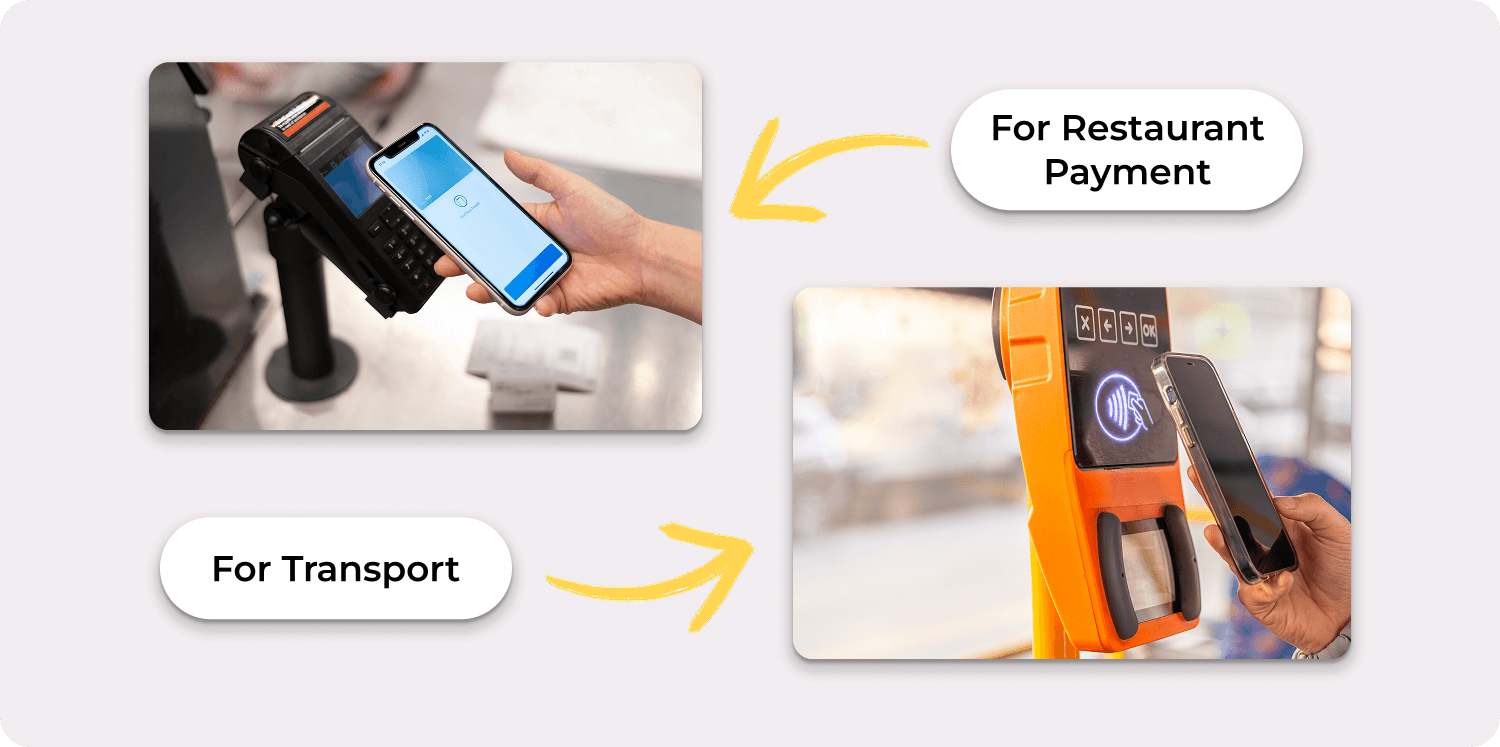
NFC can make sense when speed matters — at conferences, exhibitions, networking events, or busy sales meetings.
Instead of giving a long explanation about the technology, keep the interaction simple: “You can tap here if you want my contact details.”
The tap should lead somewhere useful, such as your contact page, portfolio, or booking link.
Note: Wisery doesn’t currently support NFC sharing, but it can still be used alongside an NFC tag that points to your Wisery card URL.
5. Make the QR Code Lead to Something Worth Opening
A QR code by itself isn’t especially creative. What happens after the scan is what matters.
Instead of sending people to a generic homepage, connect it to something relevant:
- your portfolio;
- a booking page;
- a current offer;
- a case study;
- your contact details;
- a product demo;
- a useful resource.
Give people a reason to scan.
6. Turn Your Business Card Into a Mini Portfolio
This works particularly well for designers, photographers, developers, consultants, freelancers, and other professionals whose work is easier to show than explain.
Your physical card can include a QR code, while your digital business card can link directly to projects and examples.
Instead of saying, “You can check out my work sometime,” you can say, “A few recent projects are linked on the card.”
7. Connect Your Card to a Booking Link
If the natural next step after meeting you is a call, consultation, property viewing, demo, or appointment, make that next step available directly from the card.
For example, a real estate agent can connect a card to contact information, current listings, and a booking page.
That makes the card useful rather than simply informational.
8. Offer a Useful Resource Through Your Card
A business card doesn’t need to lead directly to a sales page.
A consultant might link to a checklist. A real estate agent could share a neighborhood guide. A marketer might offer a template. A freelancer could link to a pricing guide or case study.
The resource gives you a natural reason to hand out your business card: “I mentioned that guide earlier — you can find it through this card.” A Wisery digital business card lets you add buttons to all your essential resources, making it easy for people to find your guides, templates, portfolios, and other useful links in one place.

9. Hand Out Business Cards at Conferences — Selectively
Conferences are obvious places to use business cards, but that doesn’t mean you should distribute one to everyone you pass.
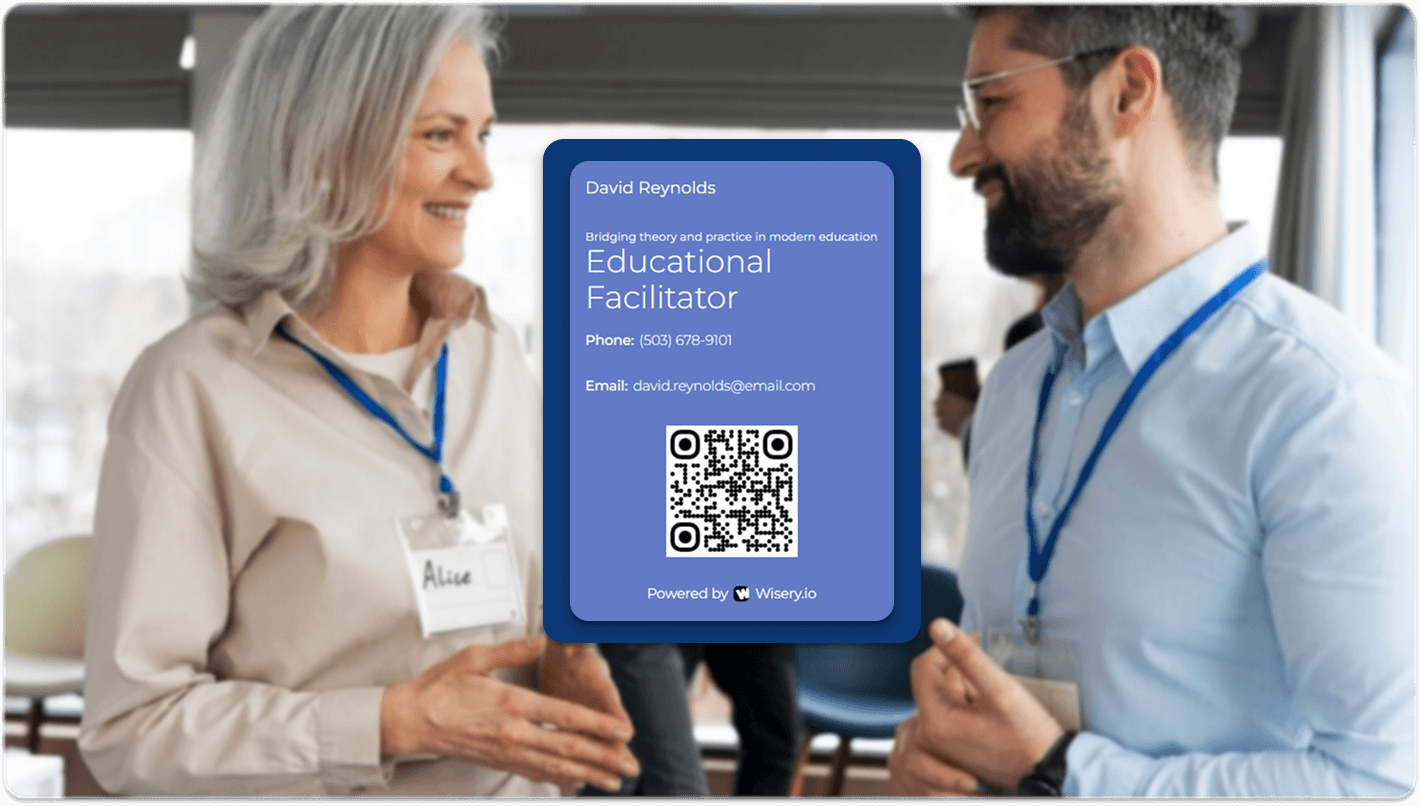
Focus on relevant conversations. Once you’ve talked about what you do and found a reason to stay connected, offer the card.
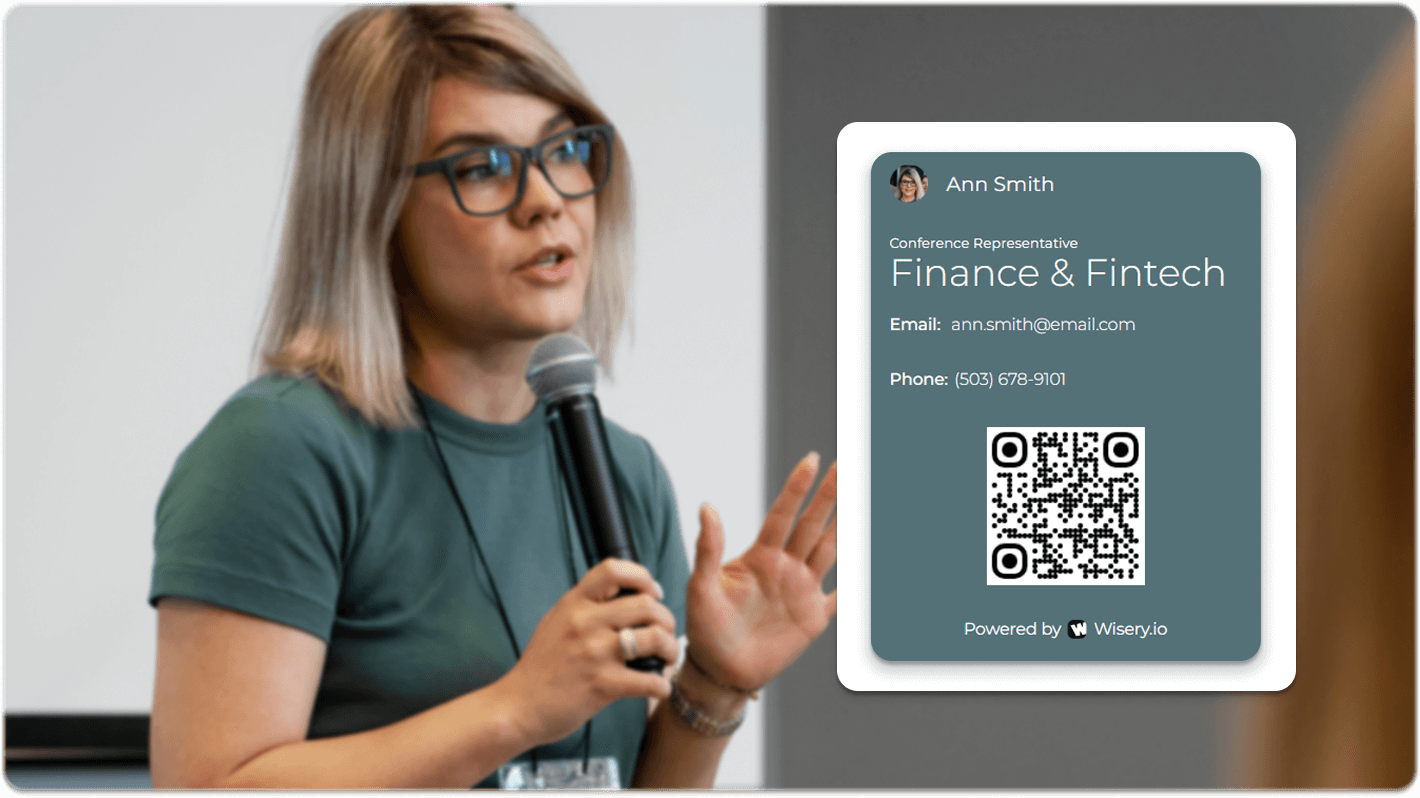
A QR-enabled card or a digital business card for trade shows can be especially useful at large events where people may already be carrying stacks of printed materials.
10. Use Them at Trade Shows and Exhibitions
Trade shows move quickly. People visit dozens of booths, collect brochures, watch demos, and meet more people than they can realistically remember.
Include your business card with relevant materials or offer it after a meaningful booth conversation. A QR code can point to the exact product, demo, case study, or contact page you discussed.
That context makes the card much easier to remember later.
11. Share Your Card at Workshops and Masterclasses
Workshops naturally create conversations around shared interests.
If someone asks about an idea, project, or example you discussed, that’s a good opportunity to exchange contact details.
Your card can also connect to additional resources — such as your blog, portfolio, social profiles, or collaboration page.
12. Use Business Cards at Client Meetings
Include a card in a presentation folder, proposal pack, or other material the client will take away.
For digital meetings or more informal conversations, use a QR code or smart link instead.
The important part is timing: give the card when it helps the client take the next step, rather than placing it in front of them before the conversation has even started.
13. Include Your Business Card in Product Packages
If you sell physical products, include your business card inside relevant orders.
But make the card do something useful. It could provide customer support details, a reorder link, a loyalty offer, care instructions, or a QR code leading to your online profile.
That gives customers a reason to keep or scan it.
14. Add a Card to Thank-You Notes and Welcome Packs
A handwritten thank-you card already feels personal. Adding your business card makes it easy for the recipient to contact or refer you later.
This works well for consultants, photographers, real estate professionals, local service businesses, and freelancers.
For a hybrid approach, use a printed card with a QR code leading to your current digital profile.
15. Include Your Business Card With Invoices or Receipts
For businesses that still provide physical invoices, receipts, folders, or paperwork, a business card can be a useful addition.
You might include a support contact, booking link, account manager details, or QR code for future services.
Just make sure it serves the customer rather than feeling like another advertisement.
16. Partner With Relevant Local Businesses
Local business card distribution works best when there is a real connection between the two businesses.
For example, a wedding photographer might leave cards with a wedding planner. A personal trainer might partner with a nutrition professional. A home service provider might exchange cards with a complementary contractor.
Always ask the business owner before leaving promotional materials.
17. Use Coworking Spaces and Community Boards
Some coworking spaces, business centers, cafés, libraries, and community spaces have approved areas for local business materials.
If promotional cards are allowed, leave a small number rather than covering the space with them.
A clear headline or QR code can help explain what someone gets by picking up or scanning the card.
18. Give Extra Cards to Referral Partners
Your existing clients, partners, and professional contacts may occasionally meet someone who needs exactly what you offer.
Give trusted referral partners a few cards they can pass along when the situation is relevant.
For digital cards, sharing a link can make referrals even simpler because the information stays current.
19. Include Business Cards in Event Materials
If you’re speaking at, sponsoring, or organizing an event, include a card or QR code in materials attendees already receive.
That could mean a welcome pack, brochure, name badge, presentation handout, or event giveaway.
Connect the card to the content of the event — your slides, resources, contact information, or a follow-up page — rather than simply dropping in another promotional item.
20. Be Ready for Unexpected Conversations While Traveling
You don’t need to turn every flight, hotel stay, or coffee line into a networking opportunity.
But sometimes work genuinely comes up in conversation.
If someone shows an interest in what you do, having a card ready — or a digital card saved on your phone — lets you exchange details without searching for a pen or spelling out your email address.
21. Share Your Card During Virtual Meetings
Business cards can also be useful when no one is physically in the same room.
If you’re presenting during a Zoom or Teams session and sharing contact information is relevant, place your digital card link in the chat or presentation.
Keep it contextual: “If anyone wants the checklist and my contact details, they’re available here.”
That feels much more natural than dropping an unexplained promotional link.
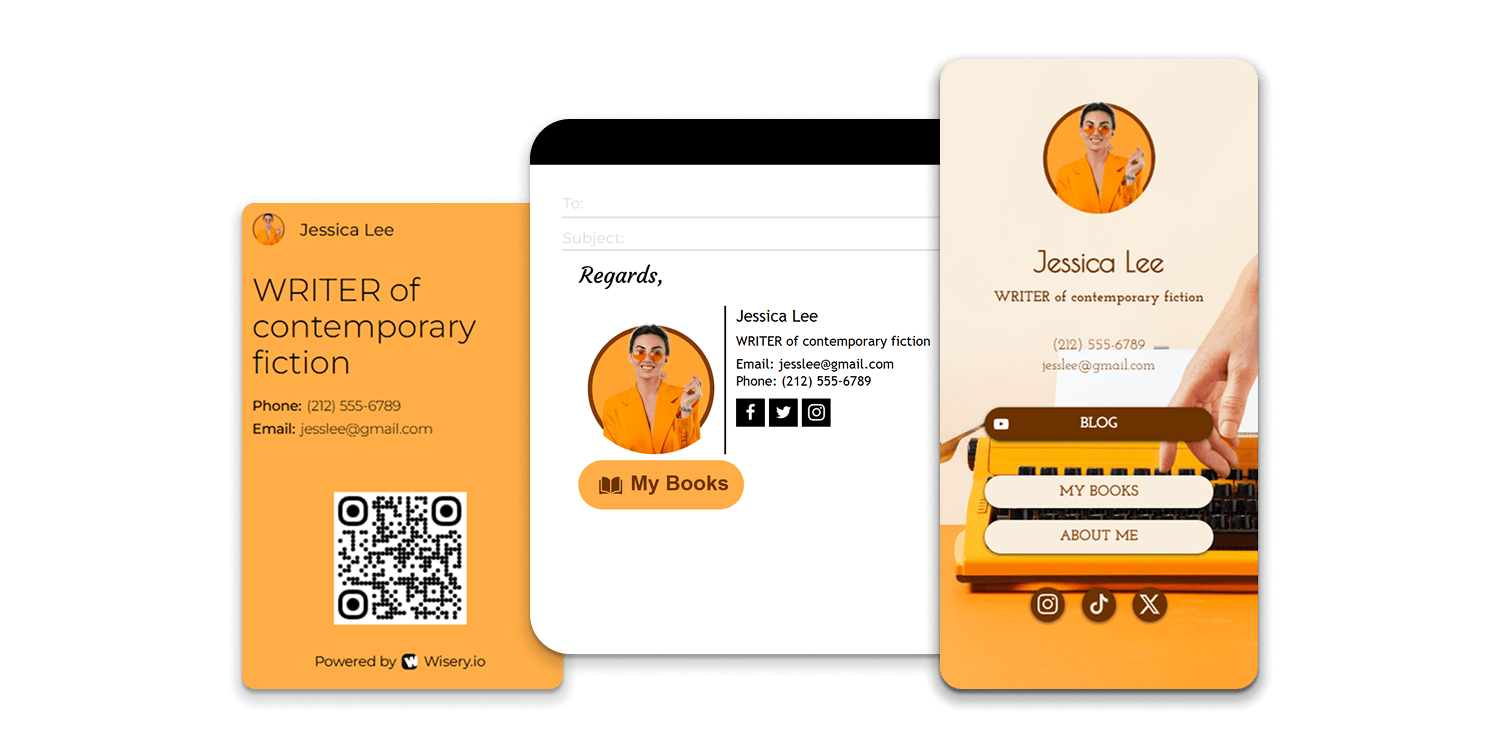
22. Put Your Digital Business Card in Your Email Signature
Email is one of the easiest places to distribute a business card without actively handing anything out.
Adding your digital card to your email signature gives recipients an optional way to learn more about you.
Use a simple CTA such as:
- View my profile
- Save my contact
- Let’s connect
- Book a call
23. Add Your Card to the Social Profiles That Matter
Your digital card can also live where people already discover you.
For a field sales professional, LinkedIn may make the most sense. Creators may prefer Instagram or YouTube. Freelancers might link it from a portfolio or professional profile.
Don’t try to place the link everywhere. Use the channels where potential clients are actually likely to look for you.
24. Send Your Card in a Personalized Post-Event Follow-Up
One of the best times to share your business card may be after the event.
Send a short message within the next day or two and reference something you actually discussed:
“Great talking about the new project yesterday. Here are my contact details and the case study I mentioned.”
The card then becomes part of the follow-up rather than an isolated networking gesture.
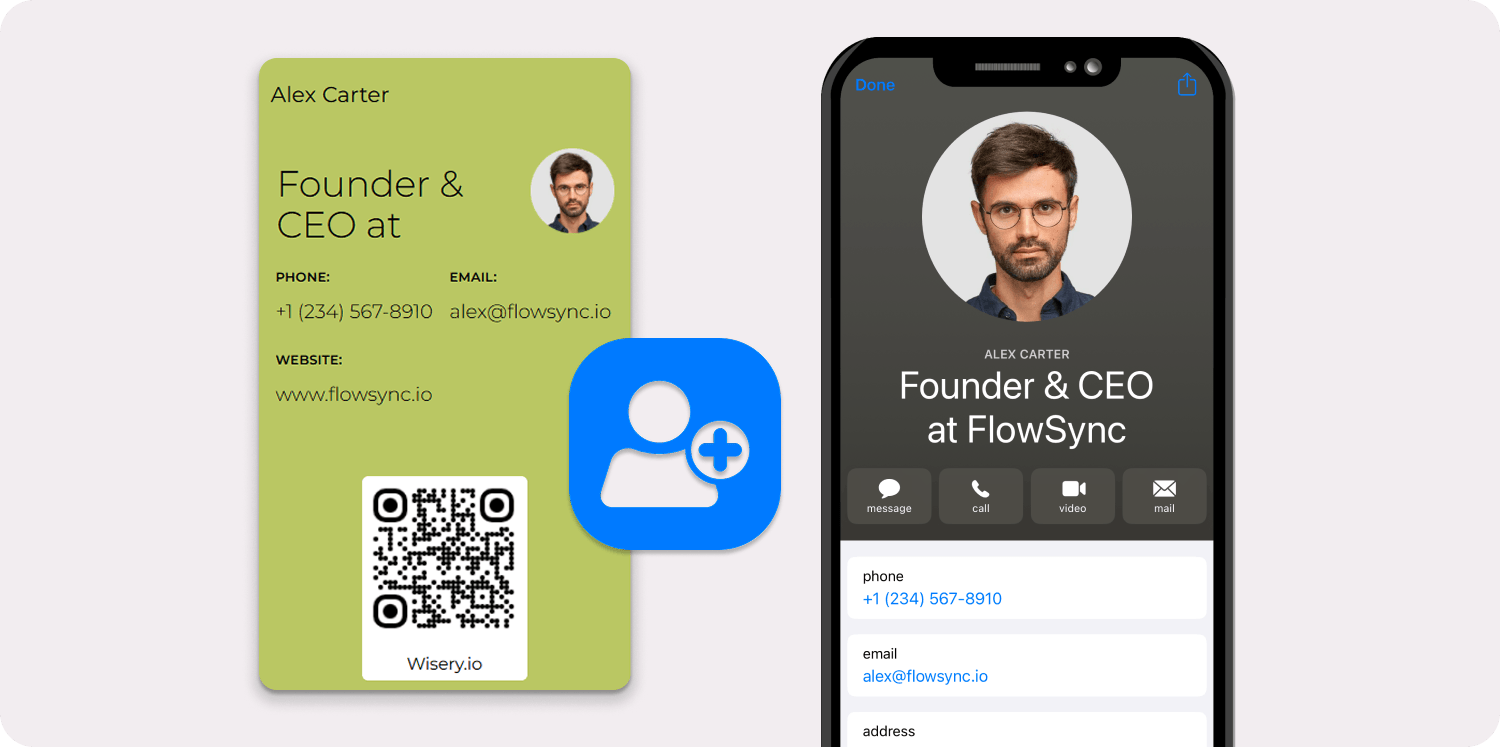
25. Keep a Digital Backup for When Paper Cards Run Out
You may still prefer physical cards — and that’s fine.
But keep a digital version available on your phone for the moment your paper supply runs out, someone prefers not to carry another card, or your contact information changes.
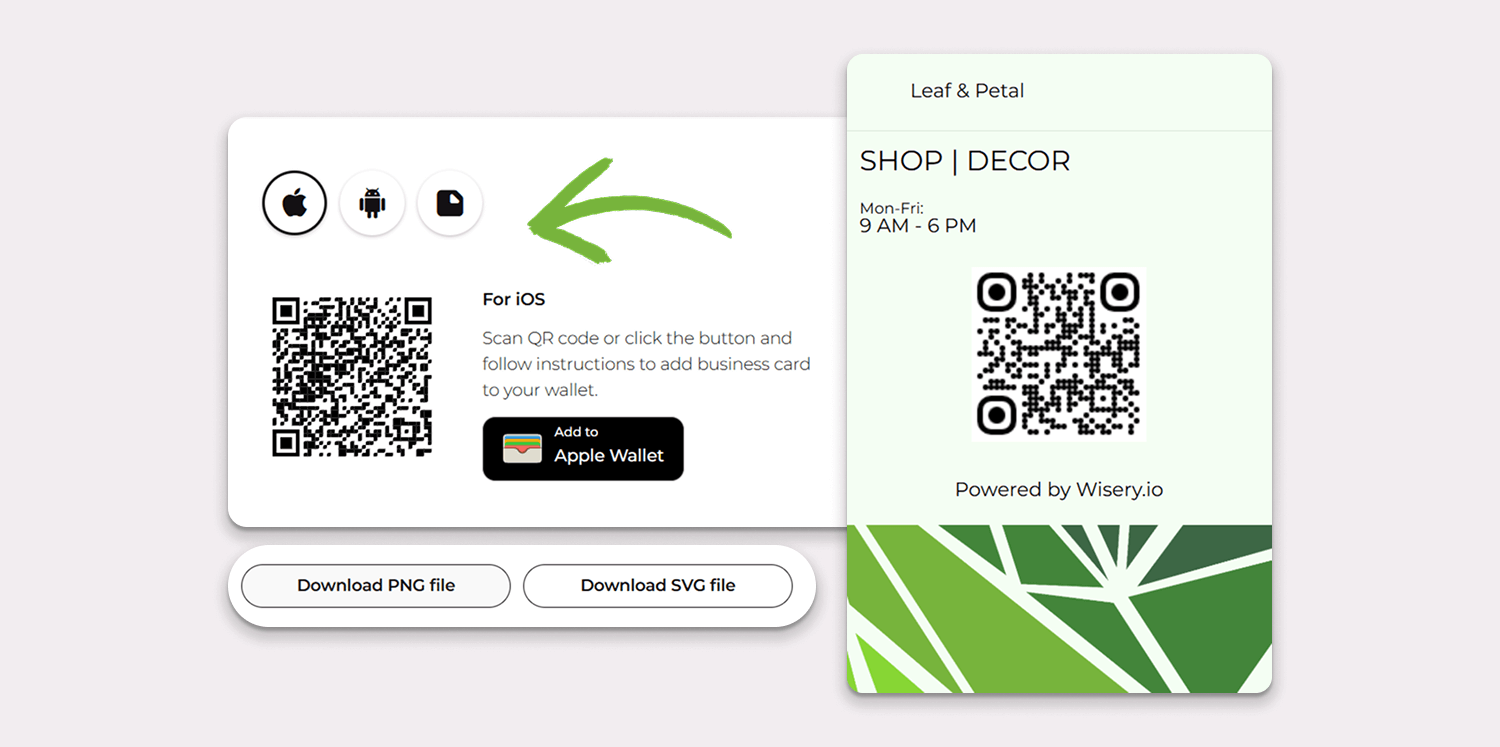
With Wisery, you can create a digital business card, display its QR code, and add it to Apple or Google Wallet. That makes the card available whenever your phone is with you.
For a deeper look specifically at digital sharing methods, see our guide to sharing a digital business card.
How to Hand Out Business Cards in a Memorable Way
Creative business cards and a strong business card design can help, but the context in which you give the card matters just as much.
Tie the card to something you talked about.
Instead of:
“Here’s my business card.”
Try:
“I mentioned that case study earlier — there’s a link to it on my card.”
Or:
“If you want to continue this later, the QR code has my contact details and booking link.”
The card now represents a useful next step rather than a piece of advertising.
A few other ways to make the exchange memorable:
- personalize what you say when offering the card;
- connect the QR code to the specific resource you mentioned;
- keep your business card design easy to recognize;
- make contact details easy to save;
- use a digital card when you need richer content;
- follow up while the conversation is still fresh.
The goal isn’t to create the most unusual business card possible. It’s to make the connection easier to remember and continue.
Business Card Etiquette at Networking Events
Knowing how to hand out business cards is just as important as knowing where to distribute them.
Start with the conversation, not the card. Introduce yourself, listen, find common ground, and wait until exchanging details makes sense.
A few simple rules help:
- Give your card after a relevant conversation rather than immediately.
- Don’t walk through an event handing cards to everyone.
- Ask for the other person’s preferred contact method.
- If your card has a QR code, explain where it leads.
- Don’t pressure someone to scan or save your details in front of you.
- Keep paper and digital contact information updated.
- Make a personalized follow-up within 24–48 hours when the connection is worth continuing.
If someone doesn’t appear interested in exchanging information, leave it there. Good business card etiquette is mostly good social etiquette.
How to Give Out Business Cards Without Being Pushy
Offering your business card feels more natural when you explain why it might be useful. Keep it brief, connect it to your conversation, and let the other person decide whether to take it.
If you’re unsure what to say, try one of these phrases:
-
Ask before sharing: “Would it be helpful if I shared my contact details?”
-
Leave the door open: “Here’s my card in case you want to continue the conversation later.”
-
Explain what’s behind the QR code: “No pressure, but the QR code has my portfolio and booking link.”
-
Connect it to something you discussed: “I mentioned that resource earlier — you can find it through this card.”
Choose the phrase that fits the moment, then leave room for a response. If they decline or seem ready to move on, thank them for the conversation. There’s no need to repeat the offer or wait for them to scan your QR code.
Business Card Distribution: Do and Don’t
|
Do |
Don’t |
|
Offer your card after a useful conversation |
Hand it to everyone randomly |
|
Explain what a QR or NFC link opens |
Use a QR code with no context |
|
Give people a useful next step |
Make the card one long advertisement |
|
Follow up with a personalized message |
Send generic spammy follow-ups |
|
Keep contact information updated |
Continue distributing outdated cards |
|
Match the card to the situation |
Use exactly the same approach everywhere |
|
Ask businesses before leaving cards |
Leave promotional cards without permission |
|
Focus on relevant connections |
Judge success by how many cards you distributed |
Why How You Give Out Business Cards Matters
Business cards haven’t disappeared – they’ve gone hybrid. In a 2025 Vistaprint survey of 800 U.S. professionals who use business cards, 78% said they still hand them out at least occasionally, and more than half do so every week.
At the same time, 36% of printed cards now include a QR code, and 30% of professionals use both paper and digital formats.
People are already comfortable scanning – 68% of consumers have used a QR code at least once in the past year. That makes a QR code on a printed card an easy way to give people a next step: your portfolio, booking page, or contact details.
The takeaway: the most effective way to give out business cards today is rarely paper or digital – it’s a card that works in person and leads somewhere useful online.
Paper, Digital, or Hybrid Business Cards?
There doesn’t need to be a winner.
Paper business cards work well when the physical exchange matters, while digital cards make it easier to update information, share additional content, and give people clickable next steps.
A hybrid business card gives you both.
For example:
Paper card + QR code → digital profile → portfolio → booking link
You still get the familiar in-person exchange, but the physical card doesn’t need to contain every phone number, social profile, project, video, and link.
This is especially useful when your information changes frequently or when you want one unique business card to serve different networking situations.
Make Every Business Card Lead Somewhere
There are plenty of creative ways to use business cards, but the strongest ideas have something in common: the card continues the conversation.
Sometimes that means handing someone a beautifully designed paper card after a meeting.
Sometimes it means letting them scan a QR code at a conference.
Sometimes it means sending a digital card in a follow-up email the next morning.
And sometimes it means combining all three.
With Wisery, you can create a digital business card with your contact details, links, social profiles, QR code, and other information in one place. Save it to your phone and use it alongside your physical cards whenever a digital exchange makes more sense.
The goal isn’t to give out more business cards.
It’s to make the right connections easier to continue.
FAQ

Viktoriia is a Marketing Manager at Wisery. She drives the brand’s digital presence through strategic content creation. From crafting insightful articles to designing high-impact email campaigns, she ensures Wisery’s mission reaches a global audience. She loves how Wisery simplifies the contact routine for professionals. Viktoriia personally uses it at marketing conferences to turn quick introductions into lasting LinkedIn connections. Away from her desk, she recharges with a good book or her cats.